Running Against Risk Flags in Review 2.0
Last updated: September 2, 2026
Risk Flags are risk signals surfaced during a contract review that fall outside the scope of your playbook. They highlight items Ivo considers generally unfavorable to your party or non-market standard.
Risk Flags can be run alongside a playbook, benchmarks, or on their own.
To run a review with Ivo Flags:
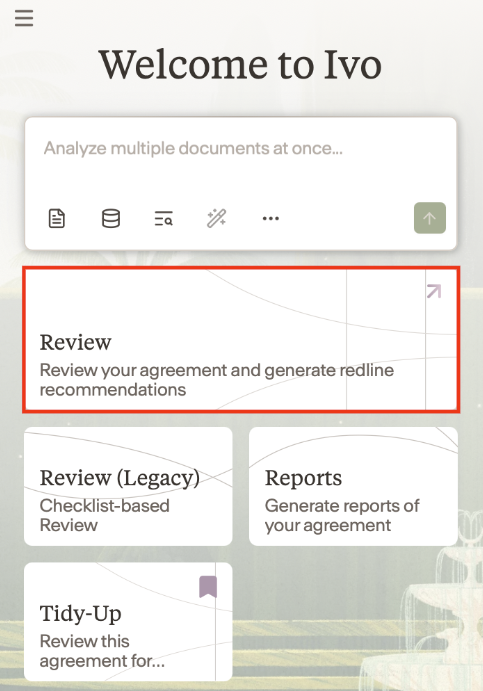
Open the Ivo add-in and click Review
Under Review Method, ensure Risk Flags is selected (you can also run this alongside Playbooks and Benchmarks)
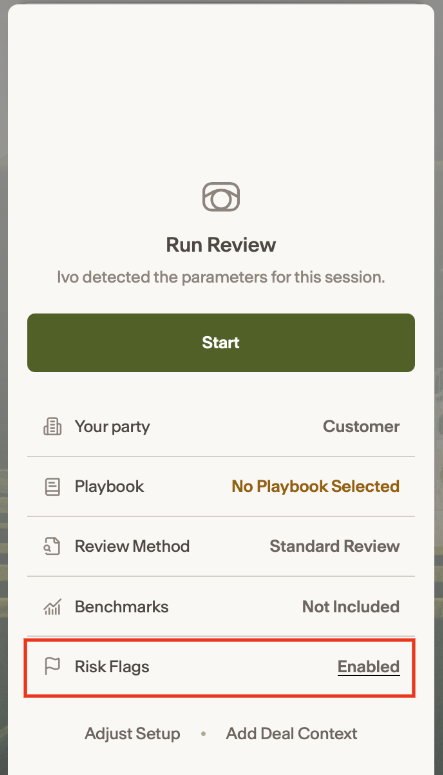
If not enable, click adjust set up and check Risk Flags.
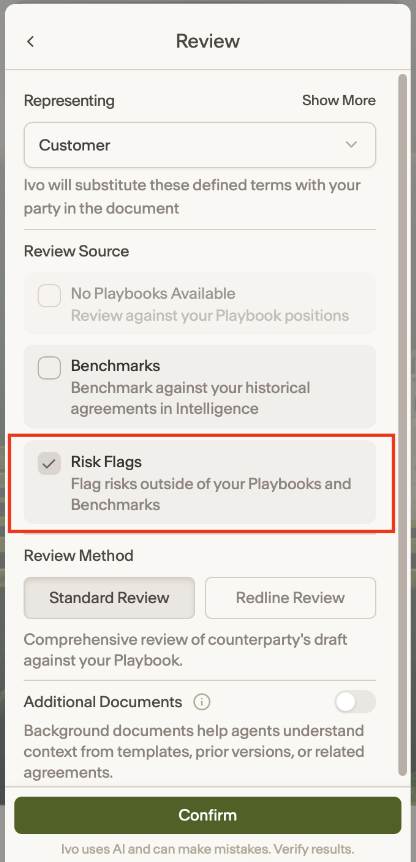
Click Confirm then start your review.
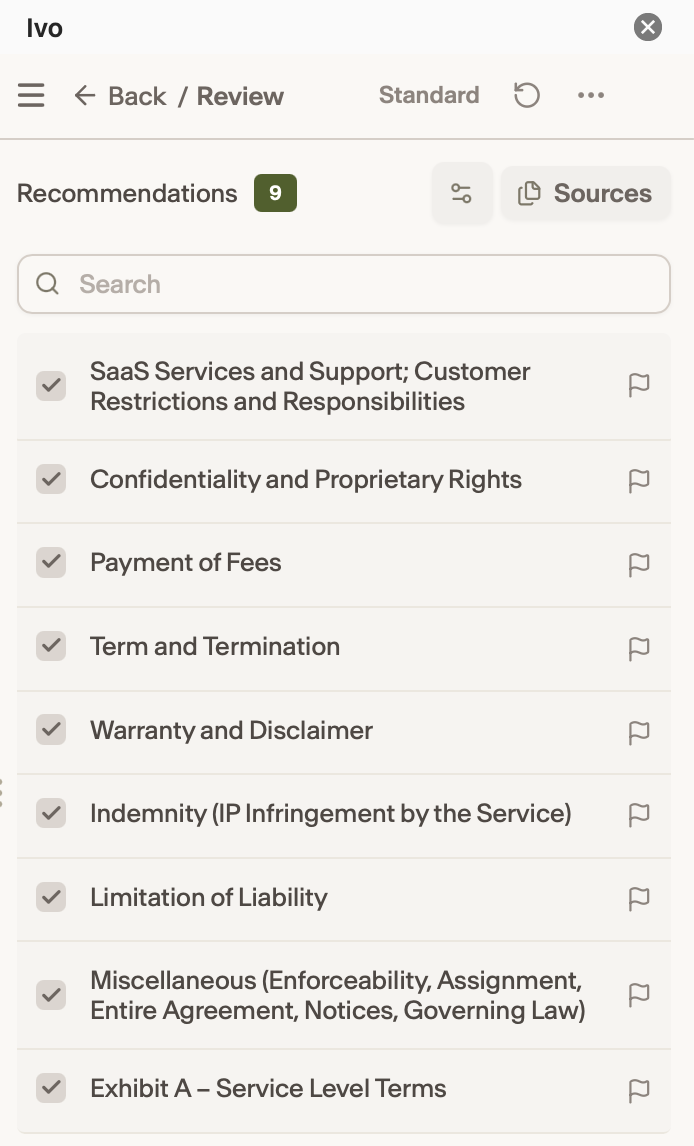
Once the review has run, Review Flags can be identified by a Flag icon.
See it in Action