Reviewing an agreement with a custom Playbook
Last updated: June 1, 2026
When you open the Ivo add-in within Microsoft Word and select Review, you will be prompted to select a playbook. If you prefer to use Ivo without using one of your custom Playbooks, please refer to our How to use Ivo without a custom Playbook article.
To get started, click on Review then select the custom Playbook you'd like to use from the dropdown menu.
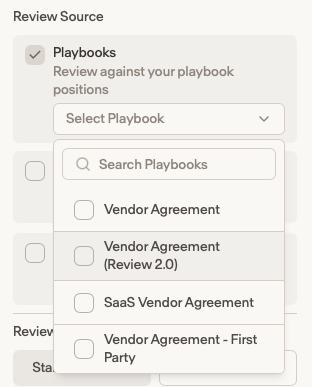
When you select a specific Playbook, Ivo will then automatically detect the defined terms used to refer to the parties in the agreement and assign them to the party names used in your Playbook. You can also manually enter this information yourself. In order to ensure that your party name is detected accurately, please make sure an Admin user has already entered your Entity information in the Company profile tab of the Settings page in the Ivo Web Portal. Once you've reviewed the parties and are ready to proceed, click Start.
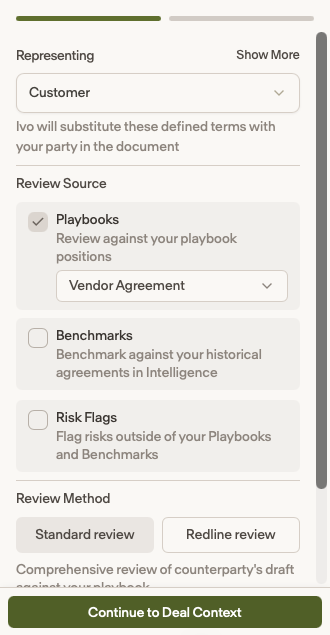
Once you've selected a Playbook and identified the contract's defined parties, you will then be ready to use Ivo's features.