Setting up and enforcing SSO
Last updated: September 30, 2026
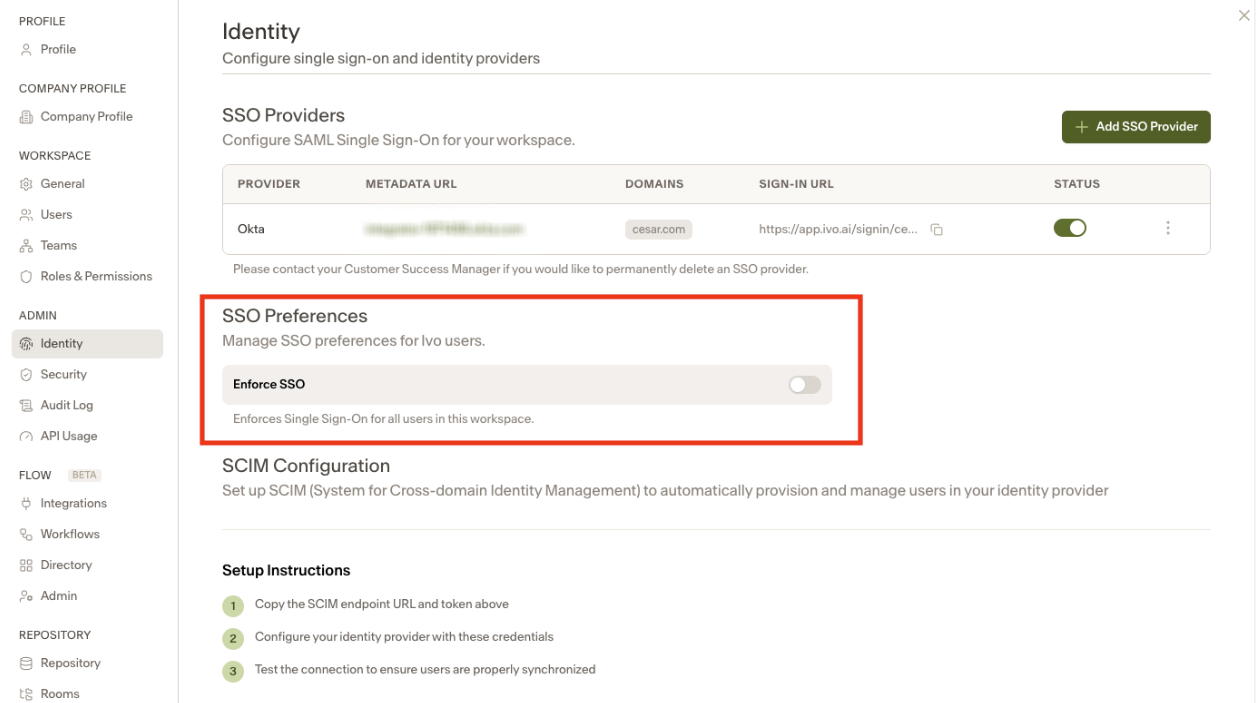
Once SSO has been configured, it can be enforced by an Admin level user in the Ivo Web Portal > Settings > Admin > Identity
If there is at least one SSO Provider added, the Enforce SSO toggle will appear. Note that Enforce SSO can only be turned on once your domain(s) have been verified.
(Please note: Whenever the toggle gets turned on, other users in the same workspace will get signed out)