Signing into Ivo with SSO
Last updated: August 7, 2025
Please contact your Customer Success Manager if you would like to enable SSO for your account.
You can sign into Ivo using Single Sign-On (SSO) for a faster, more secure login experience. This method ensures that your access is authenticated through your organization’s identity provider, removing the need to remember separate Ivo credentials.
How to sign in with SSO:
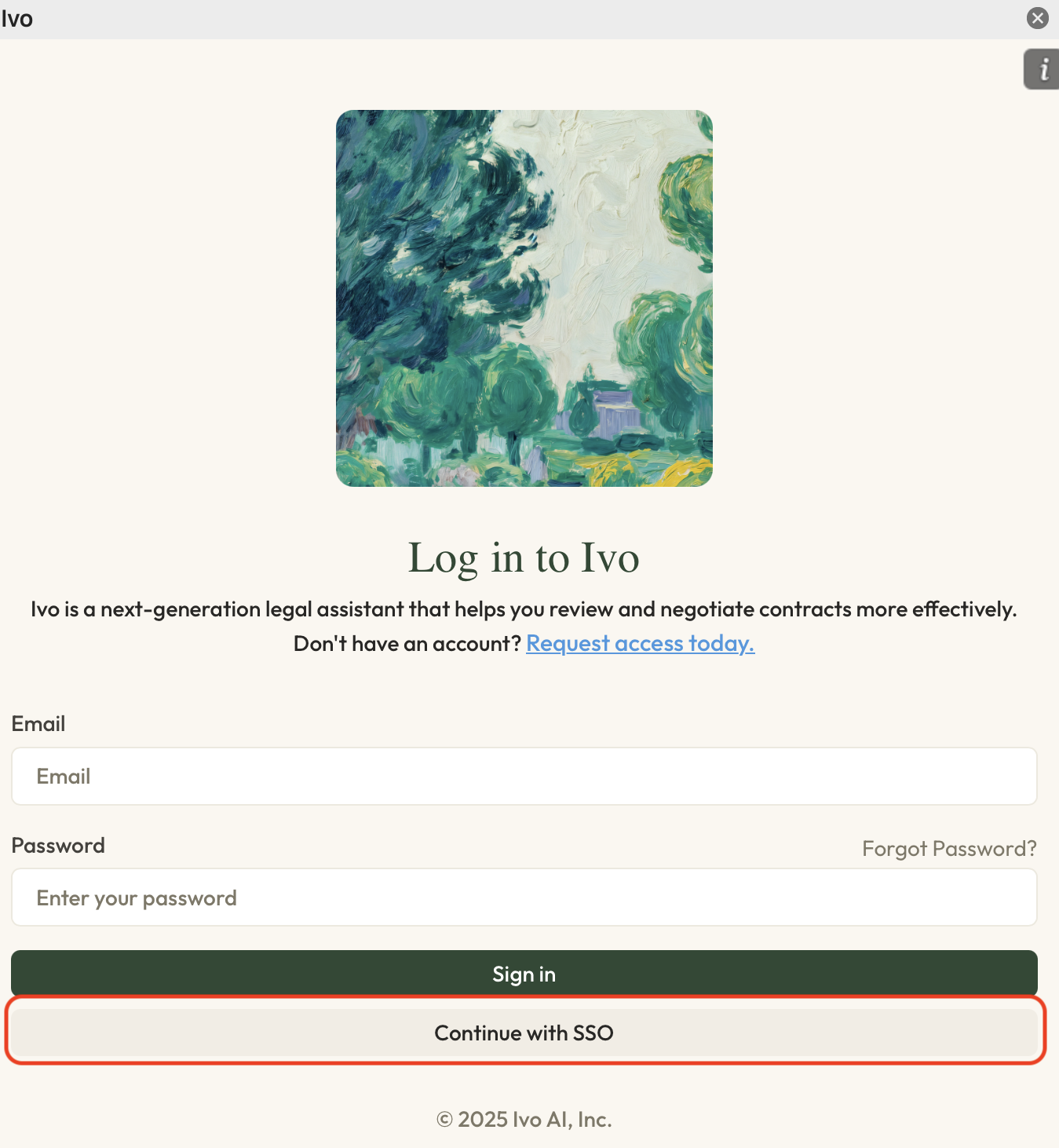
Go to the Ivo Sign-In Page either in the Microsoft Word add-in or web app.
Click Continue with SSO.
Enter your Workspace name and click Next.
Click Sign in with SSO.
Enter Your SSO Credentials in the pop-up authentication window.
Once authentication is complete, you’ll be redirected to Ivo and signed in automatically.