Installing Ivo in Google Docs
Last updated: May 6, 2026
Google Doc add-ons can be installed through the Chrome Web Store. Follow the steps below to get started:
Before you begin
Make sure you are using a Chrome-based browser, such as Google Chrome or Microsoft Edge, and are signed in to the Google account you use for Google Docs.
In your browser, navigate to the following page.
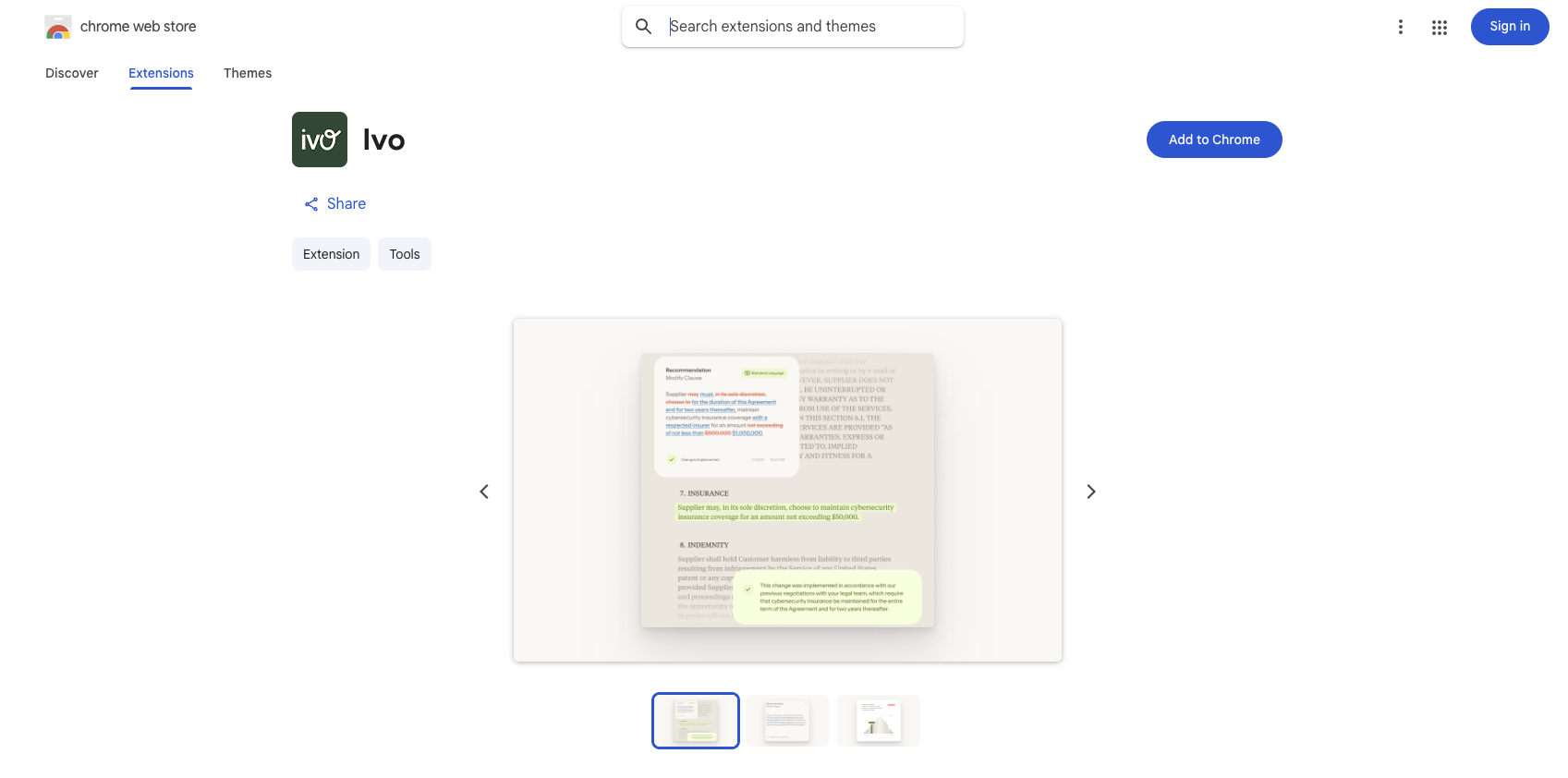
Click "Add to Chrome" in the top right.

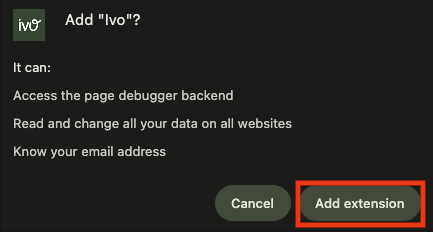
Follow Google's instructions to grant Ivo the permission it needs.
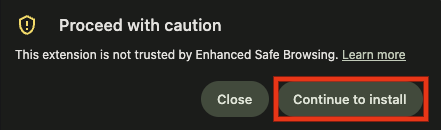
Chrome shows this for extensions that are new and haven't yet built reputation in Google's trust system. It's safe to proceed
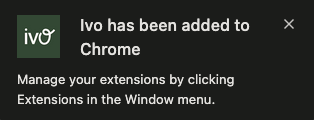
After adding to your browser, go to Extensions
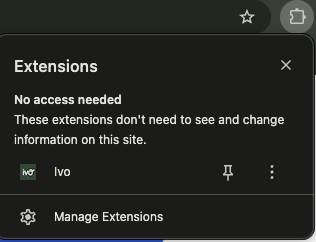
Select the Pin to pin Ivo as an extension
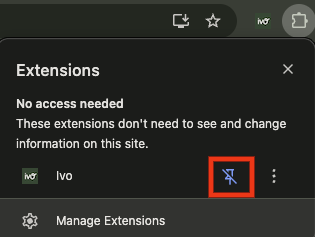
You're now ready to Open Ivo in Google Docs.