Using the Modify feature
Last updated: August 1, 2025
The Modify feature allows you to make ad hoc changes to your agreement by providing custom instructions in plain language.
To modify clauses in the agreement:
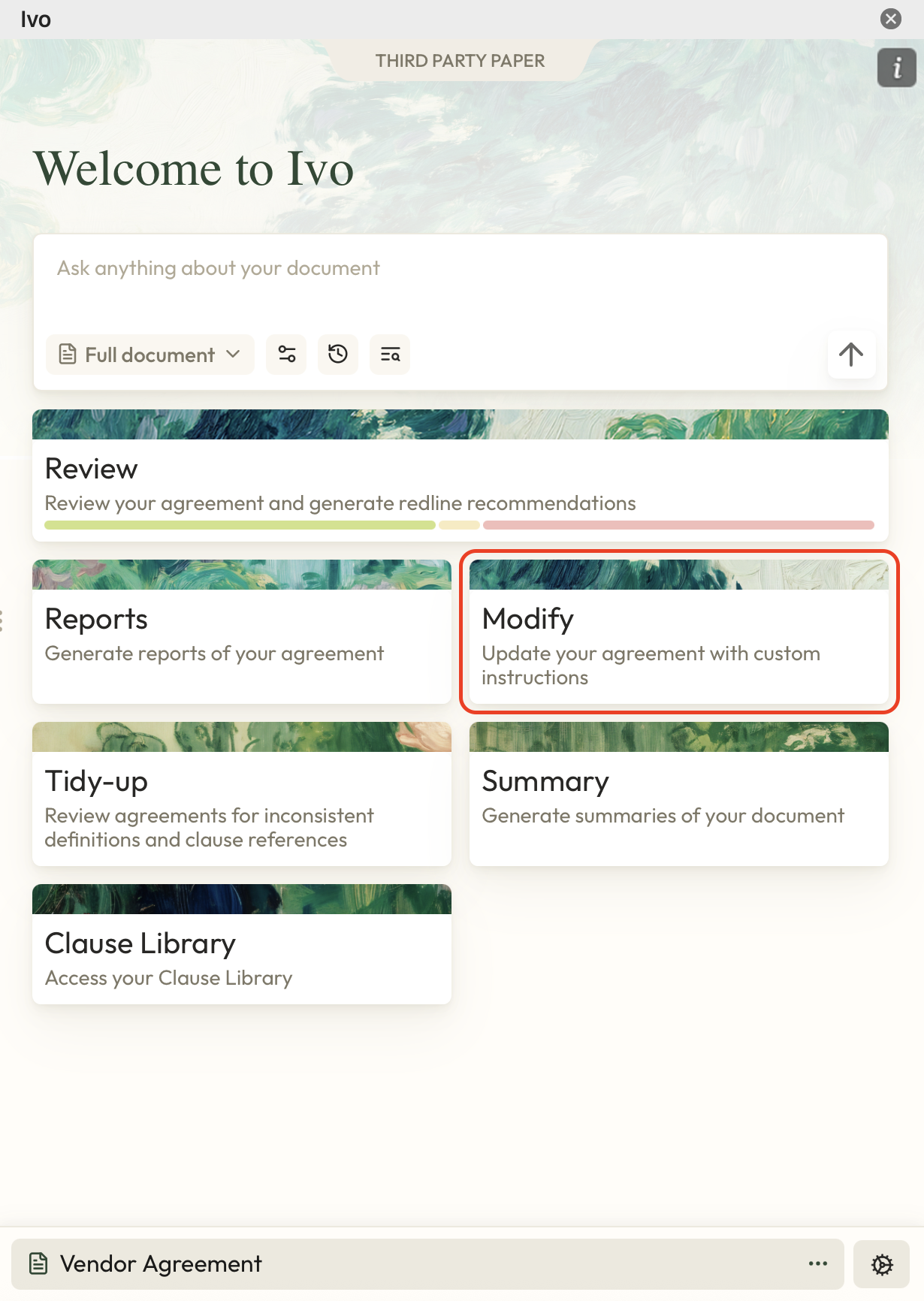
Click the Modify option in the Home Page of the Playbook you've selected.
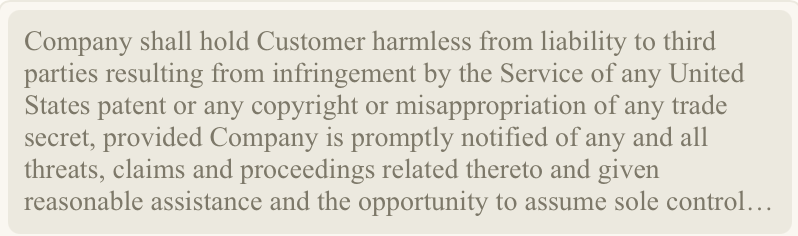
Select text from your agreement that you want to modify. You should see it appear in the Ivo window.
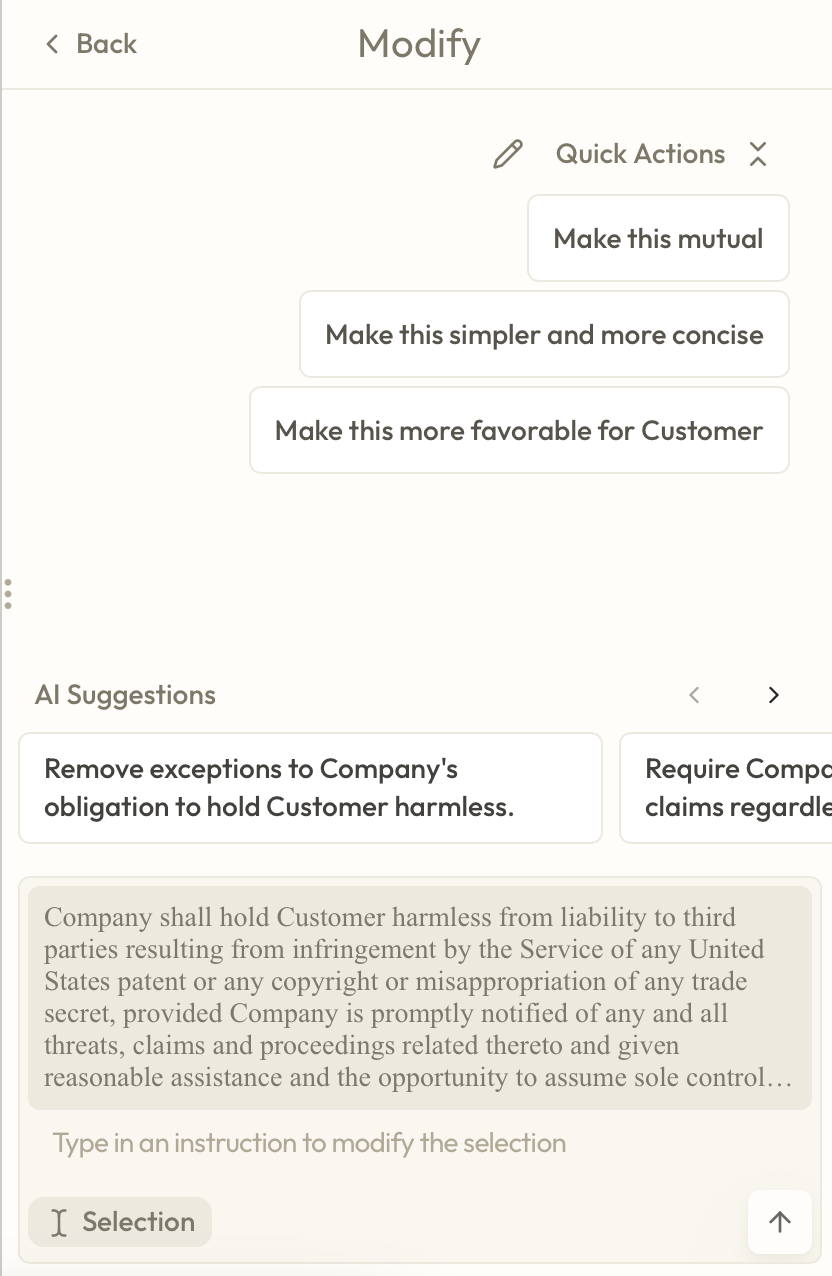
You can then either select any of the suggested modifications, or type in your own instructions that you want to be performed on the selected text, then click Submit.
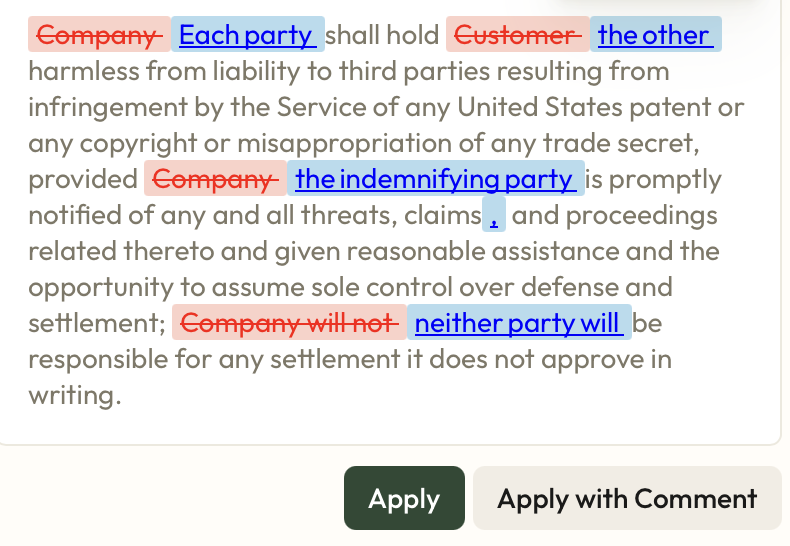
You can then review the suggested markup and either:
Click Apply to apply the markup without a Word comment.
Click Apply with Comment to apply the markup as well as a Word comment that justifies the reason for the change to the counterparty.
5. Your Ivo markup will then be applied to the document you're working on.
Be sure to check out the other Ivo features that you can utilize in our support pages.