Opening Ivo in Google Docs
Last updated: April 27, 2026
Once Ivo has been installed as an extension in your browser, you can open it in any Google Doc. If you are opening a Microsoft Word .docx file, you must first save it as a Google Doc before using Ivo.
How to open Ivo in Google Docs:
Open a Google Doc.
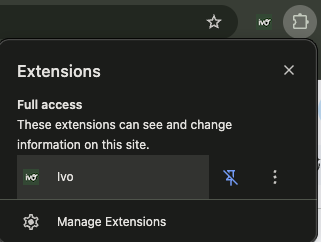
Click into your browser Extensions, then Ivo.
If you have Ivo pinned, you can click the Ivo icon.
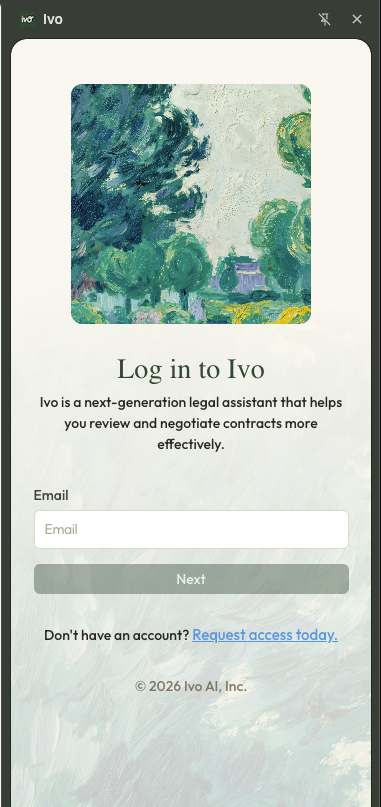
Enter your credentials to log into your Ivo account.
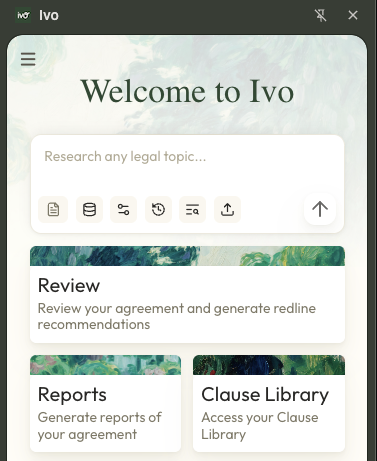
You're now ready to select a feature and start using Ivo.