Ivo Service Account
Last updated: September 24, 2026
If the Ivo connection uses a personal account, the workflow depends on that person: if their account is deactivated, the workflow breaks. For durable automations, connect Ivo through a service account instead:
Step | Action |
1 | Go to Settings > Automation > Service Accounts and click Add Service Account (this area requires user-management permission). Assign the roles and teams the account needs. |
2 | Open the account you just created, click New API Key, generate it, and copy the key: store it securely, as it's shown only once. |
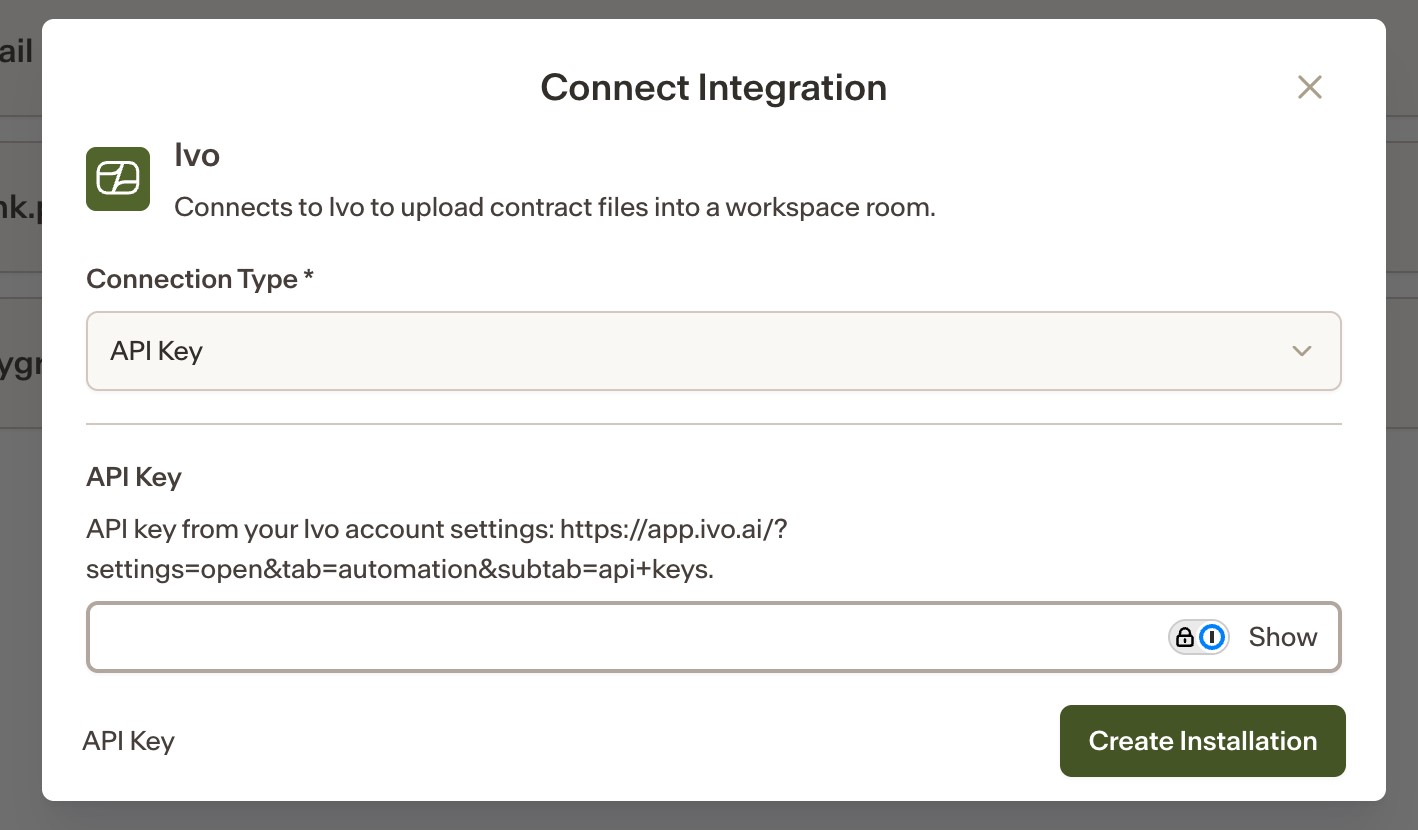
3 | On the Integrations page, connect the Ivo integration, choose API key as the connection type, and paste the key. |
Workflows using that connection now run as the service account, independent of any individual user.