Submitting Thumbs Down Feedback
Last updated: September 13, 2026
The Thumbs Down button is a quick way for you to flag any redline suggestions in your playbooks that might need refining. Your feedback is sent directly to our Implementation and Engineering teams so they can continuously improve your playbook’s performance and the accuracy of AI-generated outputs.
Select Thumbs Down whenever you notice:
A markup or suggestion that doesn’t match your expectations
An AI redline that seems off or irrelevant
A possible bug in the feedback or output
Any error or inconsistency that affects the playbook’s functionality
If a checklist item status is labeled incorrectly
Review
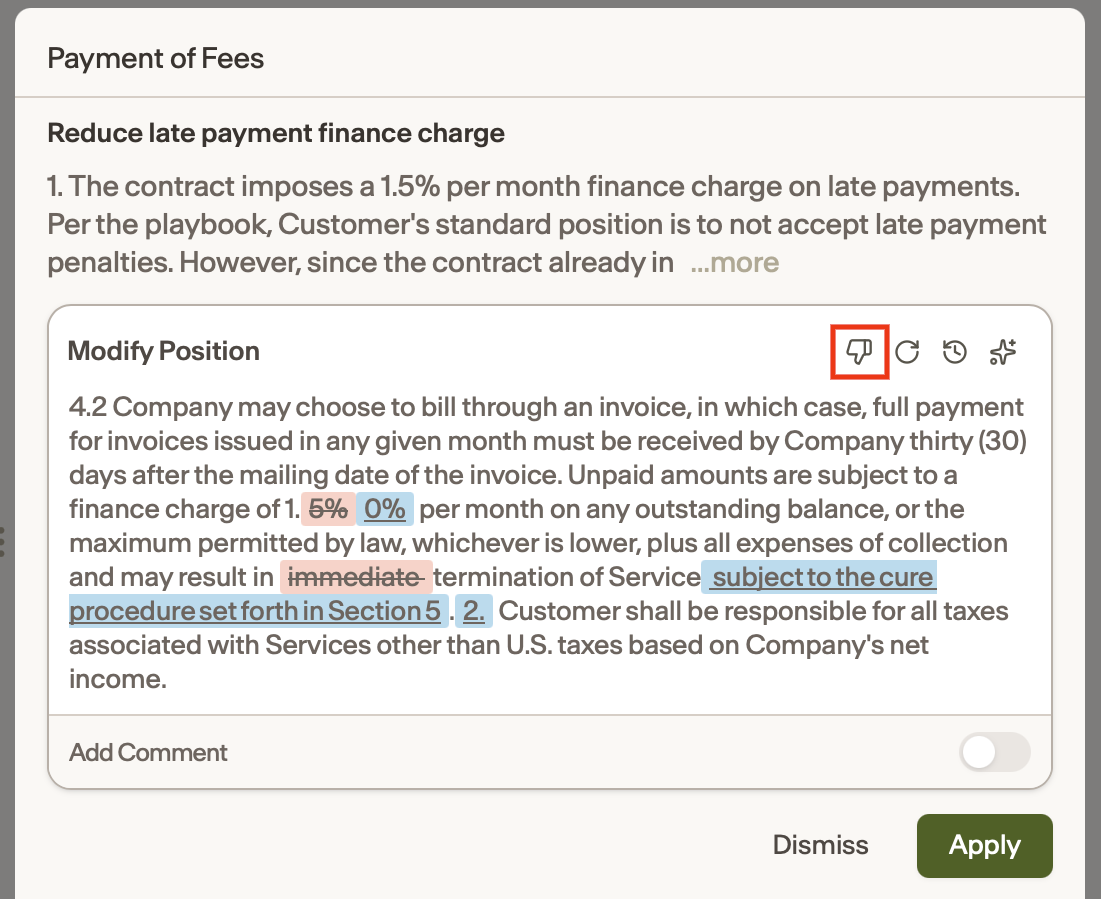
To submit Thumbs Down Feedback for a redline suggestion:
Run a Review in Ivo
Click on the checklist item containing the redline suggestion you want to submit feedback for
Hover over the redline suggestion text box and click the Thumbs Down icon
In the field that appears, enter a brief explanation of your feedback and what needs improving
Click the up arrow (↑) to submit. Your feedback will be sent directly to the Implementation and Engineering teams for review and potential updates to the AI prompt or system behavior
Our team will reach out to you to confirm when they've made adjustments to your playbook
Assistant
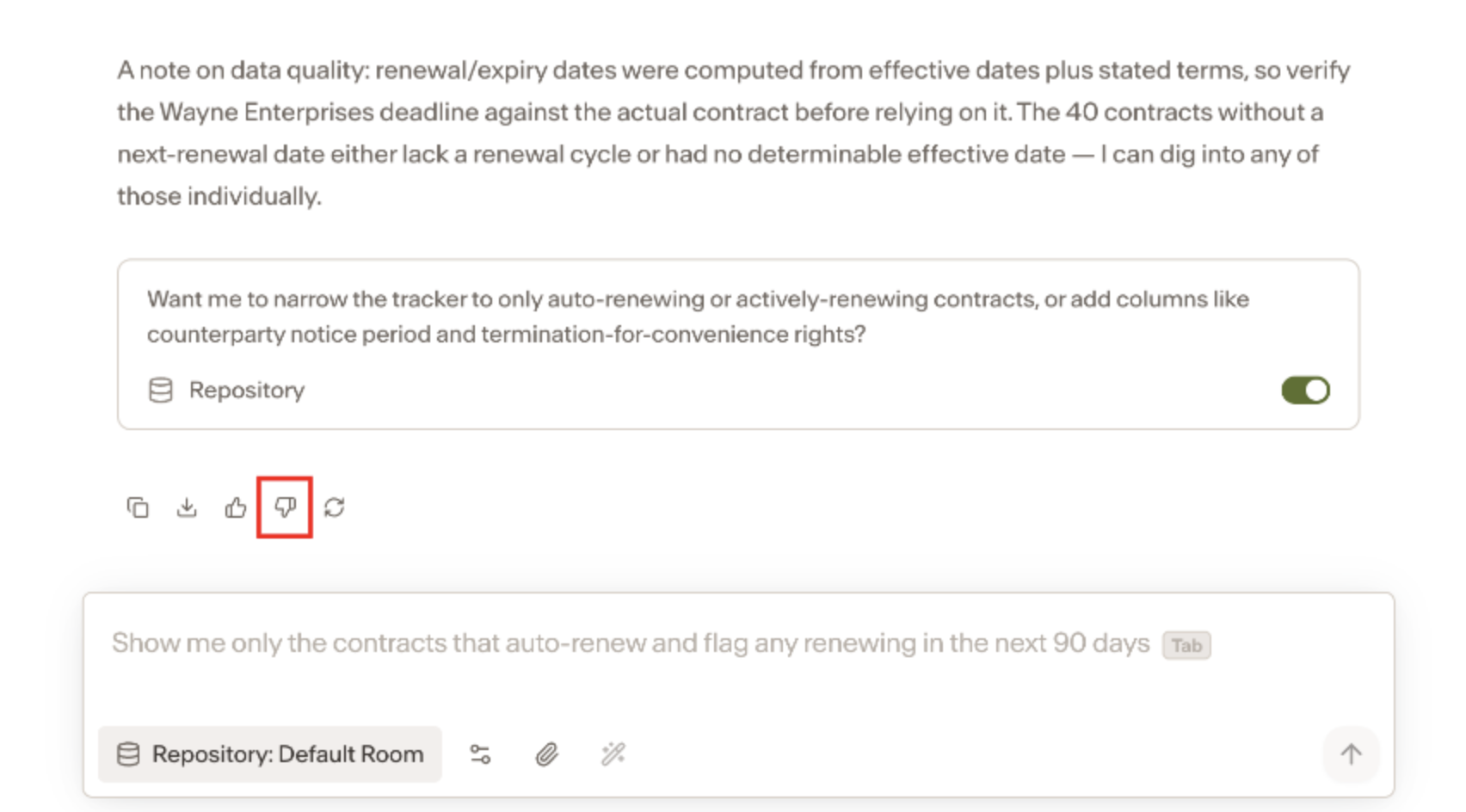
Enter your prompt into Assistant
Once Assistant returns a response, click the Thumbs Down icon
In the field that appears, enter a brief explanation of your feedback and what went wrong, then hit submit.