Creating a Review 2.0 Playbook
Last updated: June 8, 2026
Review 2.0 makes it faster and easier to create playbooks with greater accuracy and a more streamlined workflow. To create a playbook, you must have one of the following roles: Workspace Owner, Workspace Admin, Review Owner, or Review Editor.
In the Web App
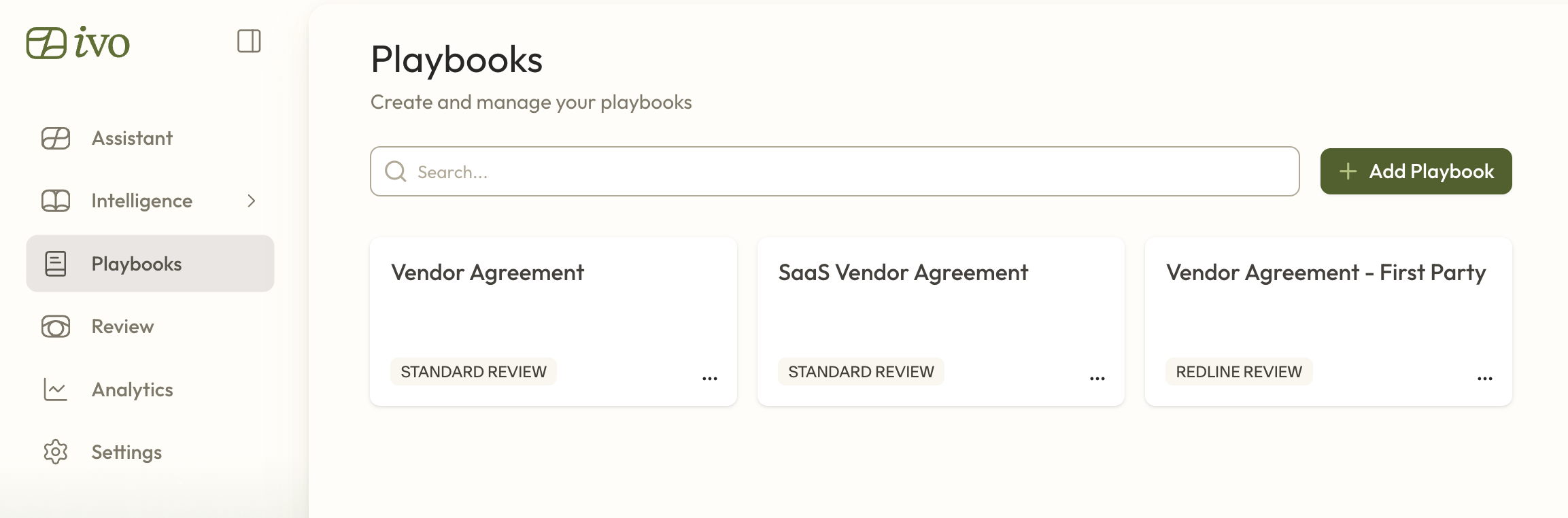
Navigate to Playbooks.
Click + Add Playbook.
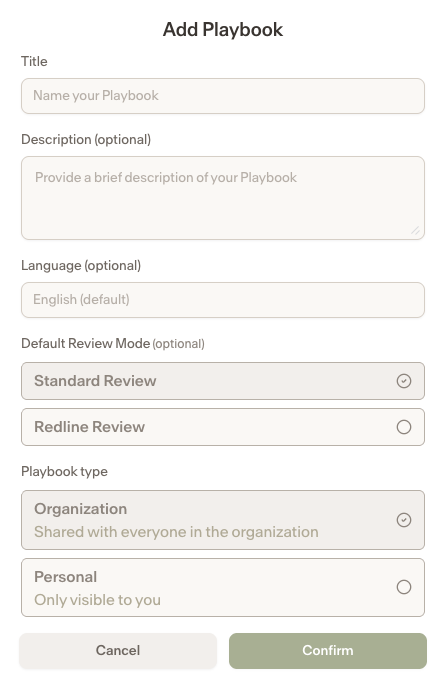
Enter the title, description (optional), and language (optional), the review mode, then type (Organization or Personal) .
Open the newly created playbook.
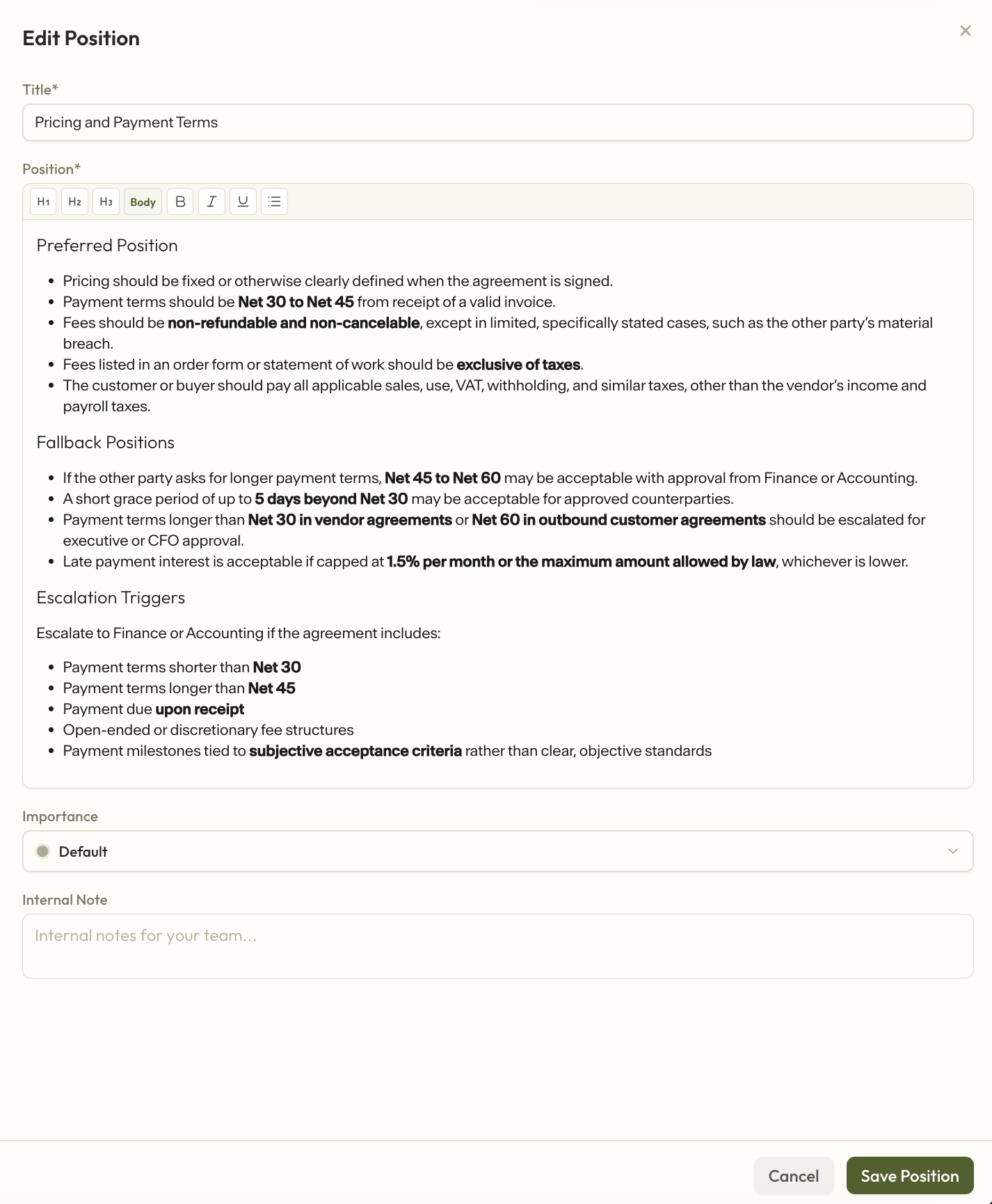
To add positions, go to the Positions section and click + Add Position.
For each position, enter the title and position, then add importance (optional) and an internal note (optional). Click Save.
Once all positions have been added, navigate to Triggers.
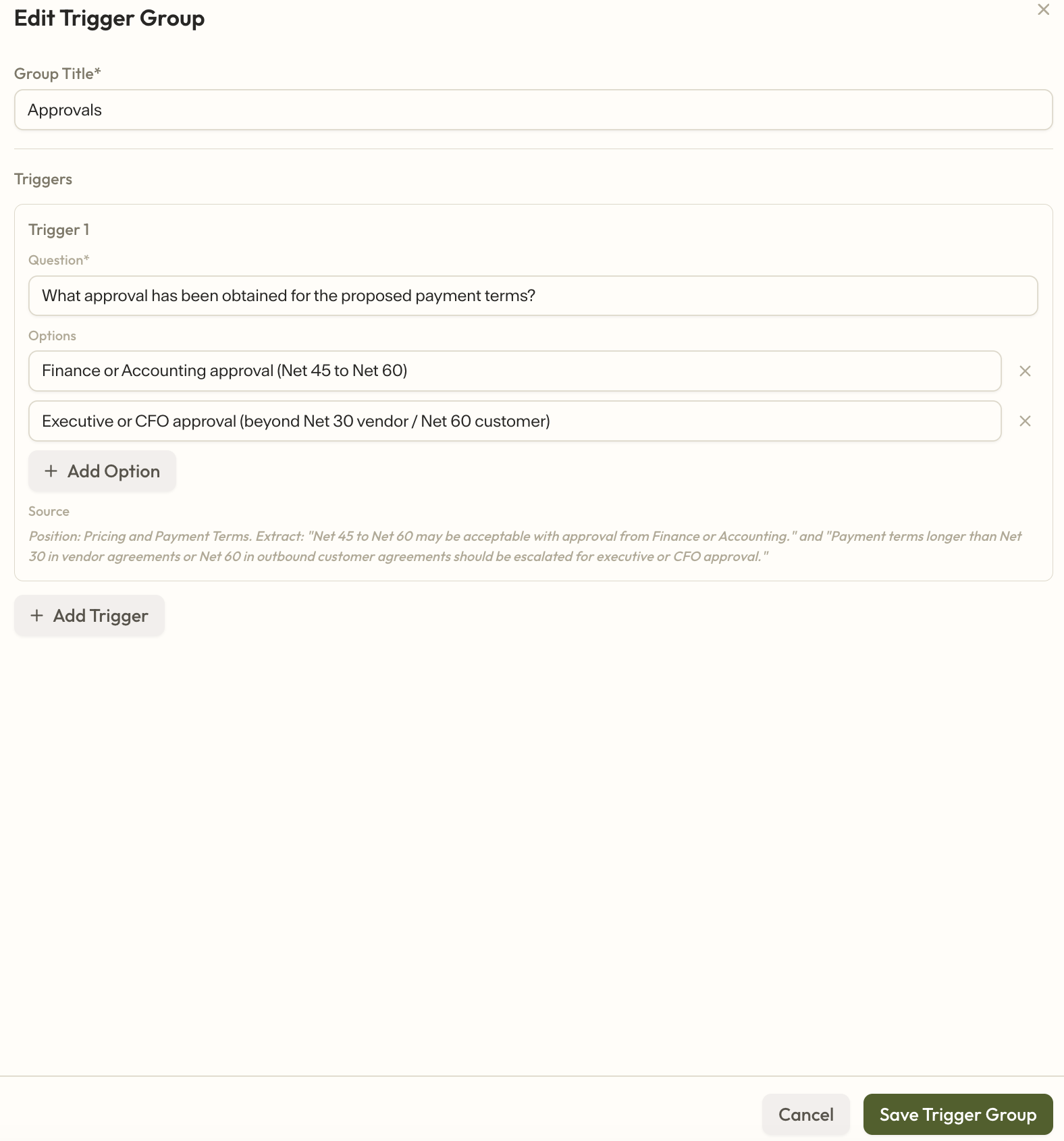
a. Use + Add Trigger Group to manually add triggers.
b. Or use Generate from Positions to automatically create triggers (recommended).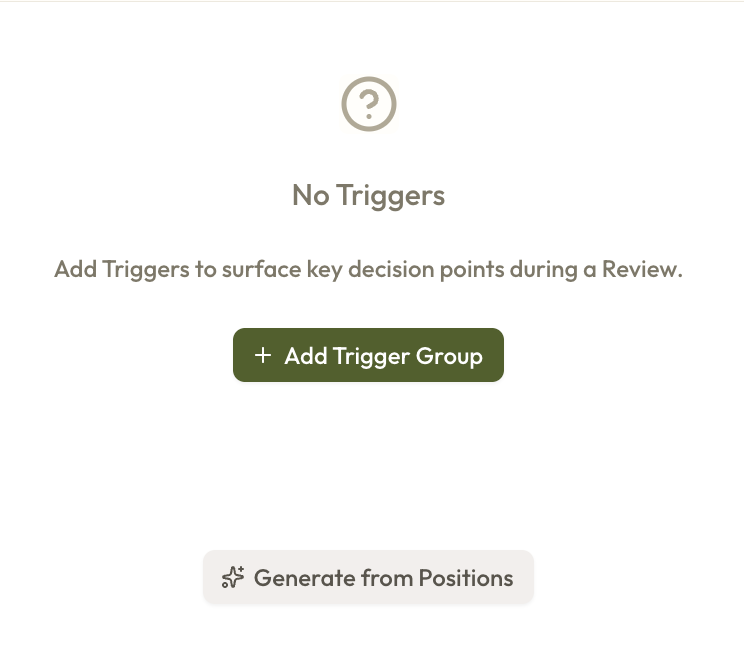
If you generate triggers, click into each item to review the details or make edits.
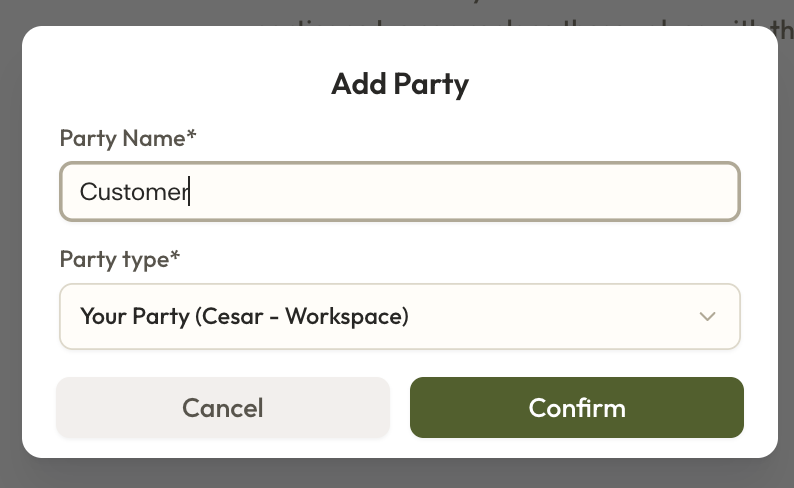
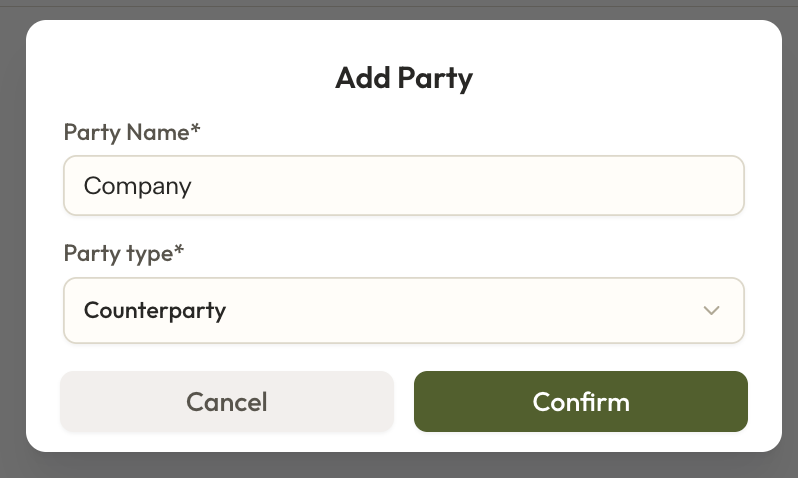
Navigate to the Parties tab to add parties.
Navigate to the Tags tab to add, remove, or edit tags.
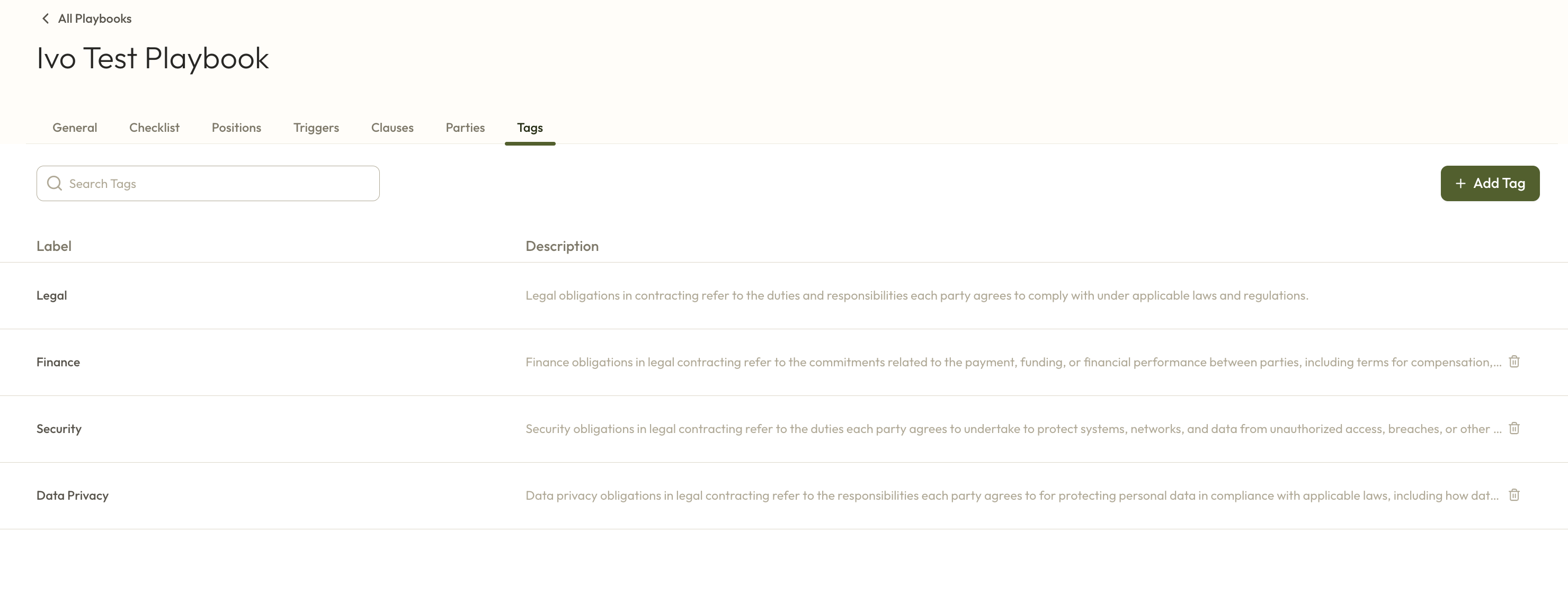
Your changes in these tabs save automatically. Once you’ve finished making updates, your new playbook is ready to go.
Demo
In the Word Add-in
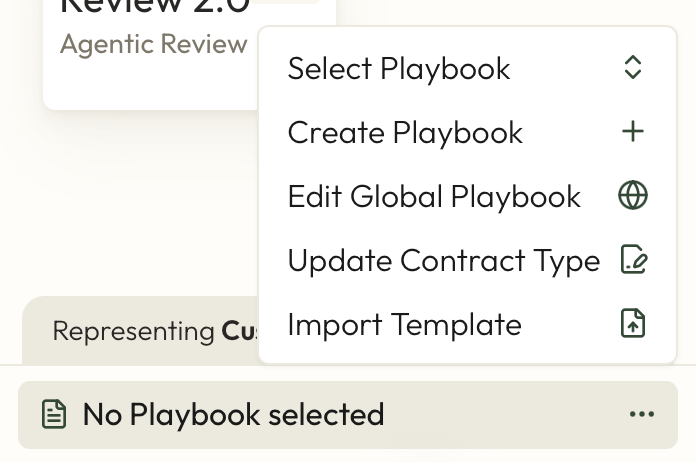
Click the three dots in the bottom-right corner.
Select Create Playbook.
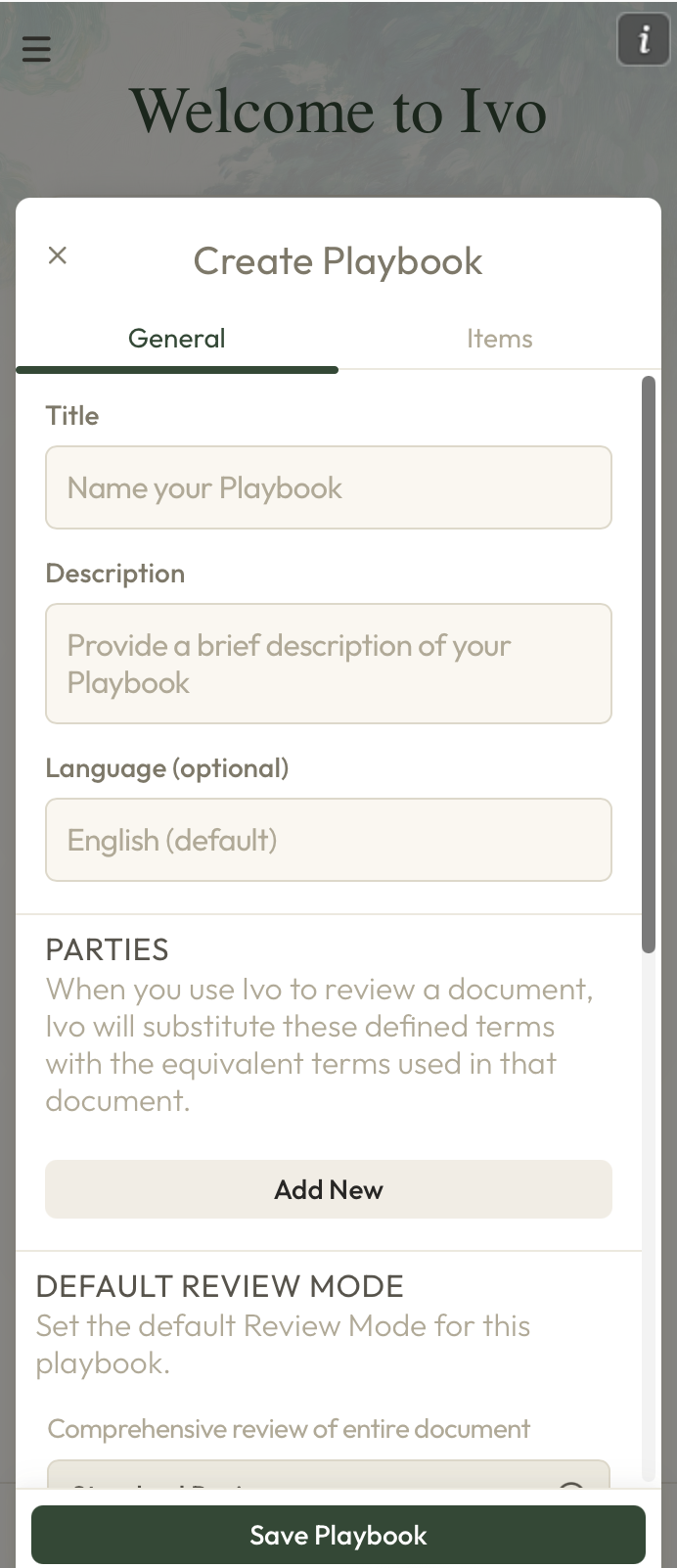
Enter the title, description (optional), and language (optional). Then set the parties, choose the review mode, and add any tags.
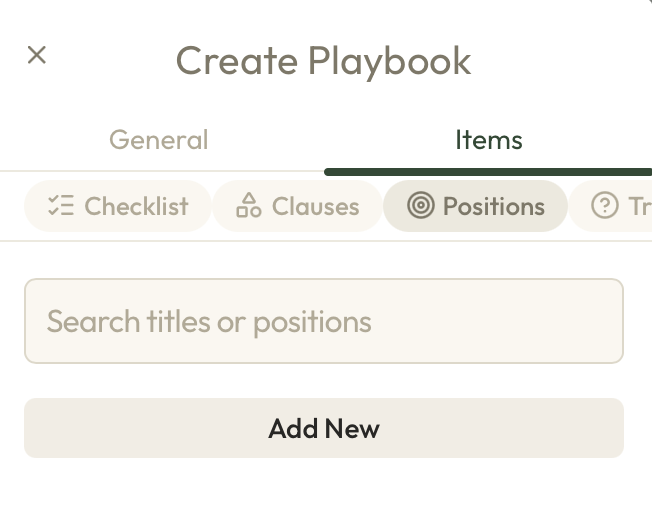
Navigate to the Items tab.
To add positions, go to the Positions section and click Add New.
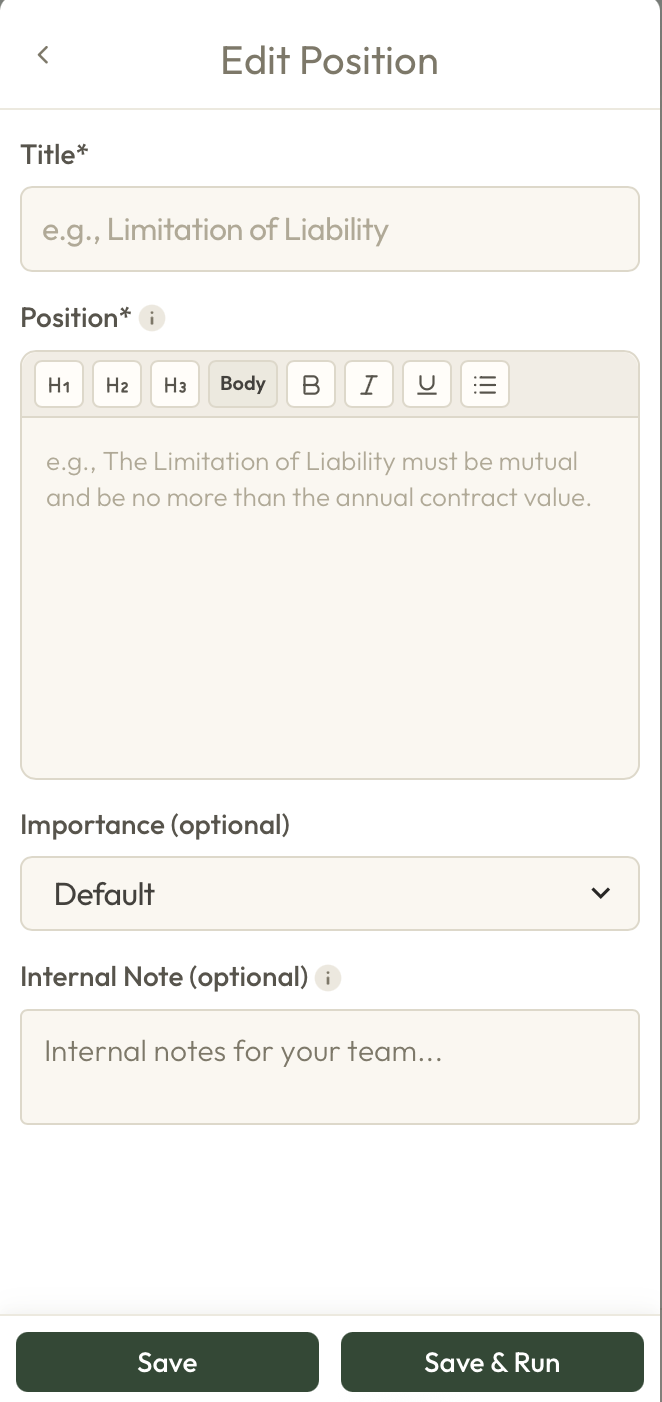
For each position, enter the title and position, then add importance (optional) and an internal note (optional). Click Save.
Once all positions have been added, navigate to Triggers to create your triggers (optional).
a. Click Generate from Positions to automatically create triggers (recommended).
b. Or use + Add Trigger Group to add triggers manually.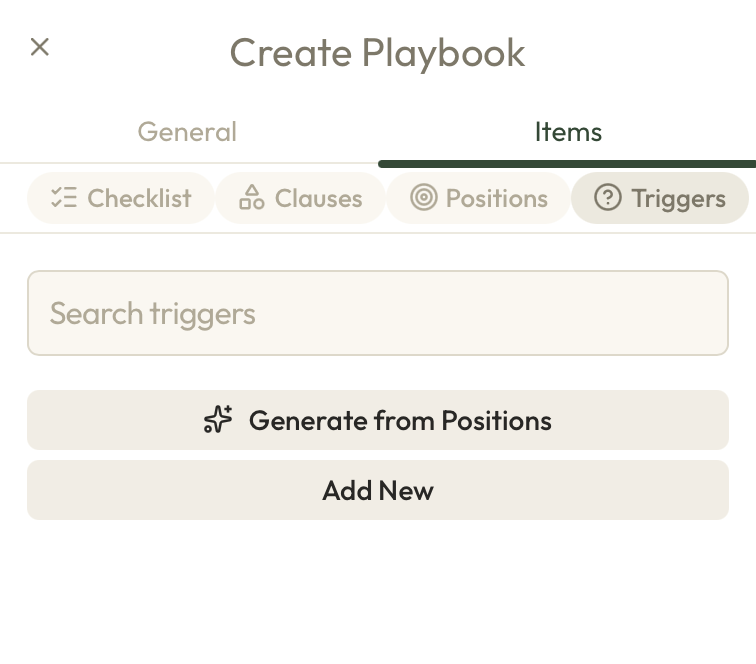
If you generate triggers, click into each item to review the details and make any needed edits.
Once all information has been entered, click Save Playbook at the bottom. Your new playbook will then be ready to use.