Reviewing PDF files
Last updated: June 3, 2026
Navigate to app.ivo.ai and sign in.
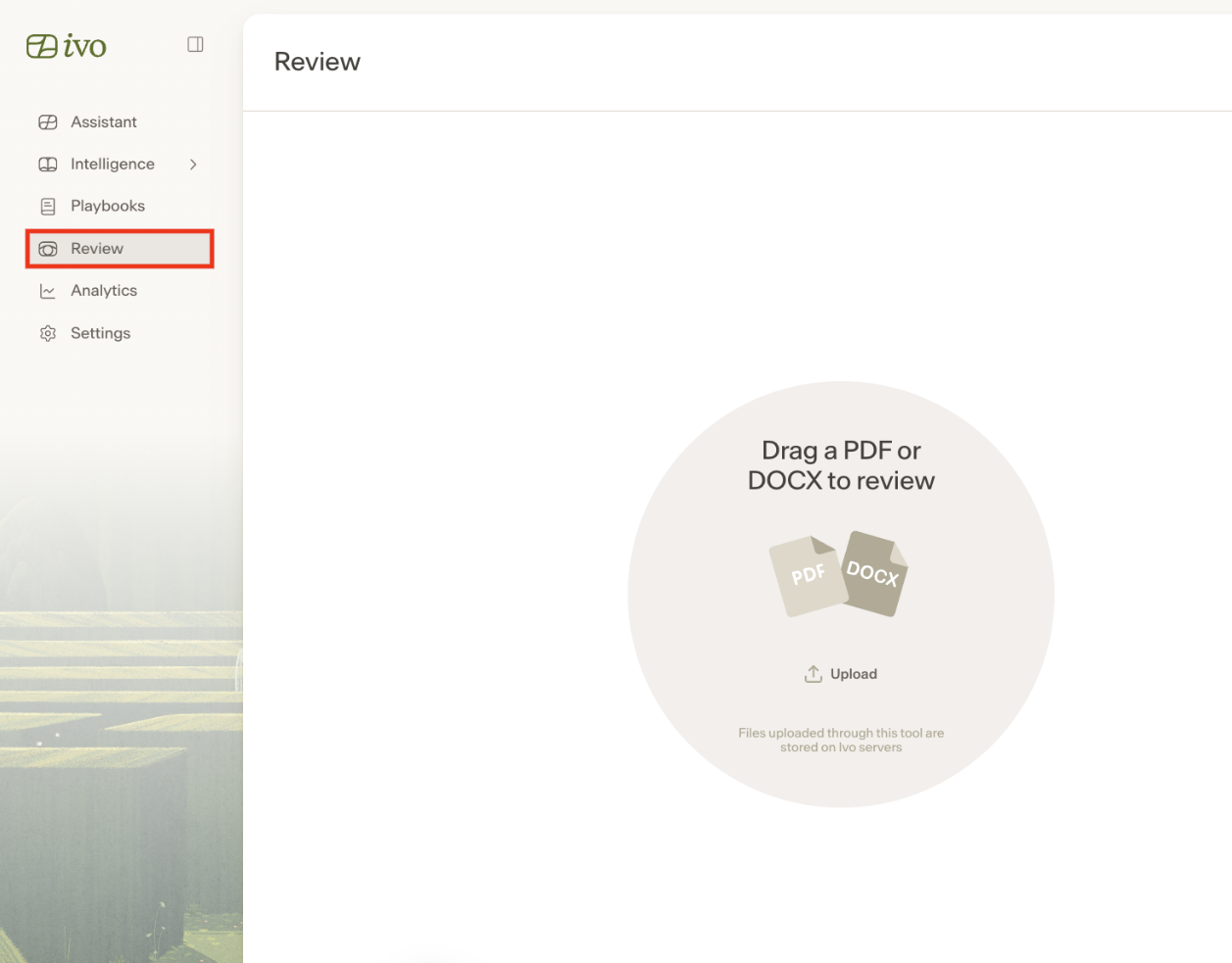
Select the Review menu item on the left panel
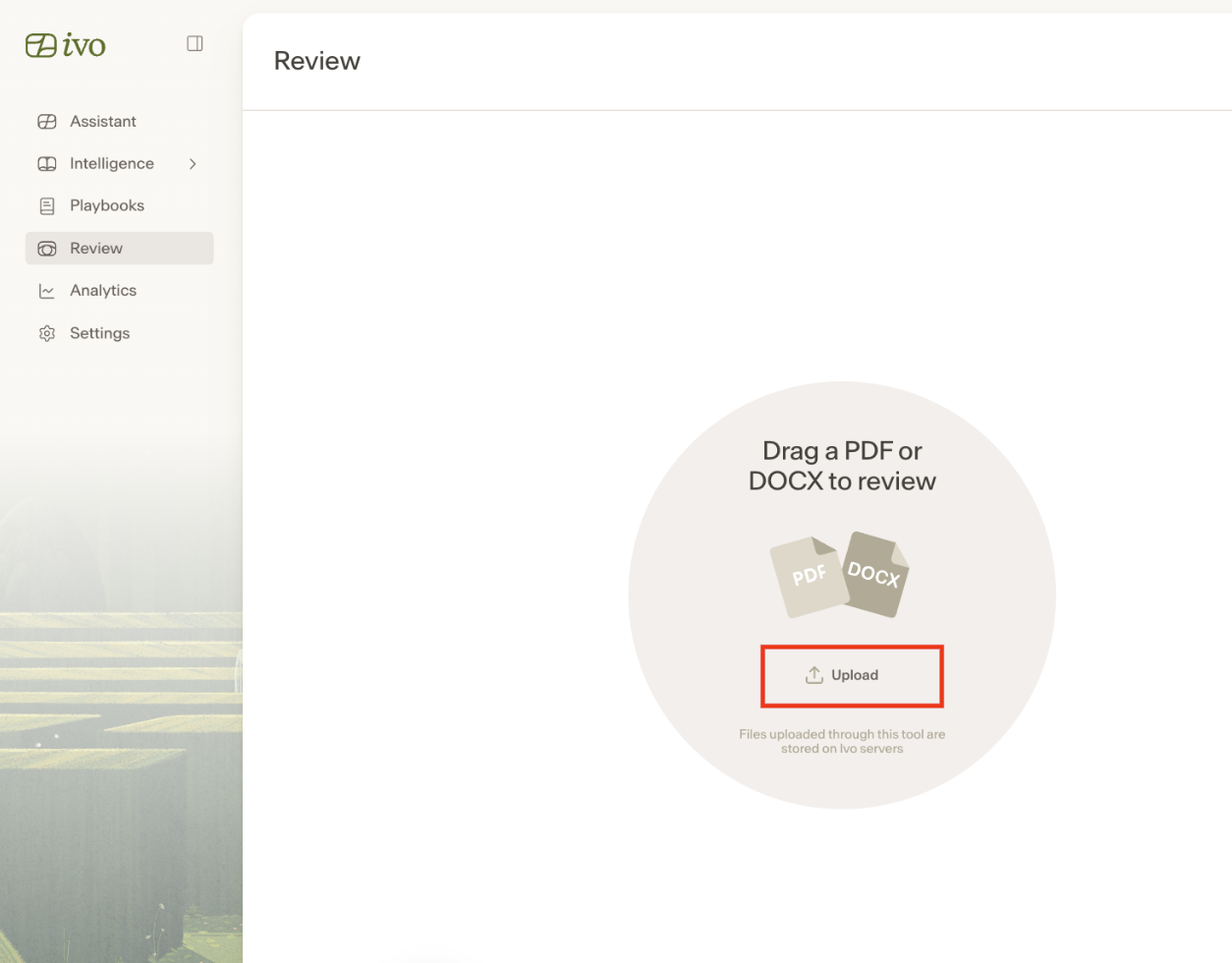
Upload your PDF file by drag and drop or by clicking the Upload a file button.
Wait for Ivo to process the document, and start your review using the Review or Assistant features.
Notes:
Ivo supports most scanned files through OCR technology.
Ivo does not support the ability to insert redline into PDF documents.