Thumbs Down Feedback in Assistant
Last updated: June 22, 2026
You can give thumbs up or thumbs down feedback on any Assistant response. This helps Ivo improve the quality of responses over time.
How to leave feedback
After Assistant generates a response, hover over the message.
Click the thumbs up icon if the response was helpful, or the thumbs down icon if it was not.
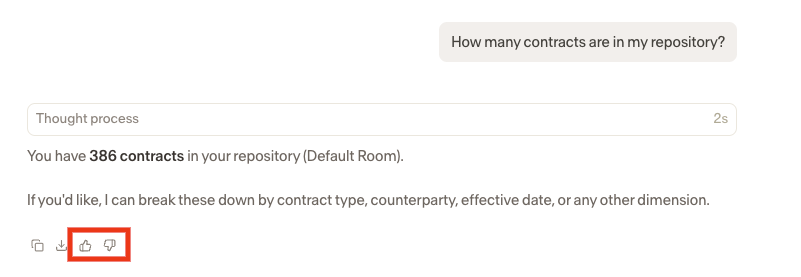
Your feedback will be submitted.
Disabling feedback (Admins only)
Workspace admins can disable the feedback feature at the workspace level. Feedback can be turned off for Review and Assistant separately.
To disable feedback:
Navigate to Settings.
Select Security.
Toggle off feedback for Review, Assistant, or both.