Invitation Email Expired
Last updated: June 4, 2026
If a user in your workspace had received an invitation to Ivo but it has expired, you can use the following steps to resend it.
To resend the invitation:
Go to app.ivo.ai.
Click on Settings
Select Workspace.
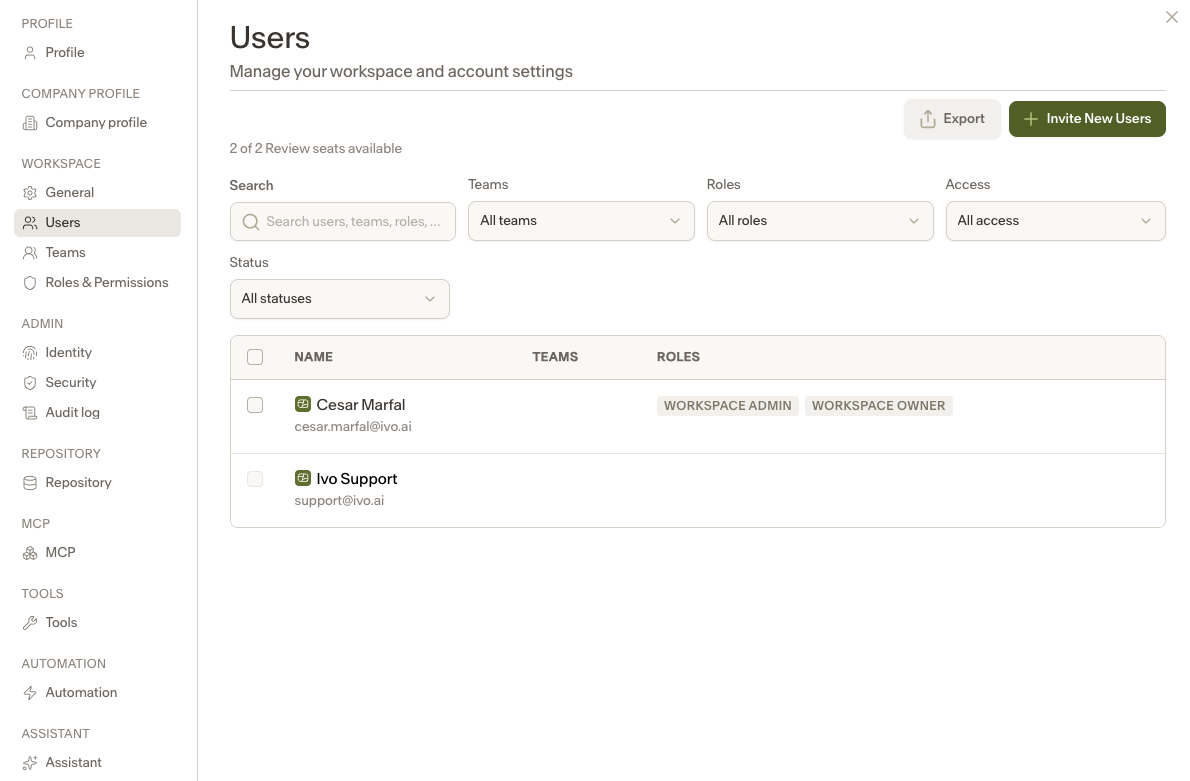
Click on Users.
Find and select the user who needs a new invitation.
In the window that appears, click Resend Onboarding Email.
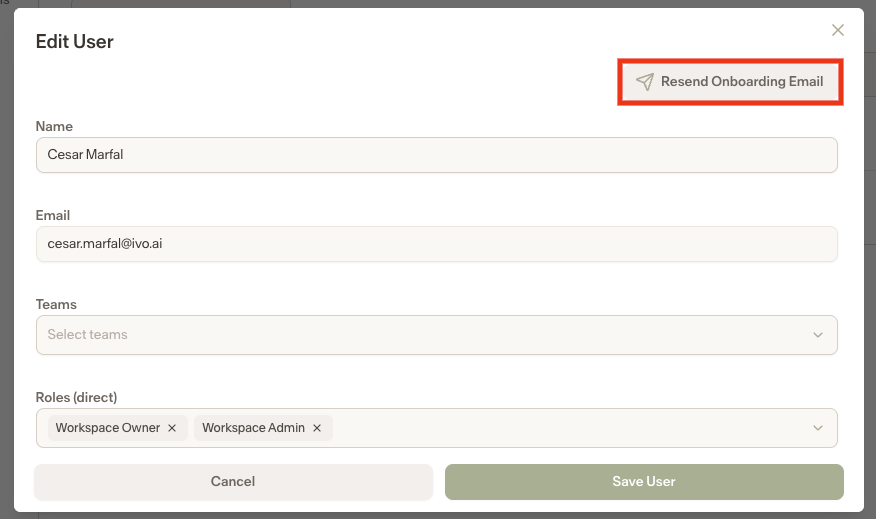
The user will receive a new email and can proceed with activating their account.