Notifications
Last updated: August 3, 2026
Ivo now has a built-in notification center where you can stay on top of important updates and activity within your workspace.
How to access notifications
Click your name in the bottom left corner of the Ivo web app.
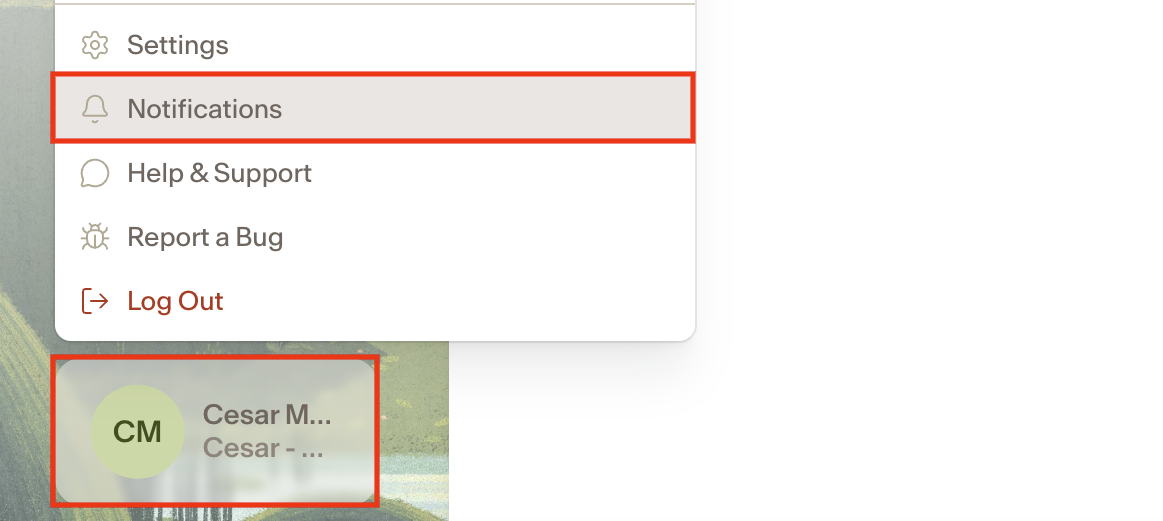
Select Notifications.
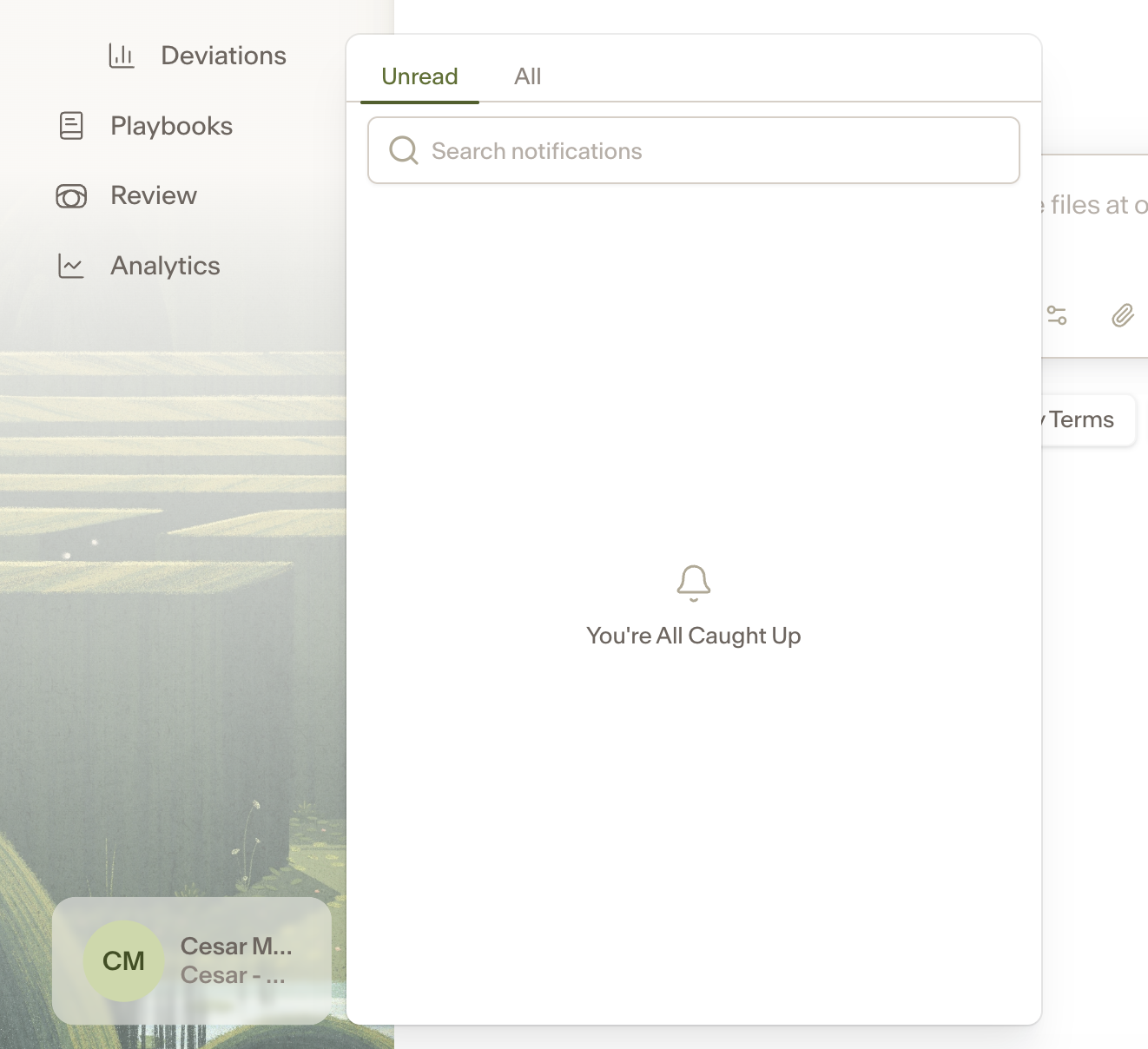
From there you can view your unread notifications or switch to the All tab to see your full notification history. You can also search across your notifications using the search bar.
Notification types
Ivo currently sends notifications for the following:
Welcome to Ivo — a welcome notification when you first join the workspace.
SSO security changes — alerts when security or SSO settings in your workspace are updated.
Assistant answer ready — lets you know when a long-running Assistant request has completed.
Scheduled Skill finished — notifies you when a scheduled Skill has finished running.