Cloning a Playbook
Last updated: June 3, 2026
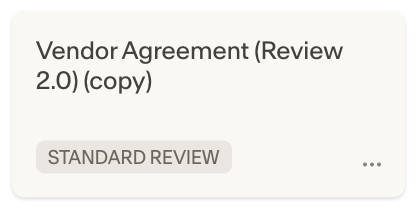
Cloning lets you duplicate an existing playbook as a starting point, so you can customize it without affecting the original.
To clone a playbook:
Go to the playbooks page in the Ivo Web Portal.
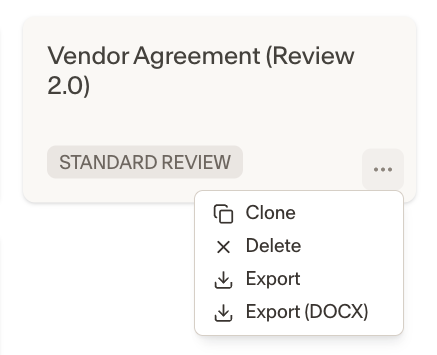
Click the three dot menu on a Playbook, and select Clone.
A copy of the playbook will now be available to edit.