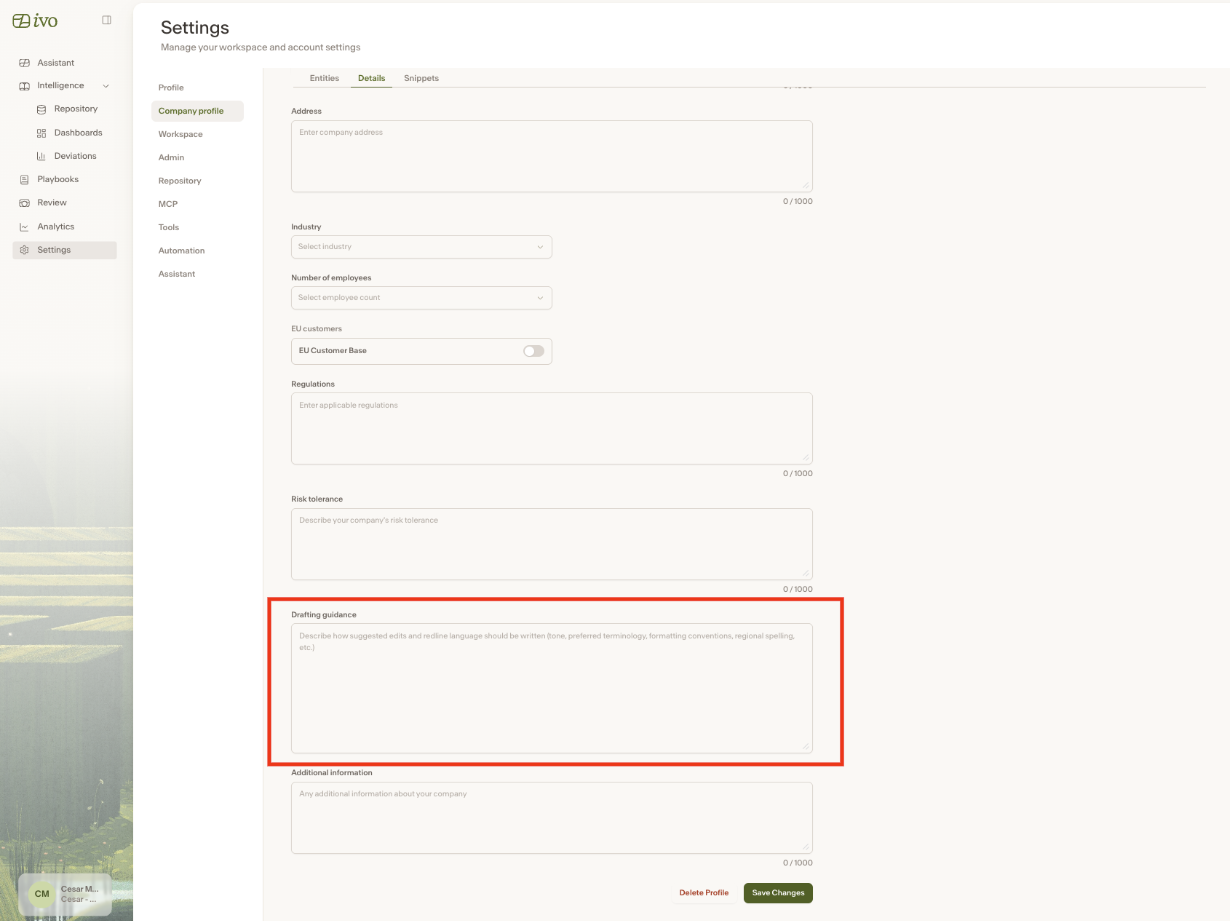
Drafting Guidance
Last updated: May 26, 2026
Drafting Guidance lets you define how suggested edits and redlines should be written, including tone, preferred terminology, and formatting conventions. Ivo factors these preferences in when generating suggestions in Review 2.0.
To set up Drafting Guidance:
Go to app.ivo.ai and open Settings
Navigate to Company Profile → Details
Enter your guidance and click Save