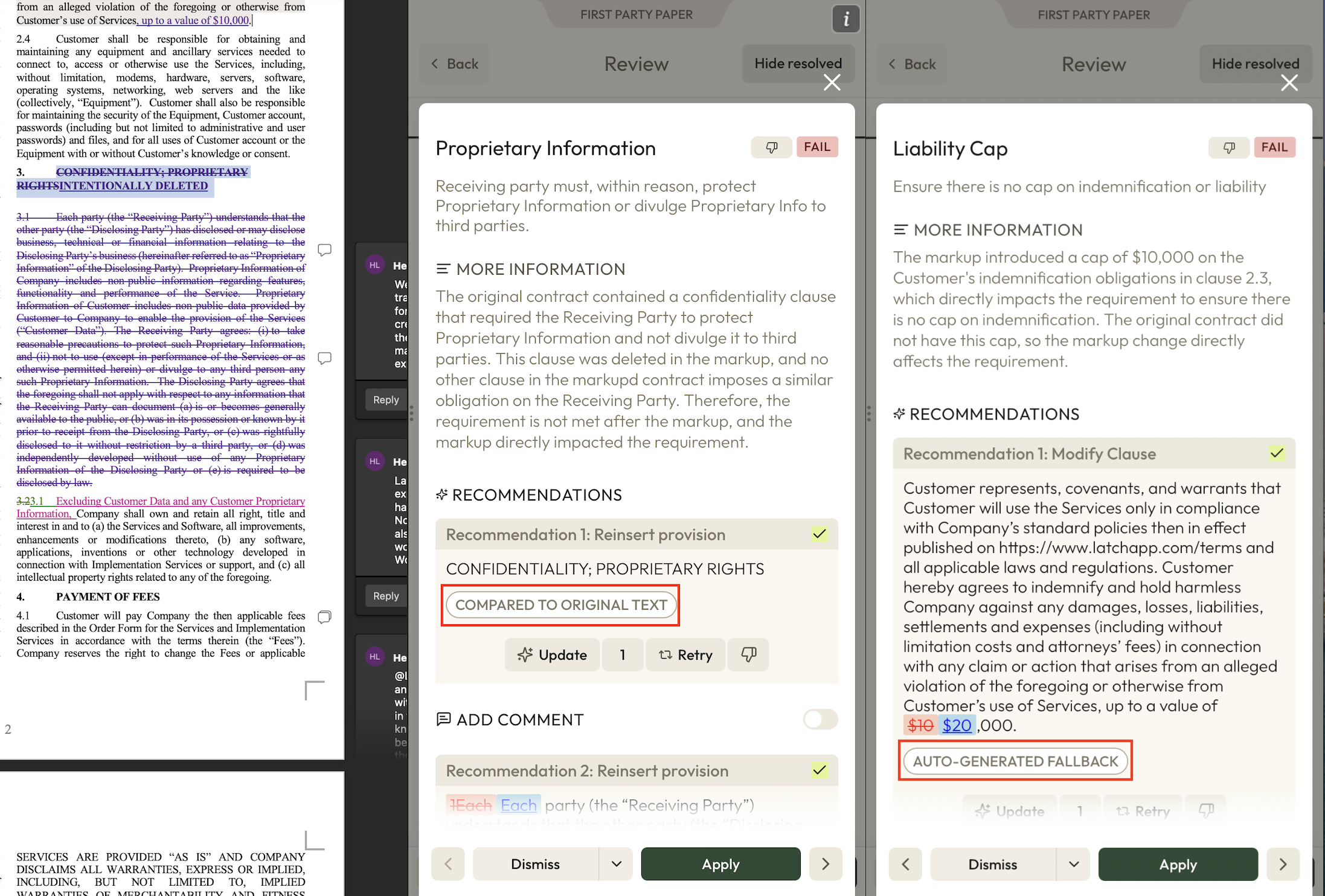
Using Redline review mode
Last updated: August 12, 2025
Redline review mode will enable your Review to be focused on markup. This is helpful when you are negotiating counterparty's markup on your own forms.
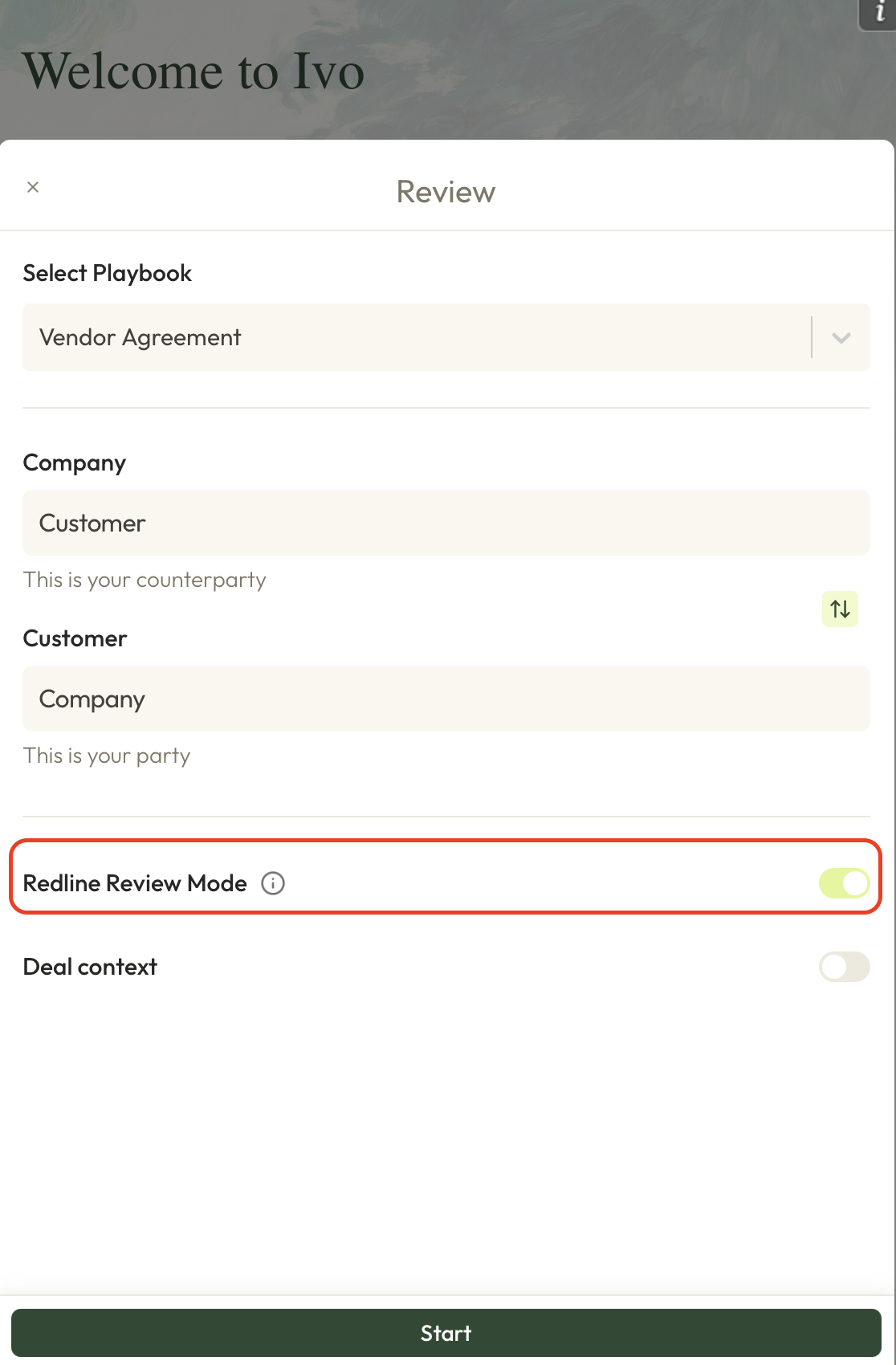
In order to use Redline review mode, toggle it on at the playbook selection screen. Alternatively, make a playbook default to Redline Review Mode. Next, click Review.
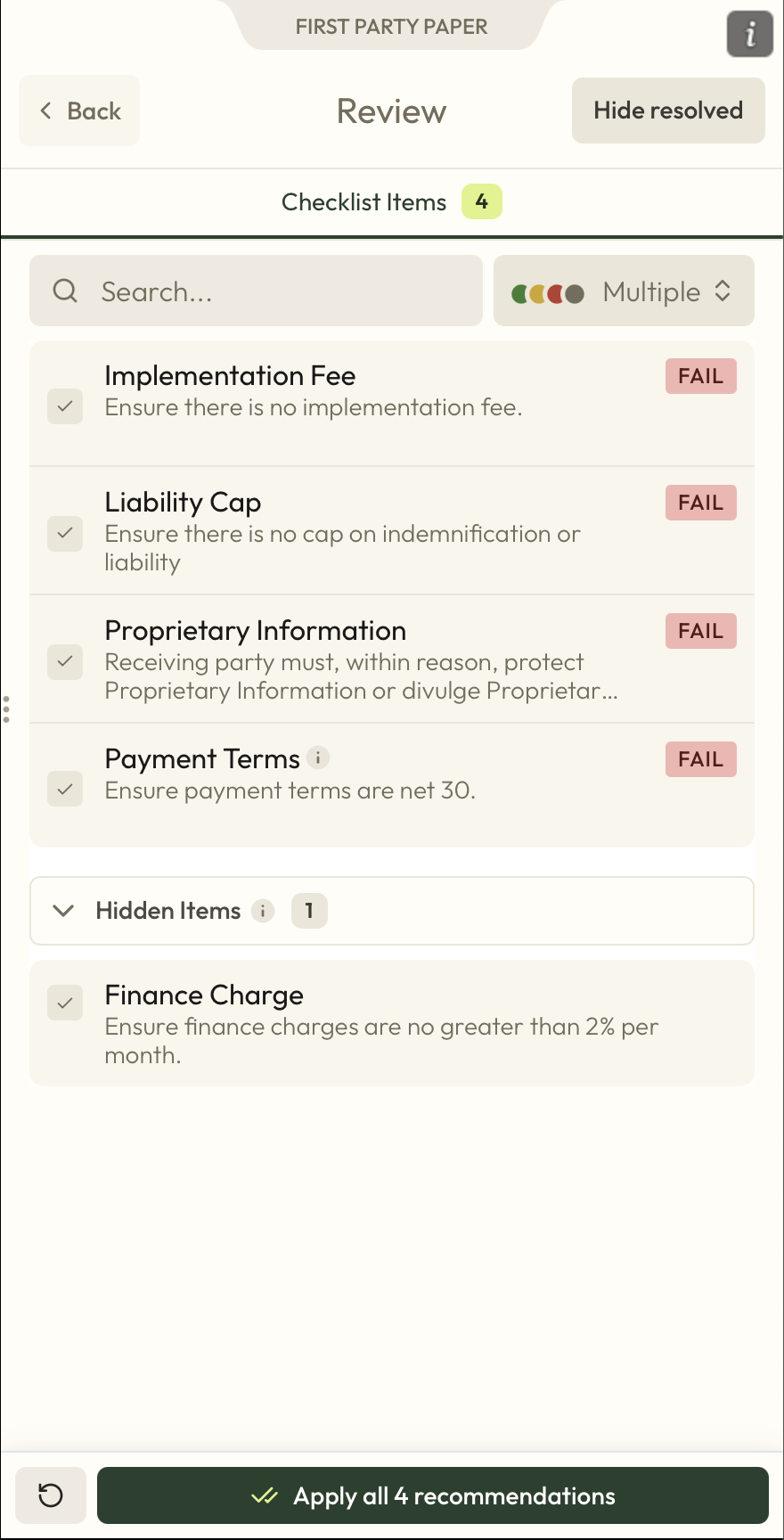
The Review will only show checklist items that have been materially impacted by markup. Items deemed not applicable can be viewed under the Hidden Items drawer.
Outputs from First Party Paper mode will differ from Third Party Paper mode in a few important ways:
Explanations and suggestions provided will be focused specifically on markup.
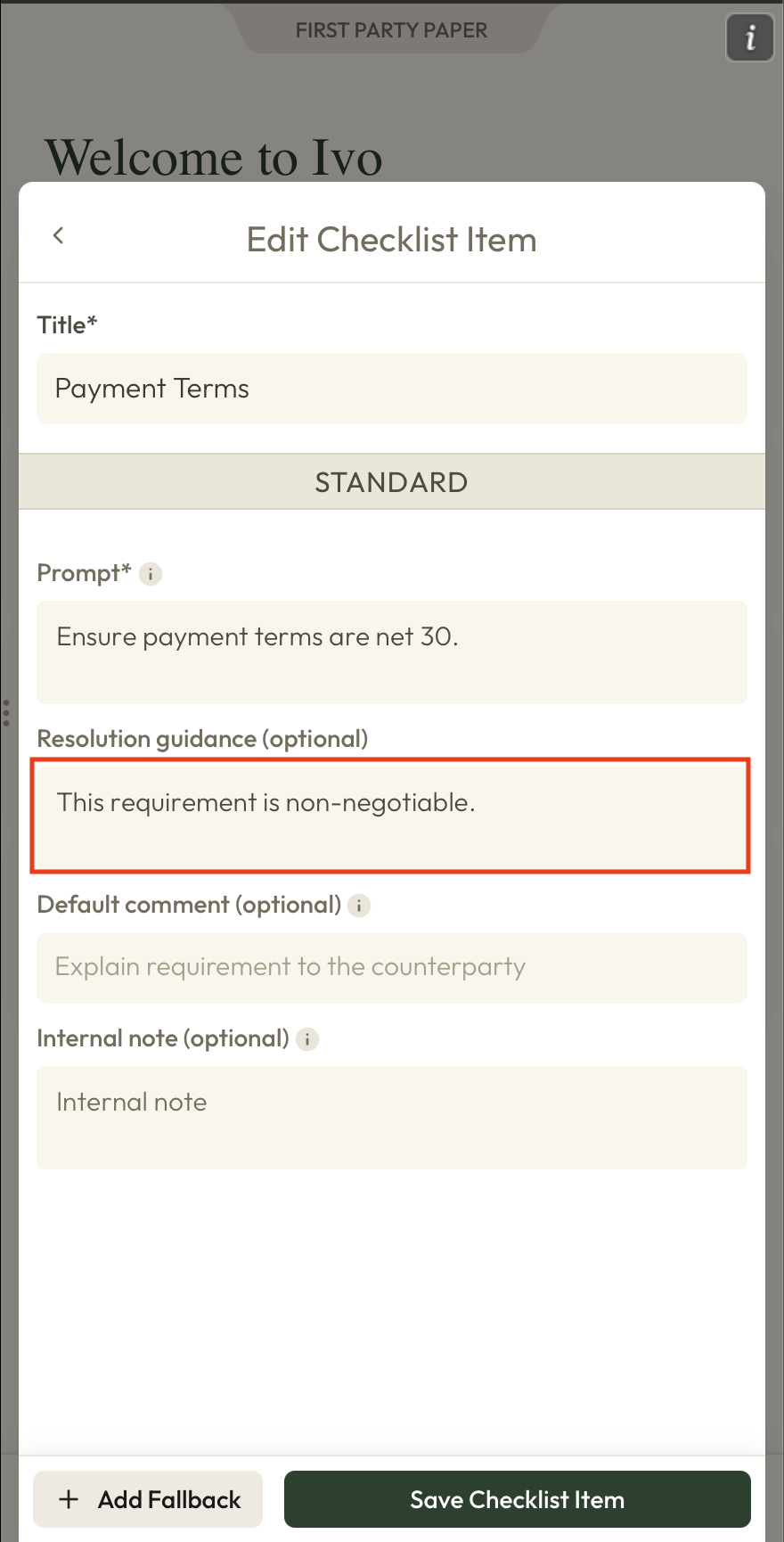
Suggestions will attempt to reach a compromise between the requirement and the markup. Negotiation style and direction can be managed in the Resolution Guidance of each checklist item.
In the recommendation editor, recommendations might be compared to the contract's original language or the current text for easier visibility of changes.
Users can determine whether or not a recommendation is a result of compromise or if the visible comparison is based on the original or current contract using the badges underneath each recommendation.