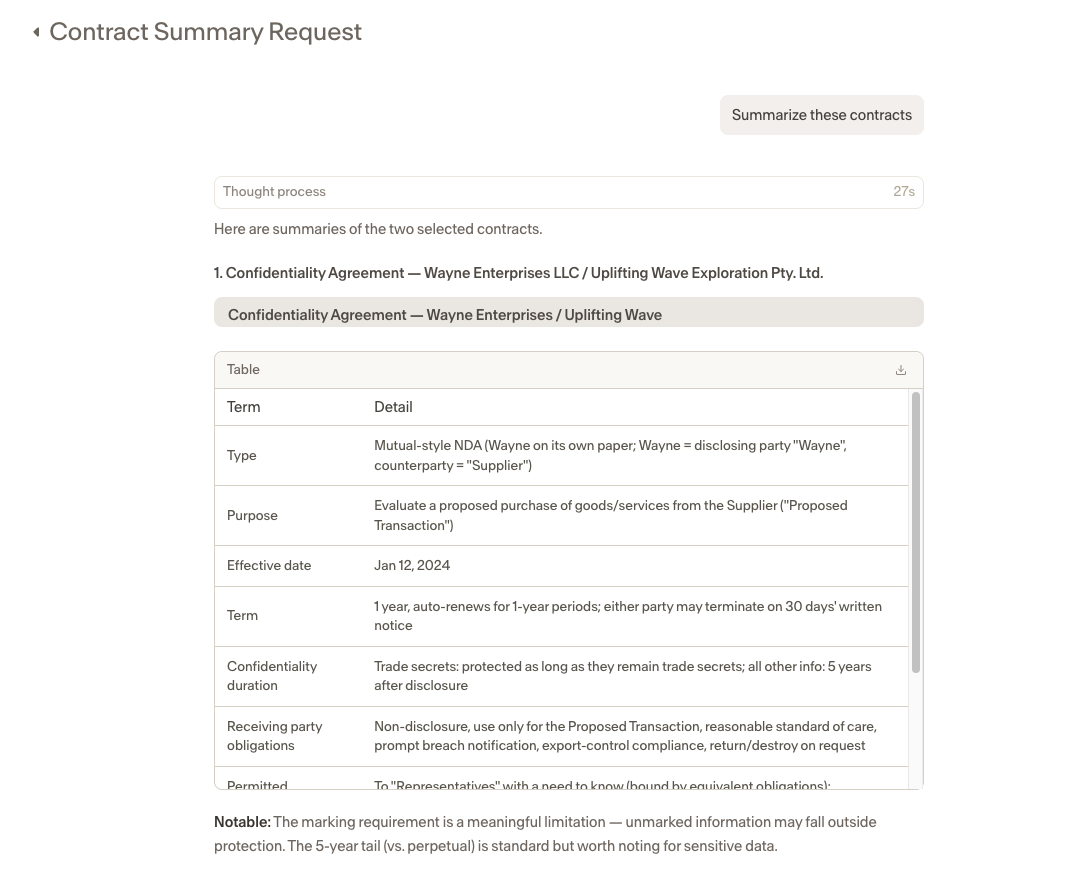
Sending Documents to Assistant from Repository
Last updated: June 22, 2026
You can send documents from your Repository directly to Assistant without having to upload them separately. This makes it faster to ask questions about or work with contracts that are already stored in Ivo.
How to send a document to Assistant
Navigate to Repository in the Ivo web app.
Select a room.
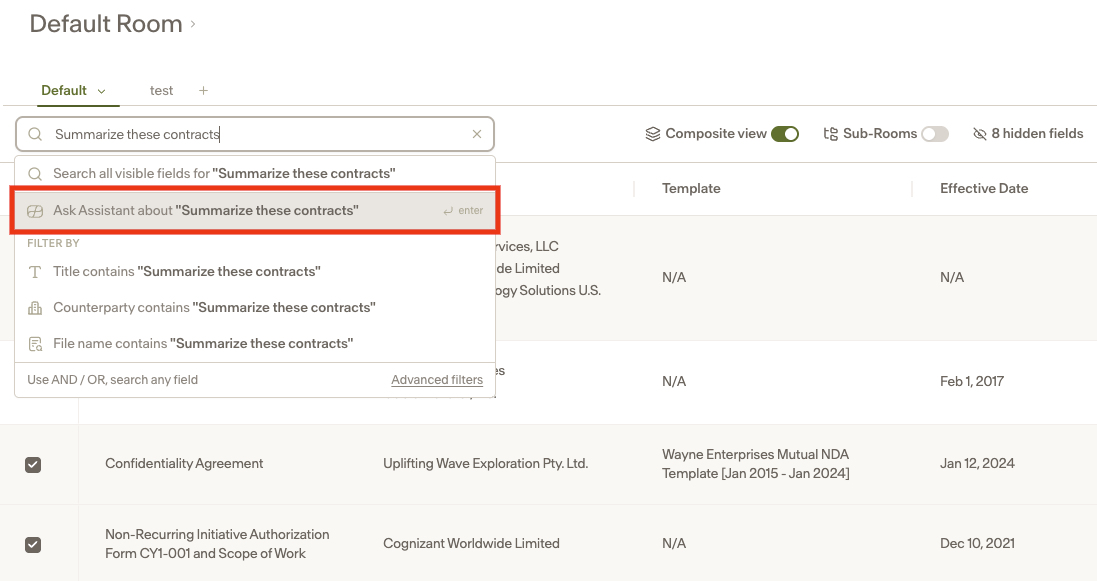
Select the document or documents you want to work with.
In the search bar, enter a prompt describing what you want to do, for example "Summarize these contracts."
In the dropdown that appears, select Ask Assistant about "Summarize these contracts".
Your request will open in Assistant with the selected documents already attached.