Voice Input in Assistant
Last updated: November 10, 2026
You can now use your voice to send prompts to Assistant. Rather than typing your question or instruction, you can speak it and Ivo will transcribe it into the Assistant input field for you.
How to use it
Open Assistant in the Ivo web app.
Click the microphone icon in the Assistant input field.
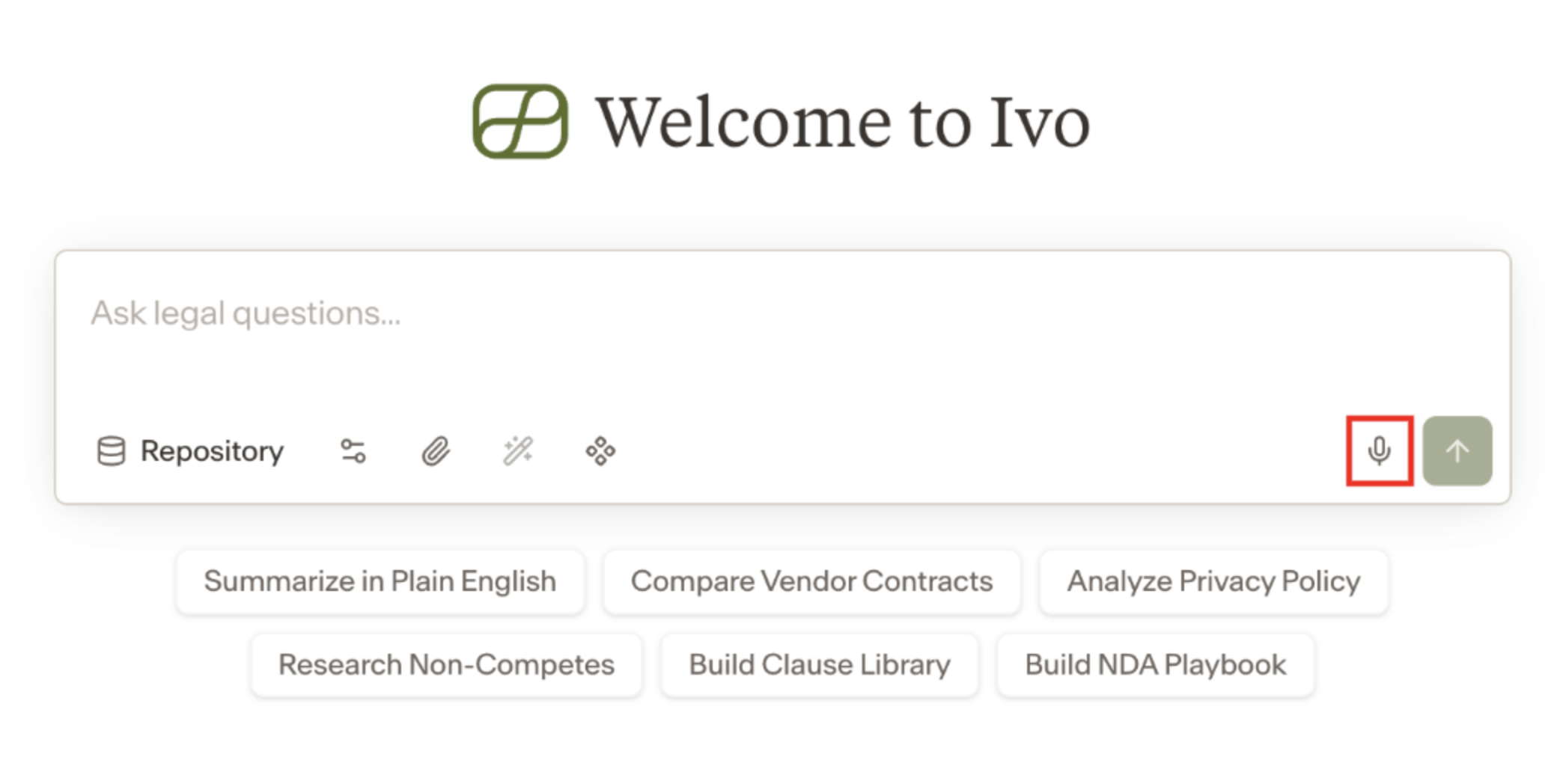
Speak your prompt. Ivo will transcribe your speech into text in real time.
Review the transcribed text and click Send when you are ready.
Notes
This feature transcribes your voice to text. It is not a conversational voice interface — Assistant still responds in text as usual.
This feature is available in the Ivo web app. Contact your Ivo contact to have it enabled for your workspace.