Including or Excluding Drafts in Assistant
Last updated: October 20, 2026
By default, Assistant only searches across final contracts in your repository when answering questions. You can control whether draft documents are included using the Include Drafts toggle.
Why this matters
Repositories often contain a mix of final contracts and draft documents uploaded along the way. Including drafts in Assistant queries can skew counts and analysis, for example making it look like there are more active agreements than there actually are. Excluding drafts keeps your results focused on executed contracts.
How to use it
Toggling Include Drafts
The Include Drafts toggle is available in the Assistant tools panel. It is off by default. Turn it on when you want Assistant to search across draft documents as well as final contracts.
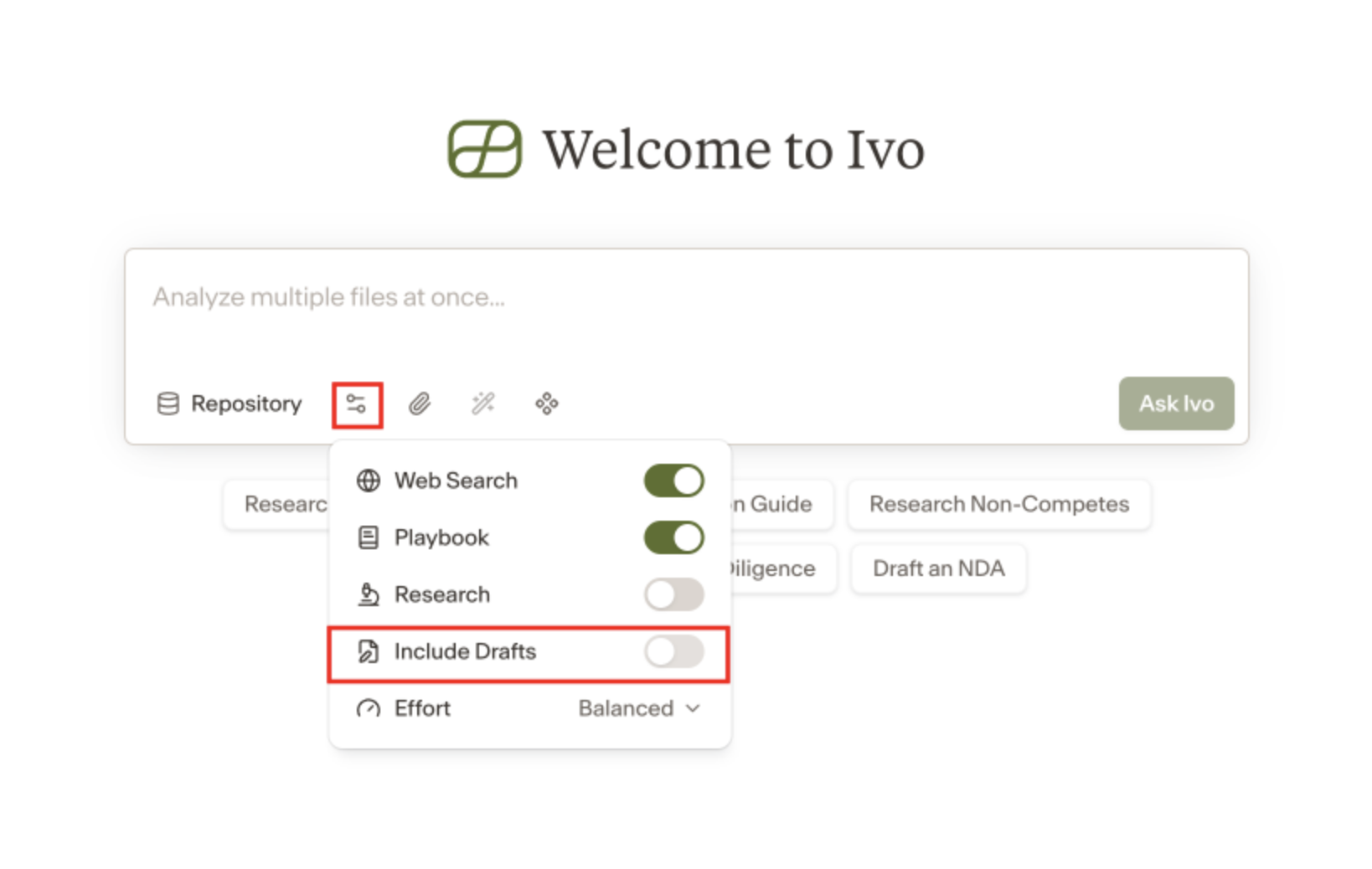
The thinking panel in each response shows whether Include Drafts was on or off when that answer was generated, so you always know which mode was used.
Re-running with drafts included
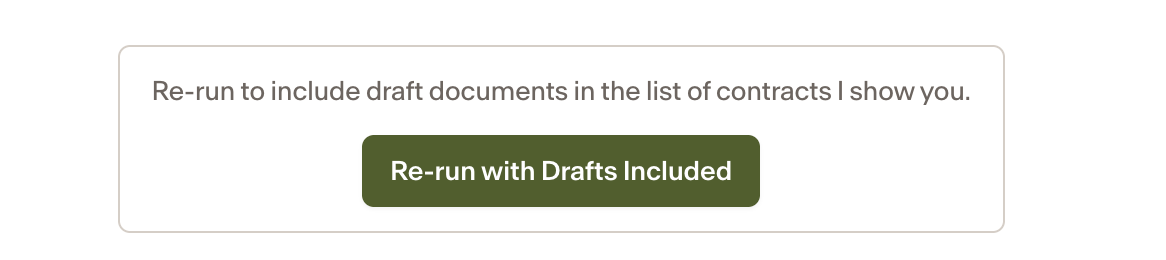
If Assistant detects that your question may be better answered with drafts included — for example, you ask about a draft agreement while Include Drafts is off — it will suggest a Re-run with Drafts Included button at the end of its response. Click it to re-run the same question with drafts included, without having to retype anything.