Using Assistant within Repository
Last updated: May 28, 2026
Ivo Assistant allows you to query your documents to deliver answers to complex legal questions. Each response is clause-aware and grounded in your contracts, with full context and transparent reasoning you can inspect.
Assistant lives in the Ivo web application alongside Repository.
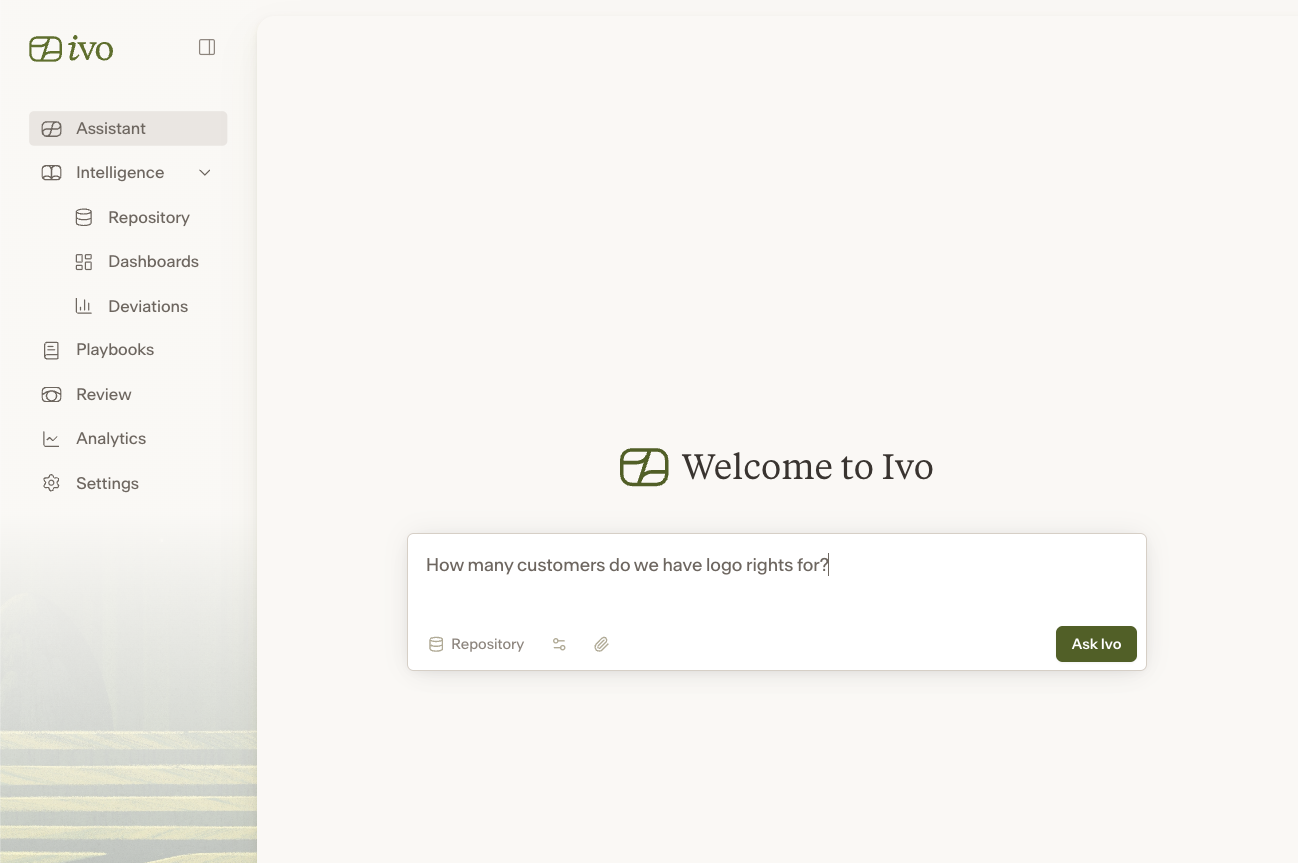
To utilize Assistant:
Click Assistant on the left sidebar.
In the field, enter a question about your documents (e.g. Which customers do we have logo rights for? How many agreements have an auto-renewal provision?) Alternatively, you can select a suggestion from the list below the query field.
Select the Room in which you would like to complete this query (i.e. which documents you want to perform this search for).
Press enter or click Ask Ivo.
Ivo will begin to show its thought process and return relevant results based on your question. Once complete, you can click into the results to view a Report that covers the specific contracts and an overall summary.
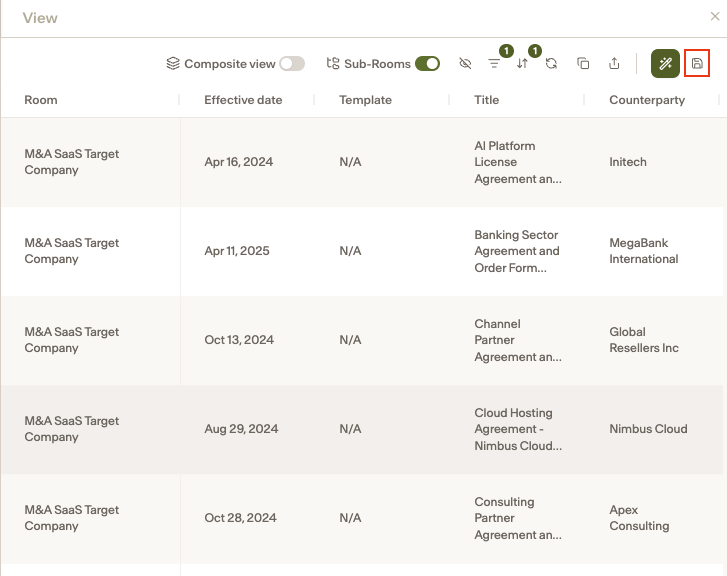
To save the Table as a new View, click the save icon in the top right corner.