Uploading a file to Repository
Last updated: June 17, 2026
In addition to syncing with your existing file system(s), you can also upload files to Repository.
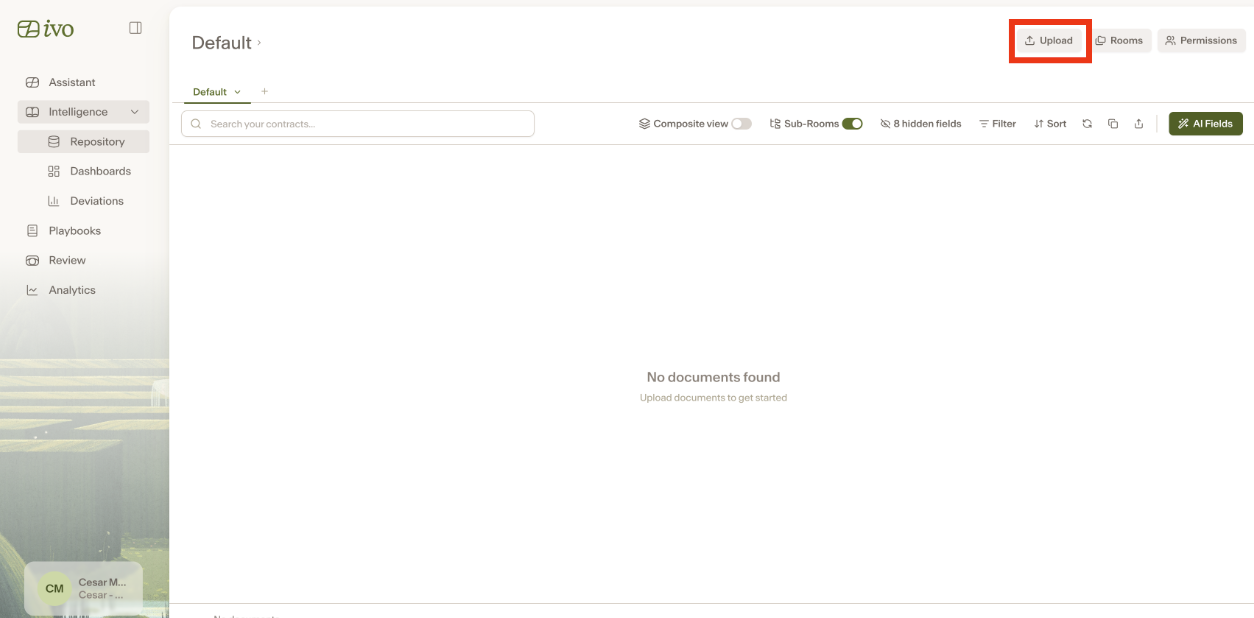
Navigate to the Room in which you would like to upload files.
Click the Upload button on the top right corner.
Select the file(s) that you would like to upload to Repository by dragging and dropping them in the window, or clicking the Select Folder or Upload Files buttons.
These files will be added to your Repository.