Check the number of documents in your repository
Last updated: May 11, 2026
Workspace Owners, Workspace Admins, and Repository Admins can view the number of documents in a repository from Analytics.
Steps
Go to app.ivo.ai.
Open Analytics from the left sidebar.
Select the Intelligence tab.
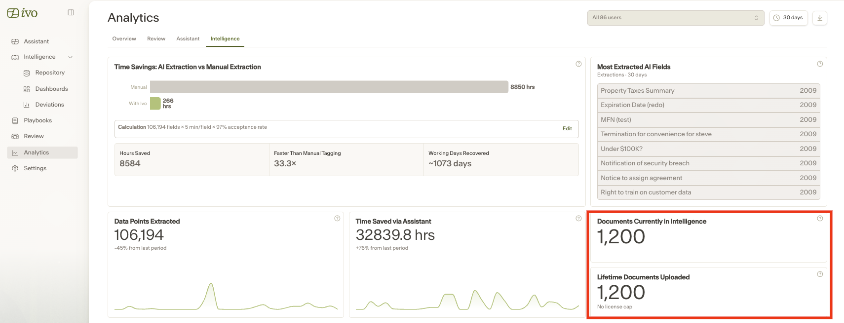
Review the following metrics:
Documents Currently in Intelligence: the number of documents currently available in Intelligence.
Lifetime Documents Uploaded: the total number of documents uploaded over time.
Note
These numbers may differ if documents have been deleted, moved, or removed from Intelligence after upload.