Moving Repository Sub-rooms
Last updated: June 24, 2026
Intelligence Admins can now reorganize rooms in Repository using the Room Manager. This makes it easy to restructure your workspace as your team's needs evolve.
Who can move rooms
Moving rooms is available to Intelligence Admins only.
How to move a room
Room Selector
Navigate to the sub-room you want to move
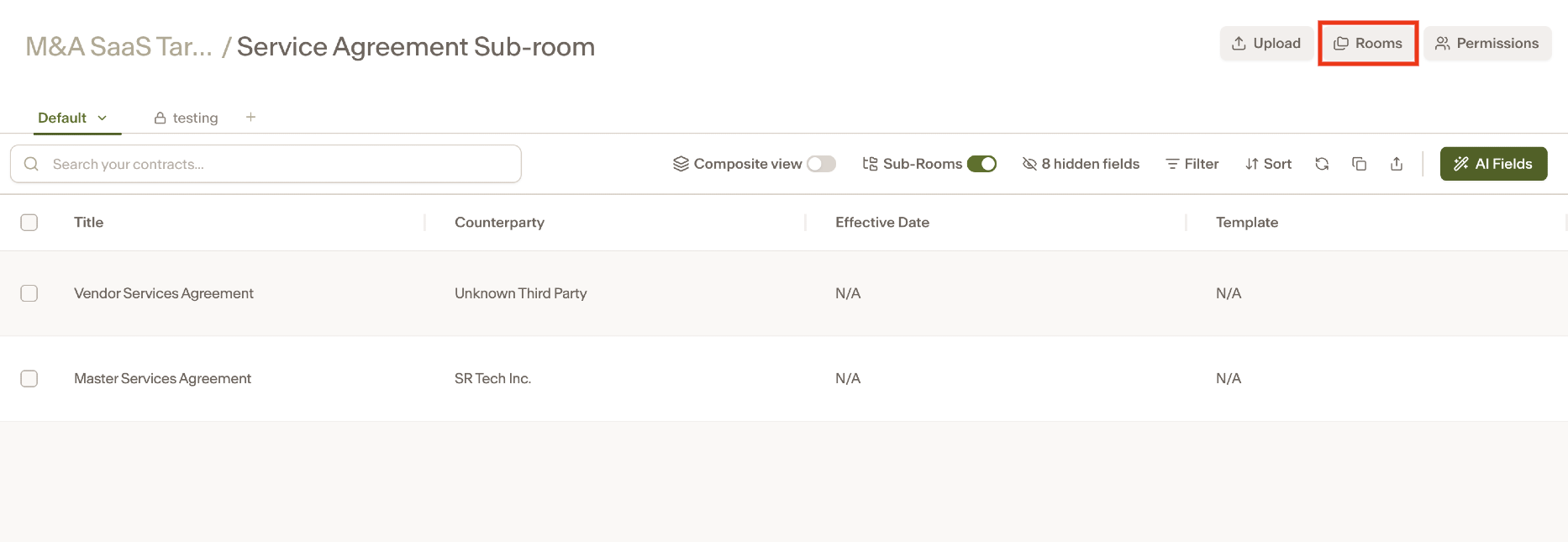
Click Rooms in the top right.
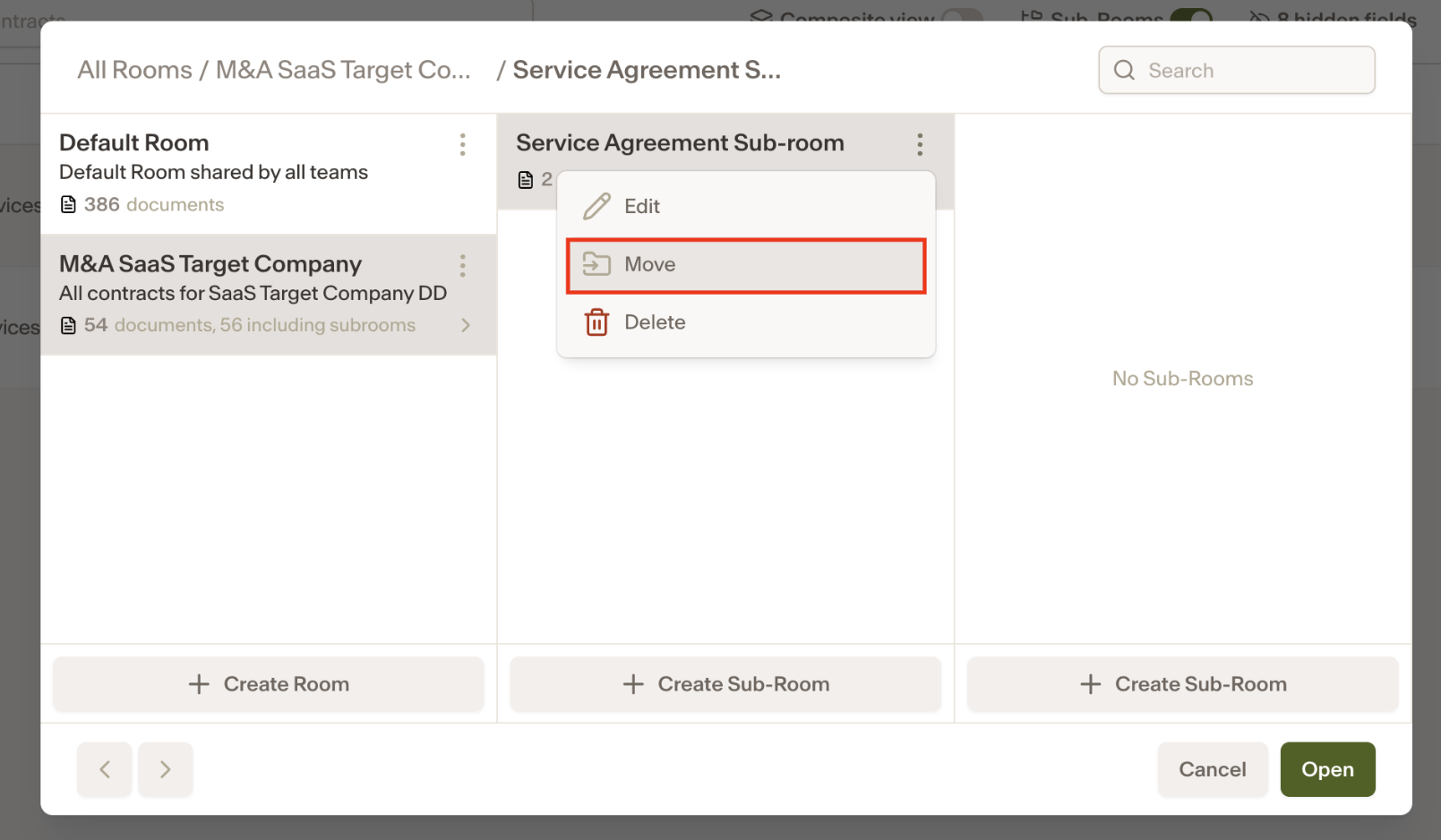
Click the three dots next to the sub-room and select Move.
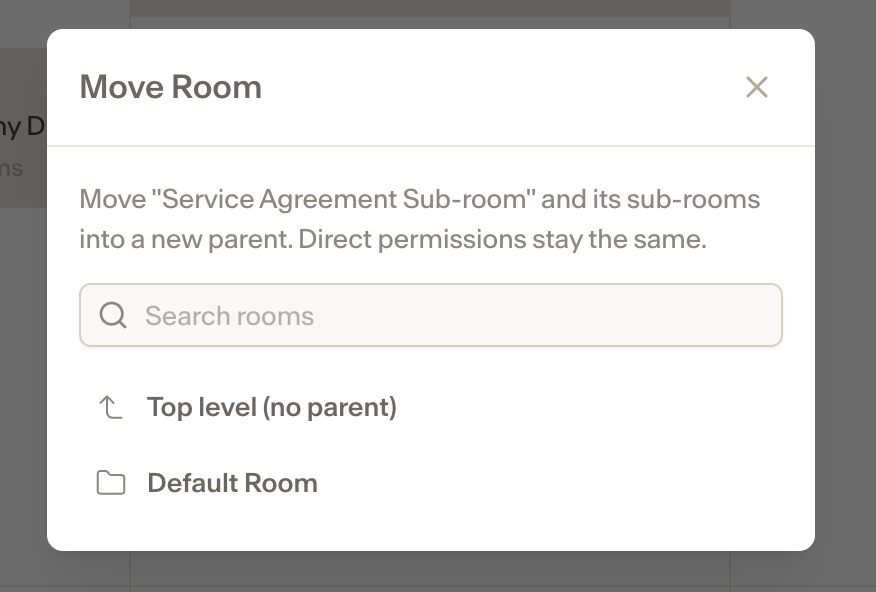
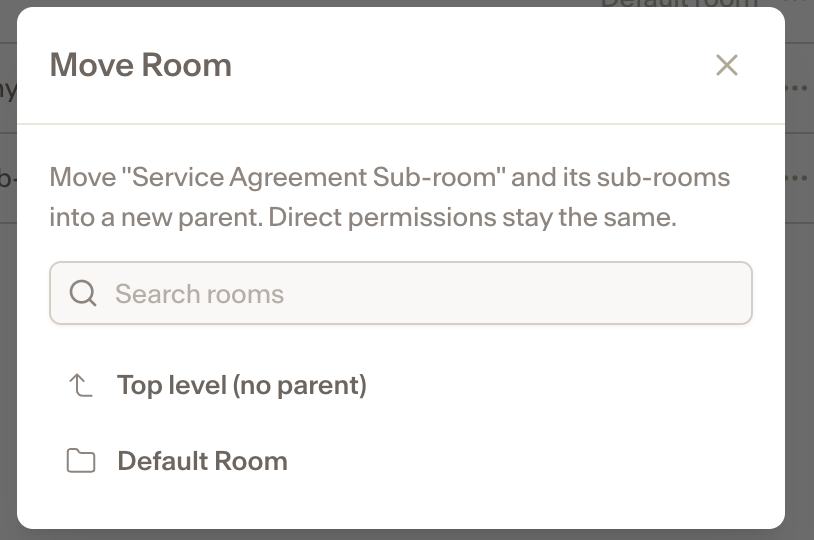
Select Top level to make it its own main room, or select another room to nest it under.
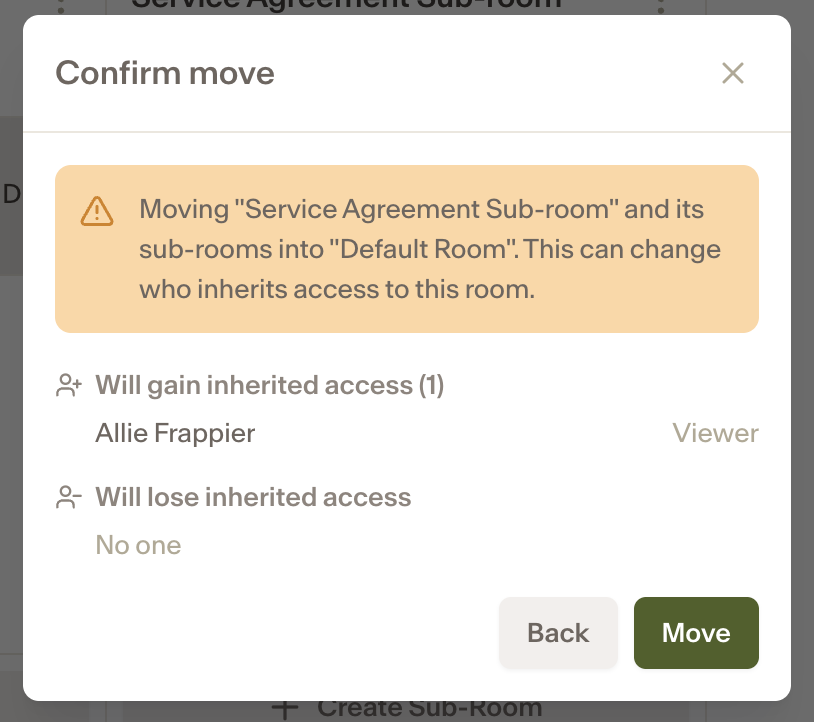
A confirmation message will appear showing who has gained or lost access as a result of the move. Click Move to confirm.
Settings
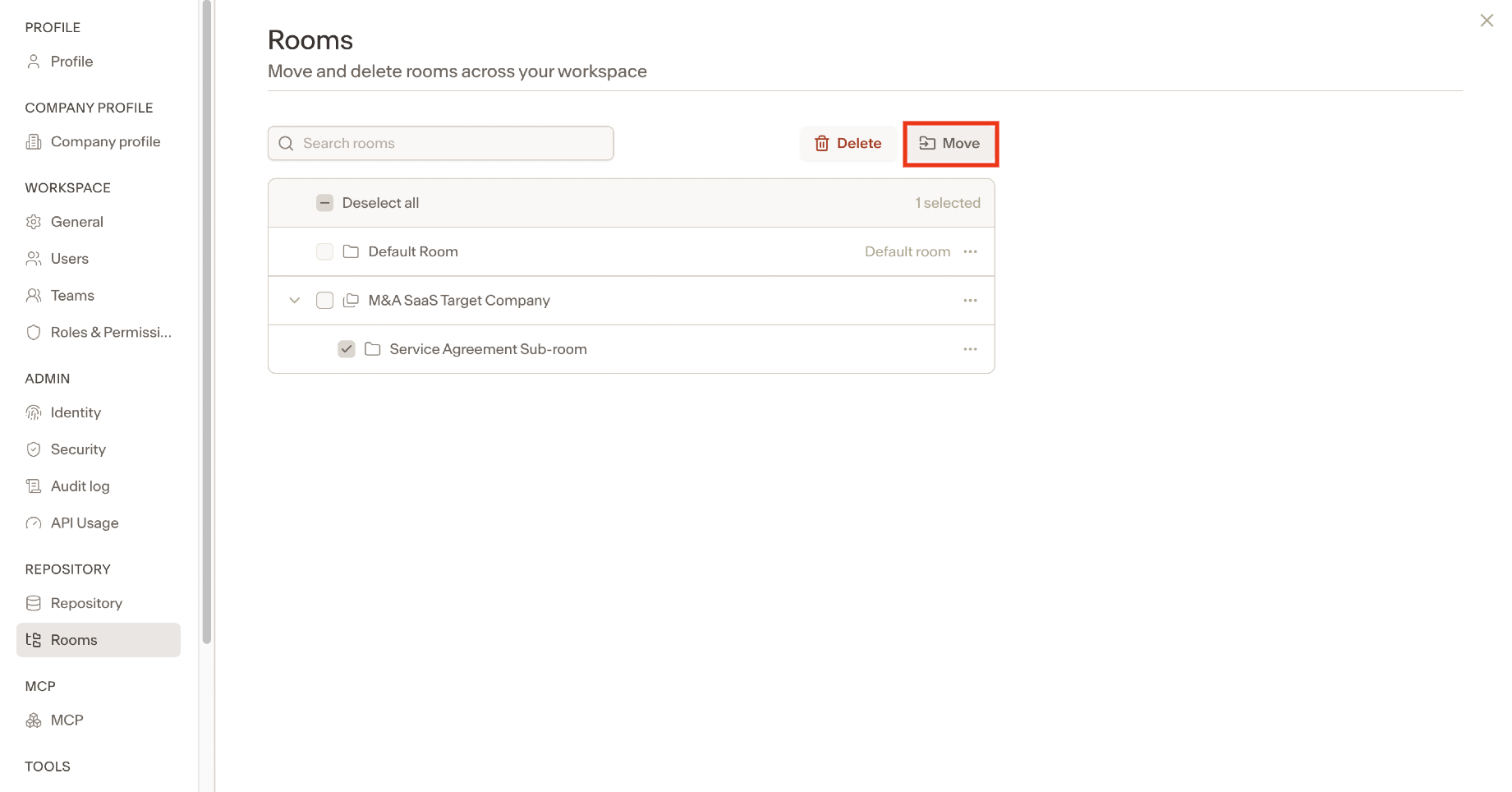
Navigate to Settings and under Repository, select Rooms.
Select the sub-room you want to move and click Move.
Select Top level to make it its own main room, or select another room to nest it under.
A confirmation message will appear showing who has gained or lost access as a result of the move. Click Move to confirm.
Notes
Moving a room does not affect the documents, AI fields, or permissions associated with it. Only its position in the room structure changes.