Creating a new view in Repository
Last updated: June 17, 2026
Custom views in Ivo’s Repository allow you to organize, filter, and display contracts according to the information and workflows that matter most to your team. Whether you're monitoring renewals, tracking logo rights, or managing third-party paper, views provide clarity and structure.
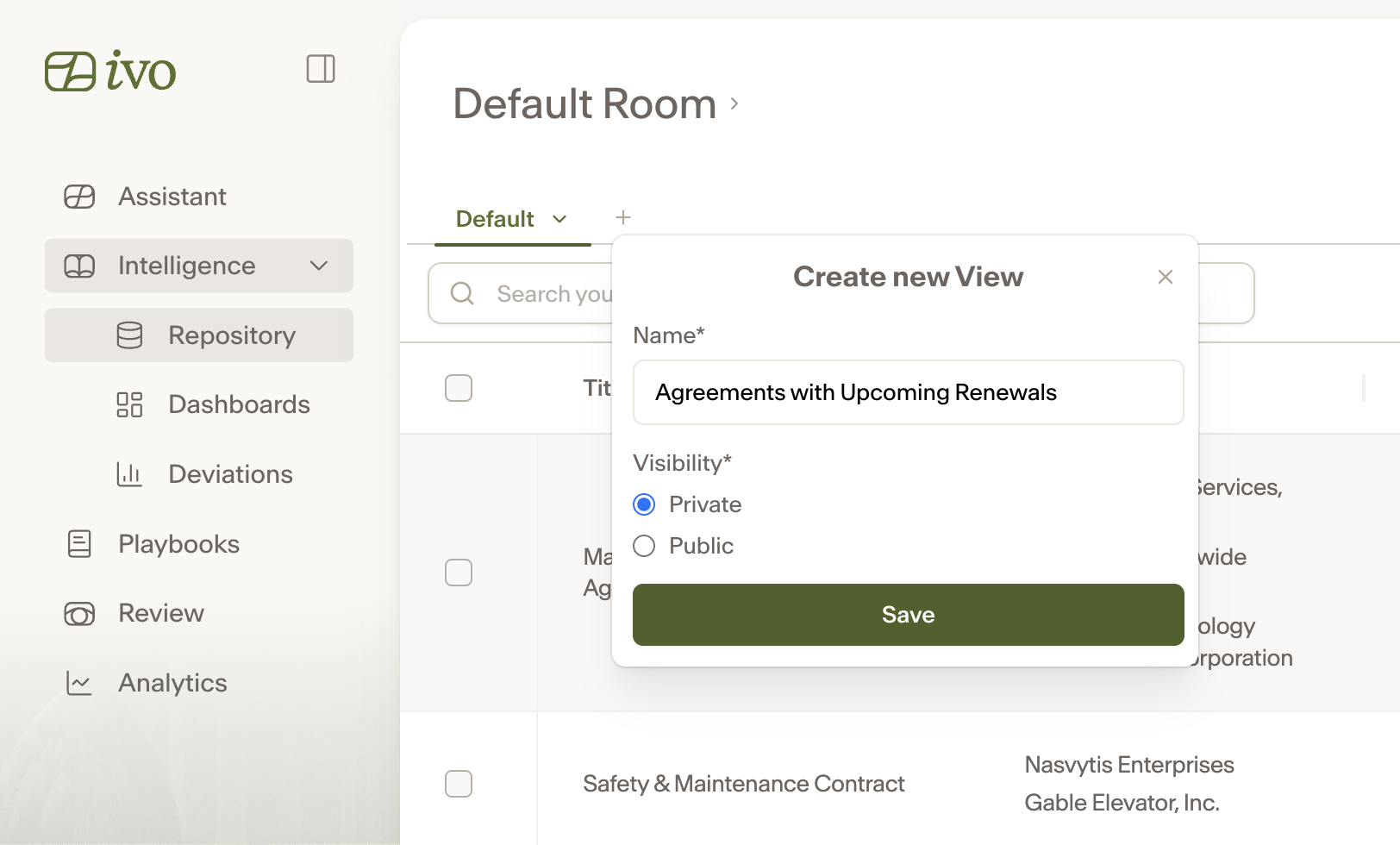
To create a new view from the Repository dashboard:
Click the + button on the top left of the screen.
Name the new View (e.g., “Upcoming Renewals”, “Vendor Contracts”, “Agreements with Terms of Convenience”).
Decide whether you want the View to be visible to only you (Private) or your entire team (Public).
Click Save
Now you can create AI fields and apply fields and include filters to customize this view.
You can also create and save new Views with the Assistant.