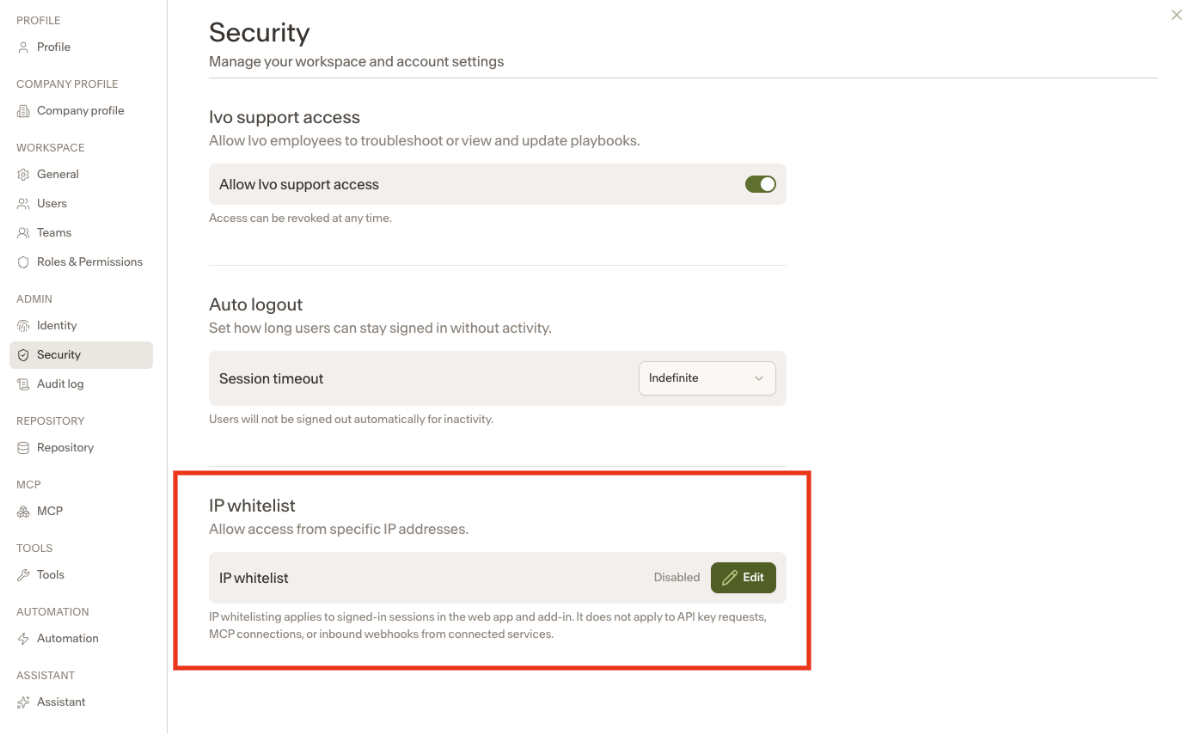
IP Whitelist
Last updated: June 8, 2026
Workspaces with Intelligence can now configure an IP Whitelist, allowing organizations to restrict platform access to approved networks only.
How it works
When an IP Whitelist is configured, users attempting to access the platform from a non-approved IP address will be blocked. This gives security-conscious organizations tighter control over who can access the workspace and from where.
A few important things to note:
IP Whitelist is only available to customers with Intelligence. It is greyed out for workspaces that do not have Intelligence enabled.
Only Workspace Owners and Workspace Admins can configure the IP Whitelist.
If a workspace has both an IP Whitelist and Allow Ivo Support Access enabled, Ivo users are able to bypass the whitelist for tasks such as adding playbooks and debugging.
The IP Whitelist applies across the Word add-in, Google Docs, and the web app.
Configuring the IP Whitelist
Navigate to your workspace settings
Under the Admin tab, click Security
Locate the IP Whitelist option and add your approved IP addresses