Visualizing and understanding contract relationships with Repository
Last updated: June 17, 2026
One of the most powerful features of Ivo’s contract repository is its ability to automatically detect and display relationships between documents, without requiring any manual tagging. This streamlines contract management and ensures accurate visibility into related agreements.
Ivo intelligently identifies and links related contracts, no user input required.
An example of this might be a Master Service Agreements (MSAs) and their:
Statements of Work (SOWs)
Amendments
Data Processing Agreements (DPAs)
Non-Disclosure Agreements (NDAs)
To view agreement relationships:
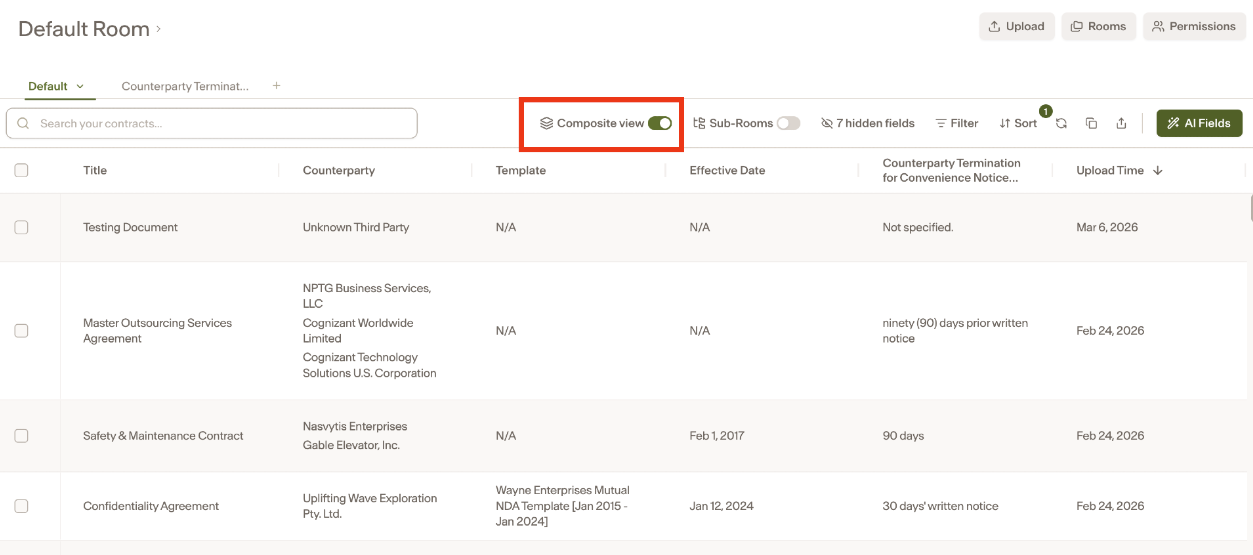
Toggle on the composite view in your room.
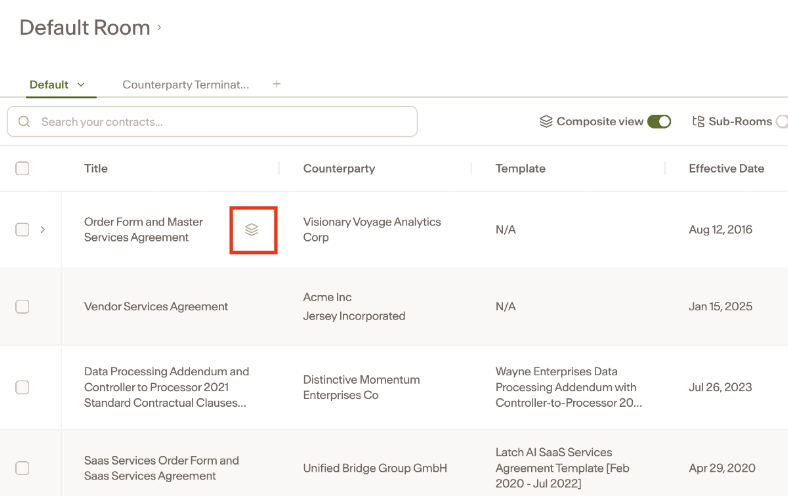
Find a document with the composite icon and select it.
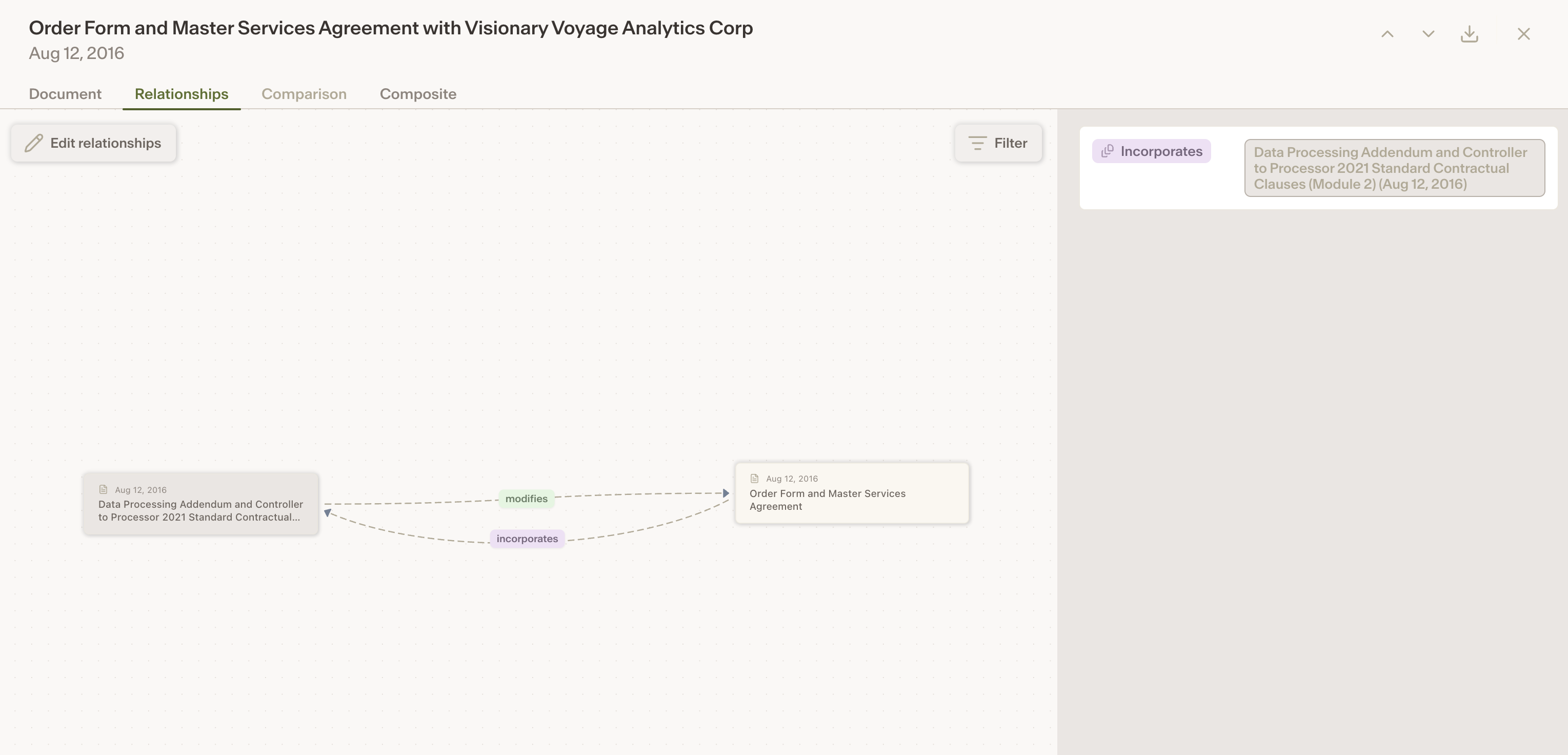
Click on the Relationships tab.
You’ll see how the current document connects to others in the system.