Adding a Template to Repository
Last updated: June 17, 2026
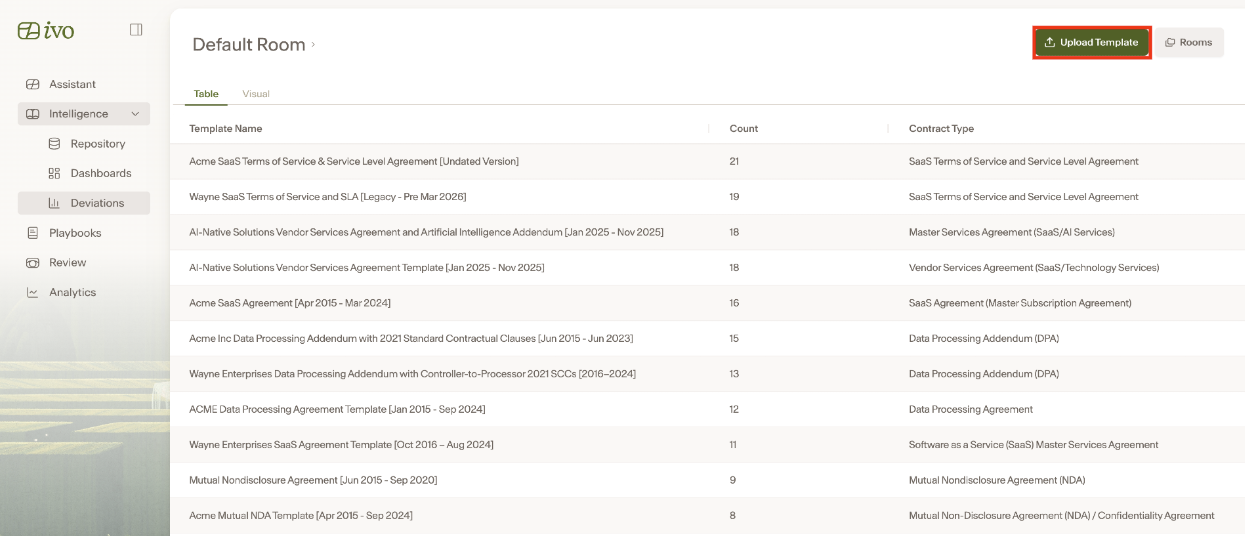
To upload a template to the Repository for cluster generation and gather insights related to clause deviation across similar agreements, open the Ivo Web Portal. In the left-side panel, click Intelligence, then select Deviations.
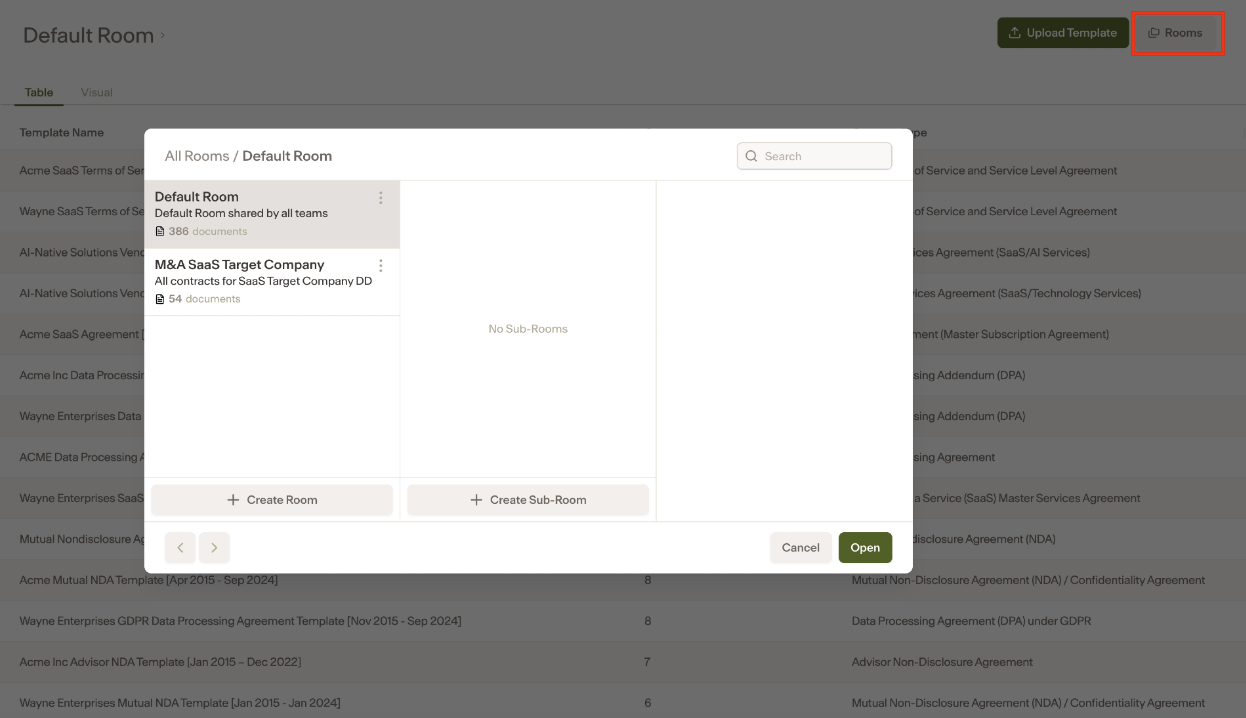
Confirm that you are in the correct Room by selecting Rooms, choosing the appropriate Room, and clicking Open.
2) Click on Upload Templates
3) Select the template file or folder that contains multiple template files
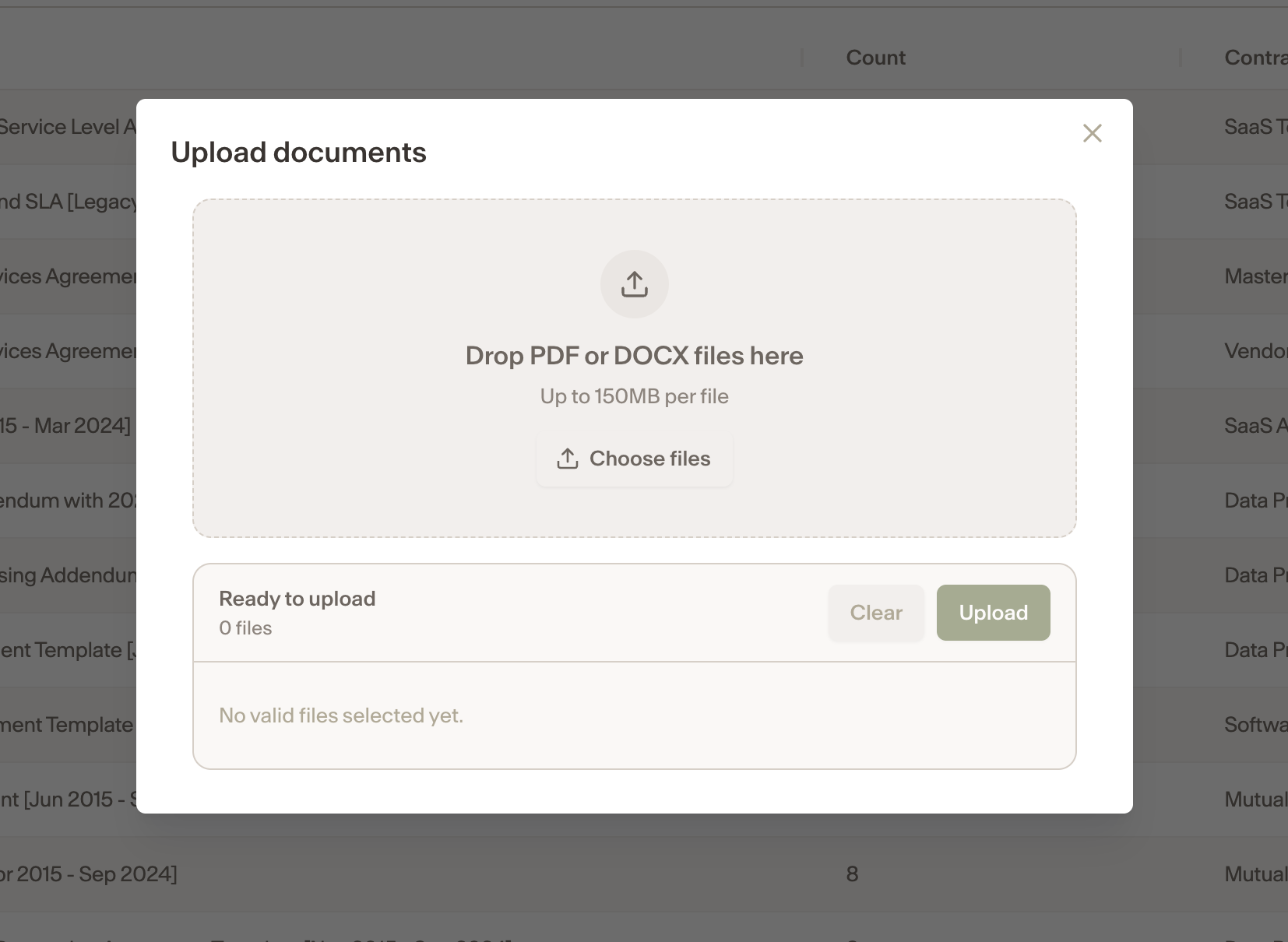
Once the upload has been completed, templates will appear in both the Table and Visual views on the Templates page within Repository.