Importing Metadata into Repository
Last updated: October 5, 2026
Importing metadata from CSV or Excel makes it easy to update Repository in bulk, which is especially helpful for migrations and large contract sets. Instead of entering values one by one, teams can bring in existing data quickly and efficiently, saving time and streamlining setup.
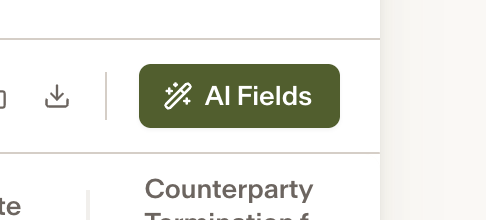
In your Repository, click the AI Field button.
Select Import Metadata.
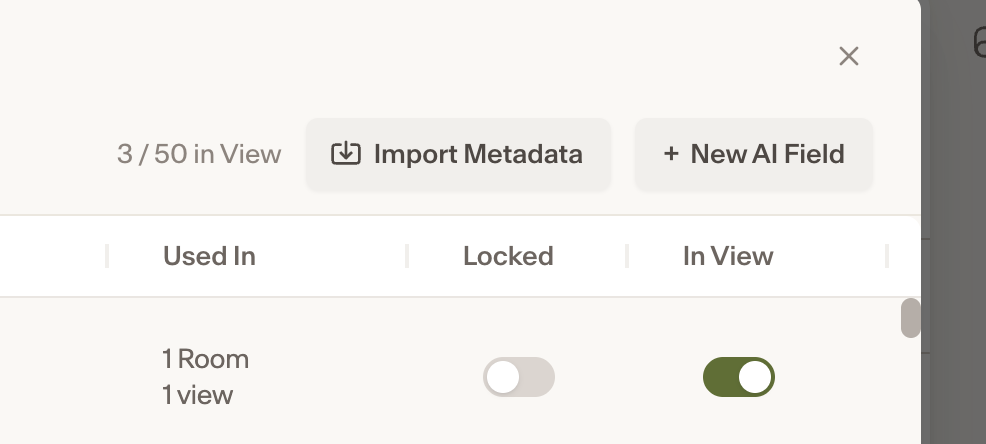
Upload the relevant file, then click Continue.
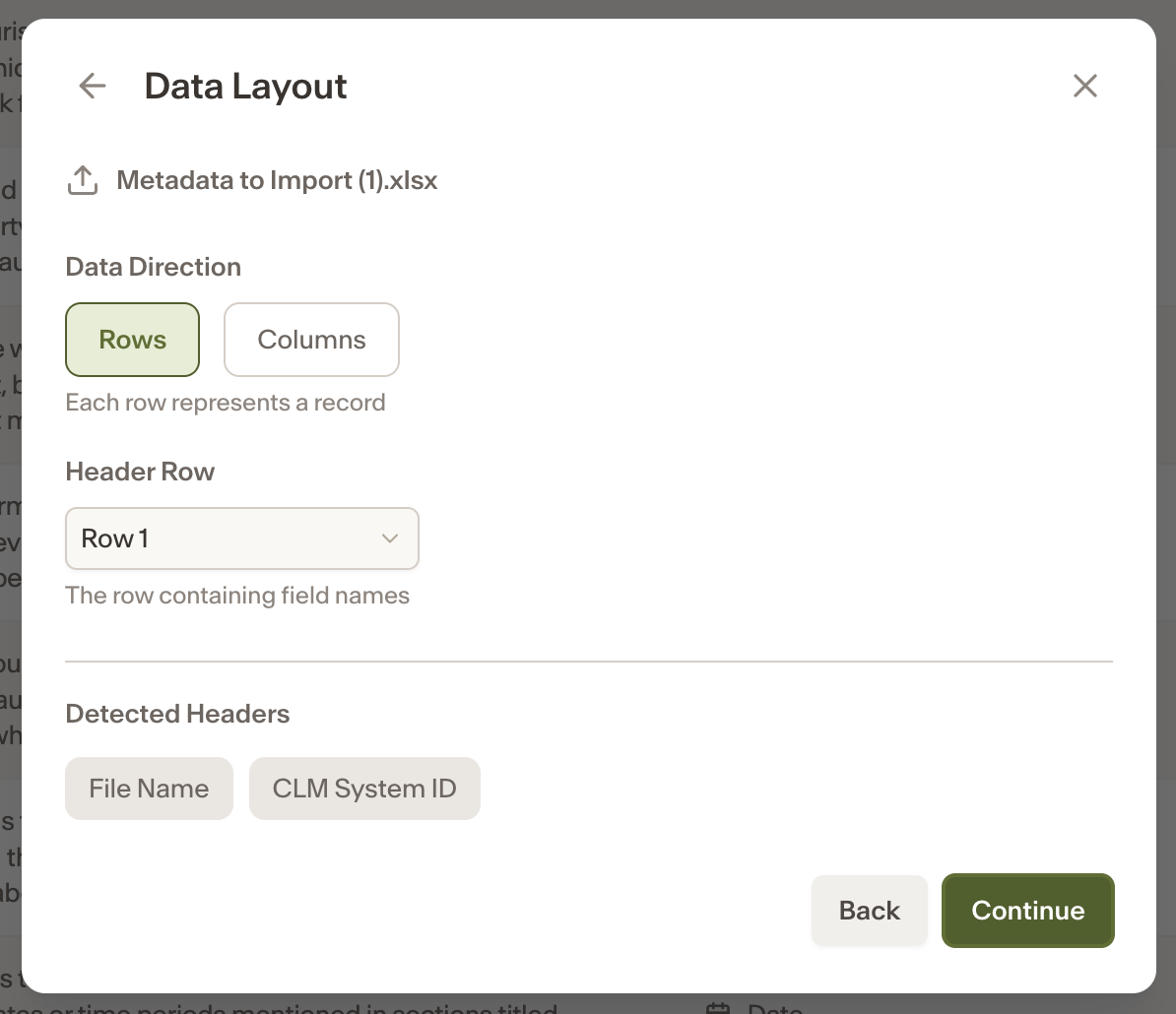
Set the data layout, then click Continue.
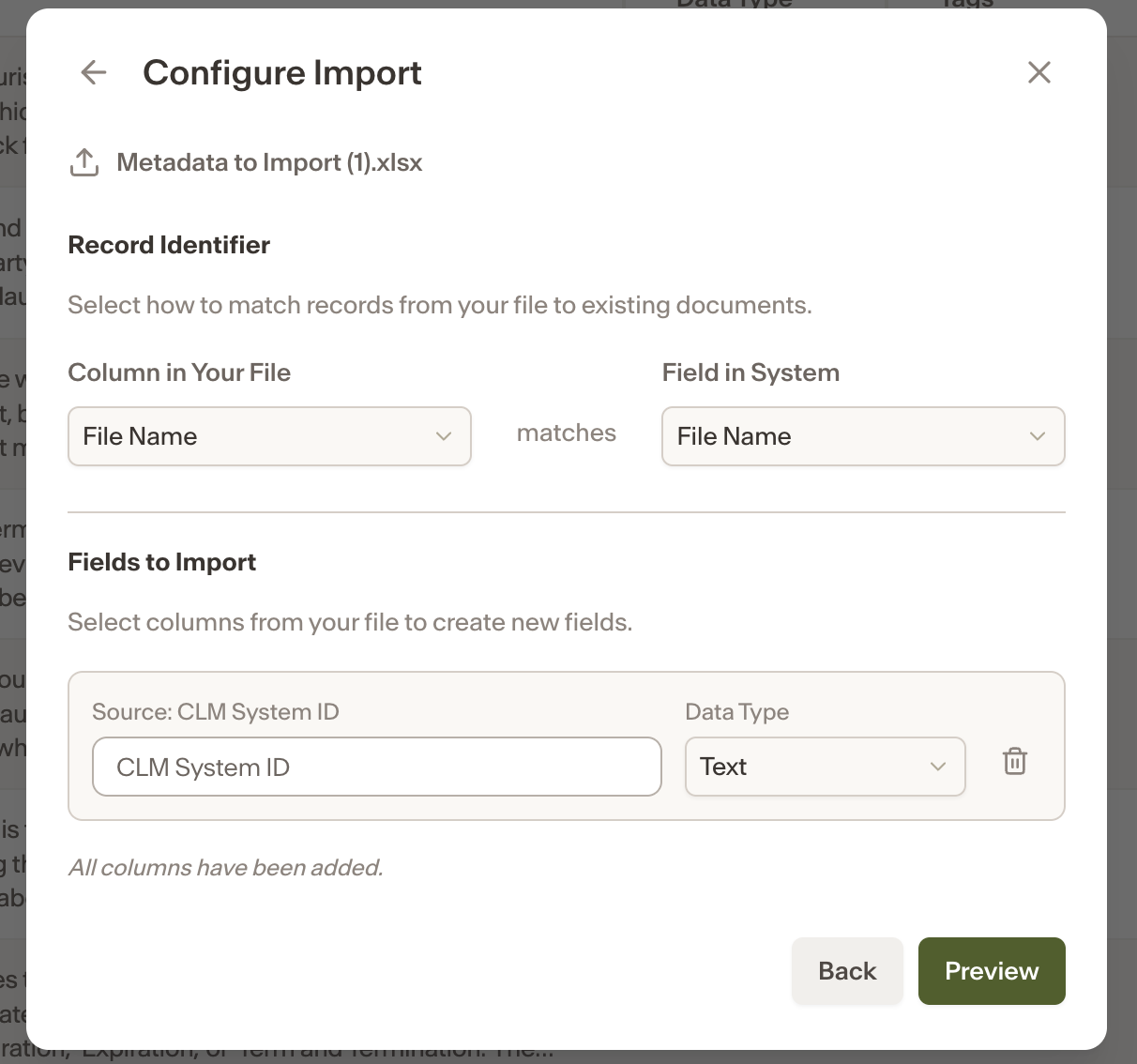
Configure the Import settings.
Confirm the import
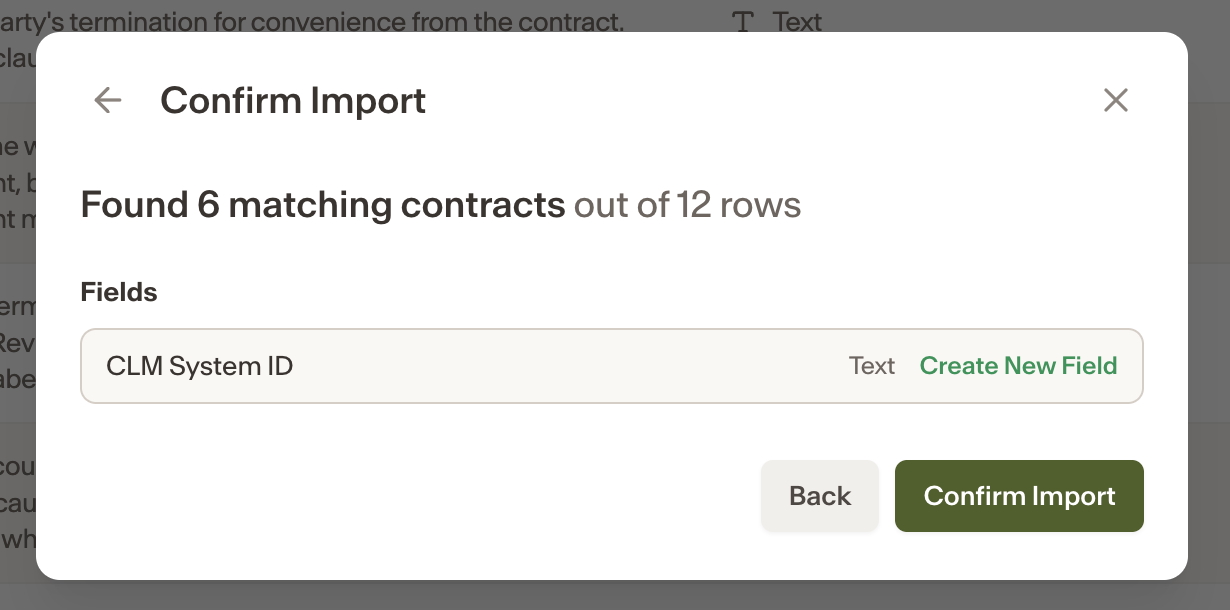
Your data will be imported successfully.
Before you begin: File formatting requirements
Your CSV or Excel file must meet the following requirements before importing:
Header row - The file must include a header row (this can be any row; Ivo will automatically detect column headers once the correct row is selected).
Matching field - There must be a field in your Repository that maps to a column in your CSV. For example, a Filename field in Repository should match a Filename column in the CSV you are importing.