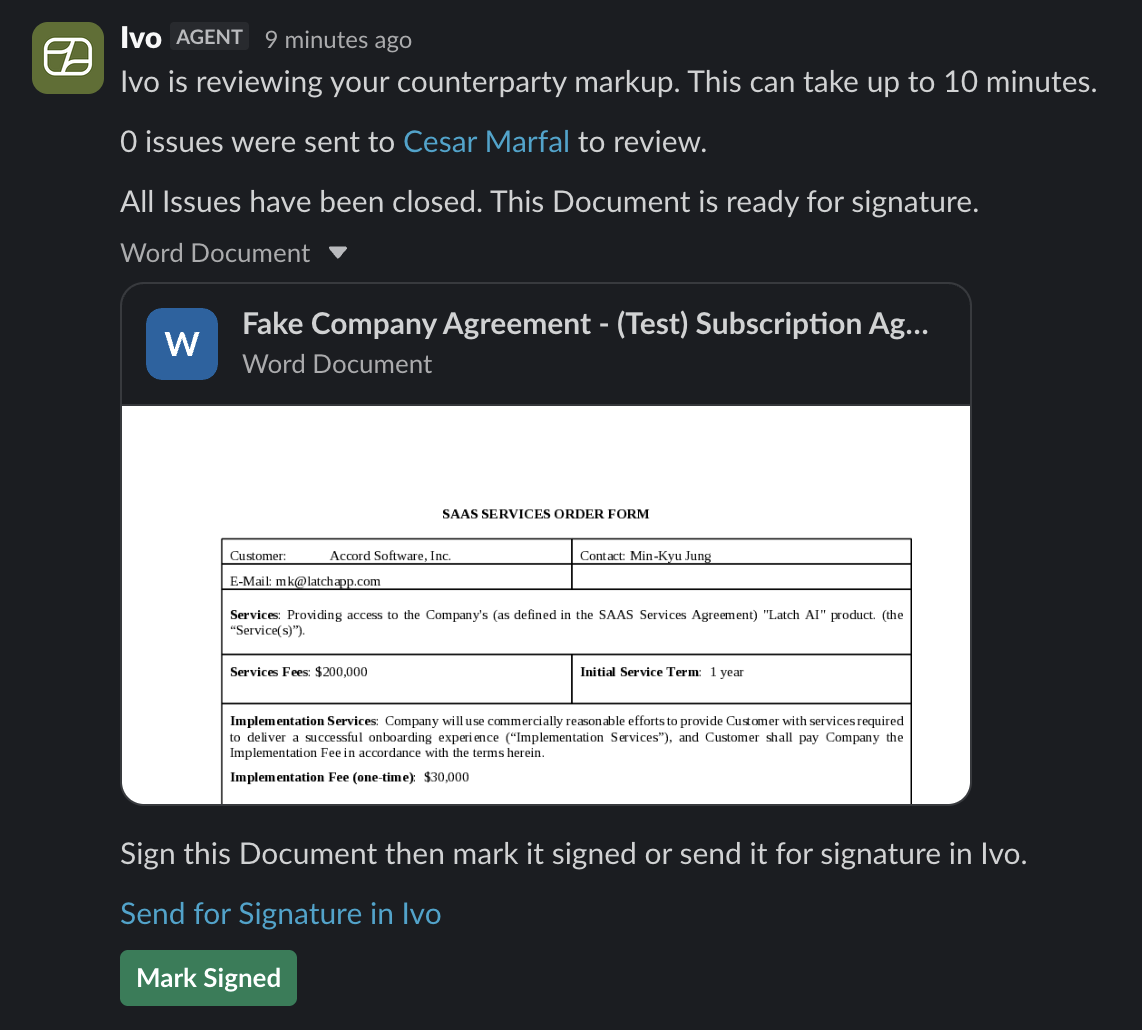
Collaborate Intake via Slack
Last updated: October 9, 2026
Once you have set up the Ivo Slack integration, you can start your Collaborate workflow directly from Slack without opening the web app.
How to open Collaborate Intake
There are two ways to launch it:
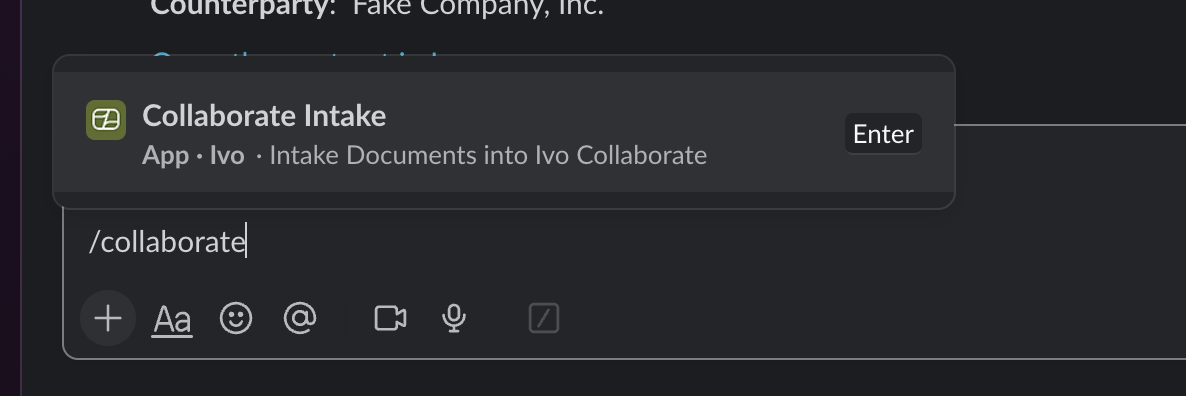
Using the shortcut
Type /collaborate in any Slack channel or DM and select Collaborate Intake from the options that appear.
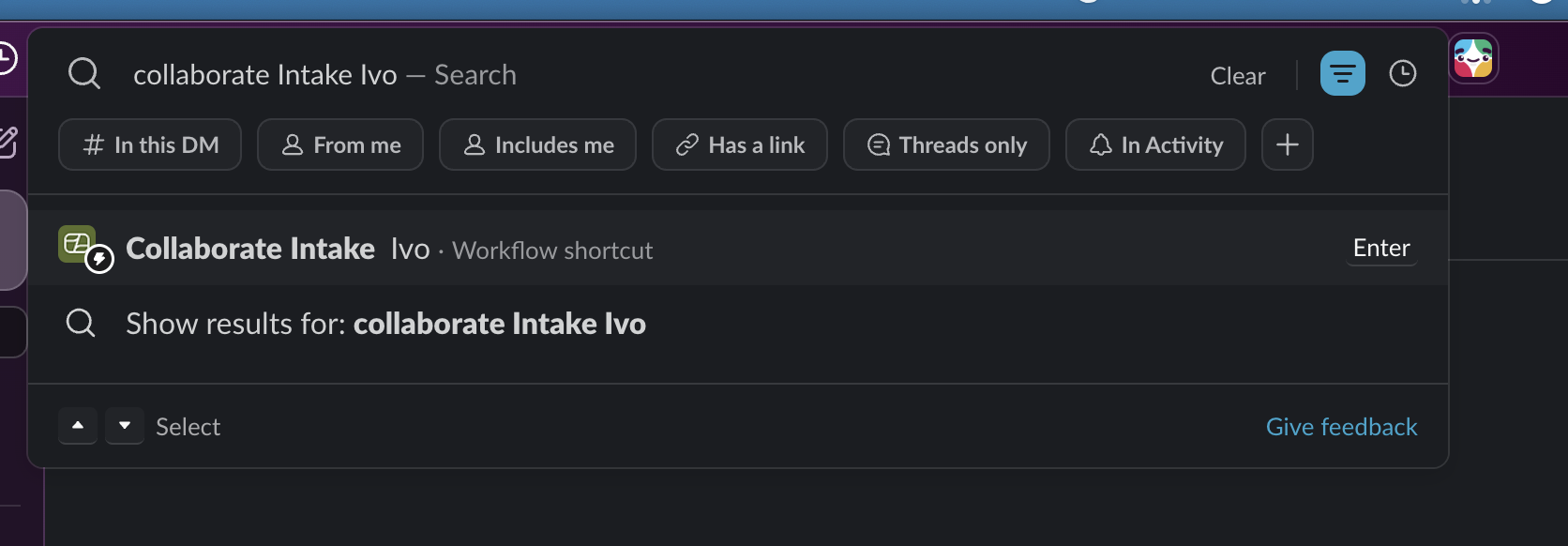
Using search
Open Slack search and type “Collaborate Intake Ivo.” Select the Collaborate Intake workflow shortcut from the results.
Intake options
Once you open Collaborate Intake, you will be presented with four options:
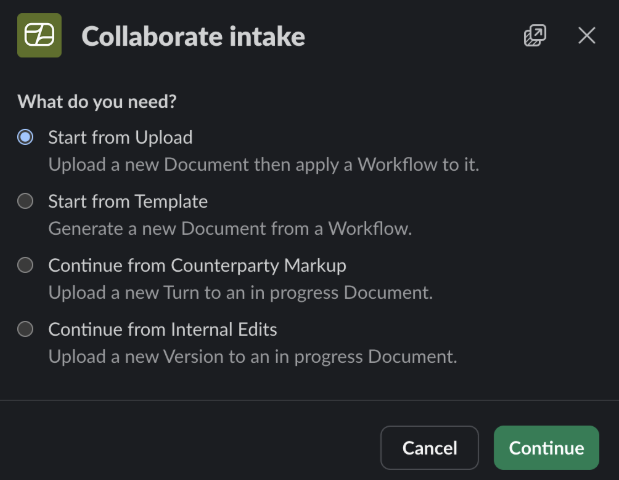
Start from Upload — upload a new document and apply a workflow to it.
Start from Template — generate a new document from a workflow template.
Continue from Counterparty Markup — upload a new turn to an in-progress document when you have received redlines back from the counterparty.
Continue from Internal Edits — upload a new version to an in-progress document. The document must have been downloaded from Ivo Collaborate.
Start from Upload
Choose a workflow and upload the document, then click Continue.
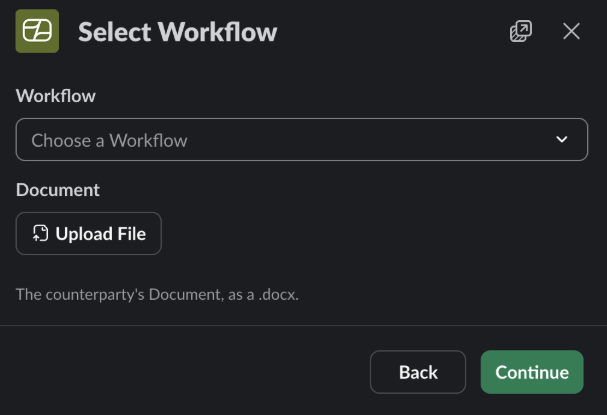
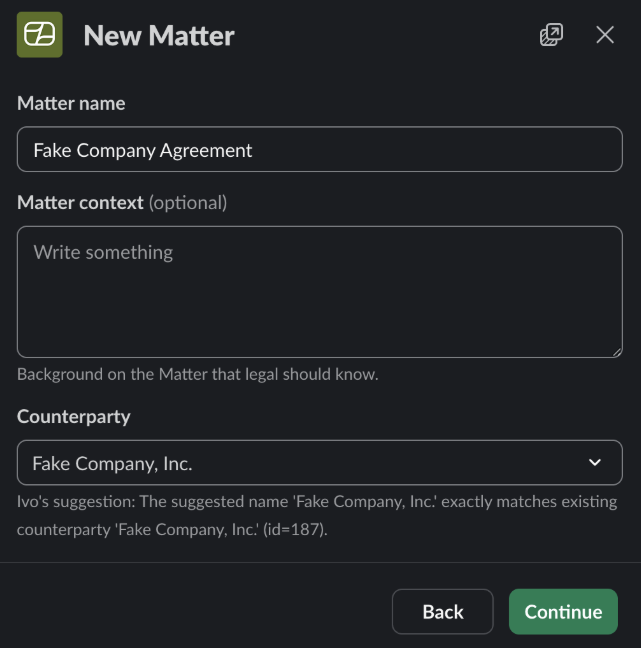
Verify the Matter or create a new one.
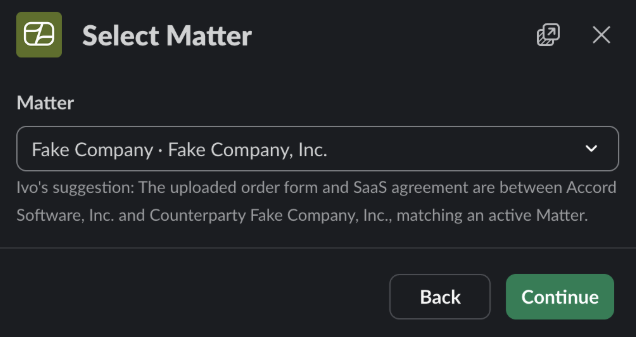
Confirm the Matter details.
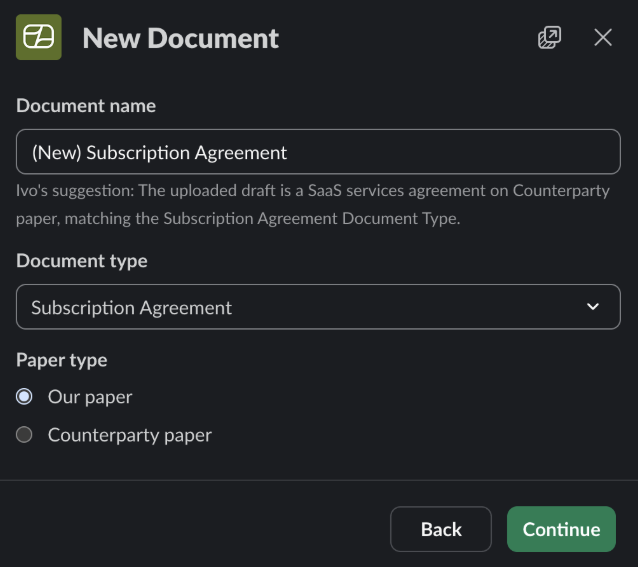
Confirm the document details.
Approve the reviewer assignment.
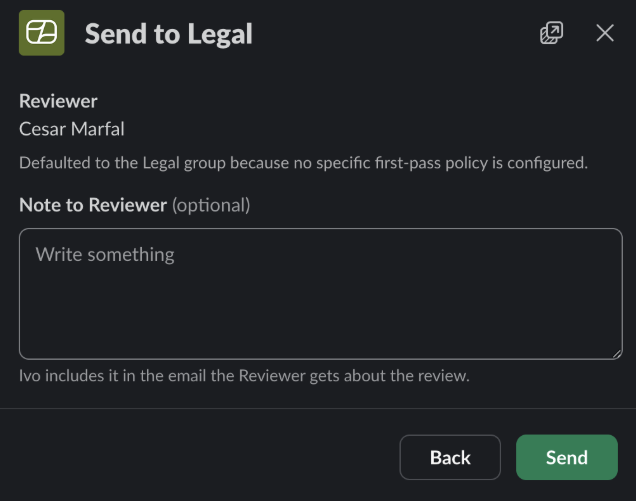
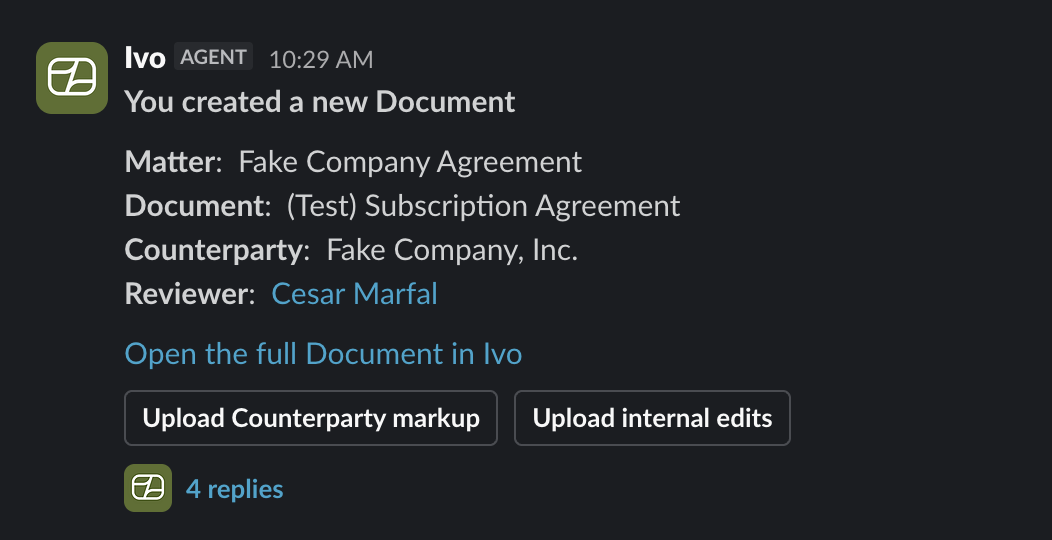
Once submitted, the new Matter will appear in your Slack DMs from Ivo and can be actioned from there.
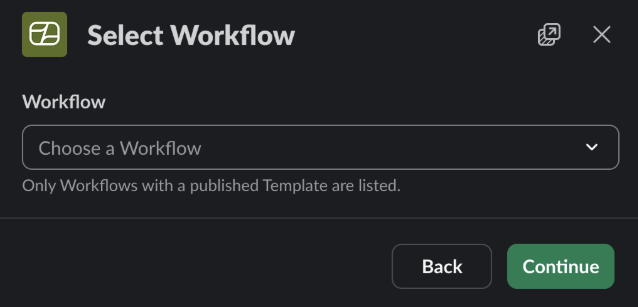
Start from Template
Choose a workflow to generate a document from.
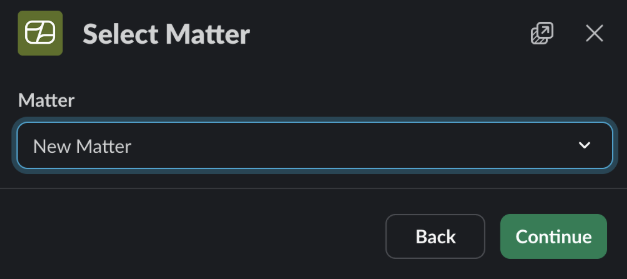
Create a new Matter or select an existing one.
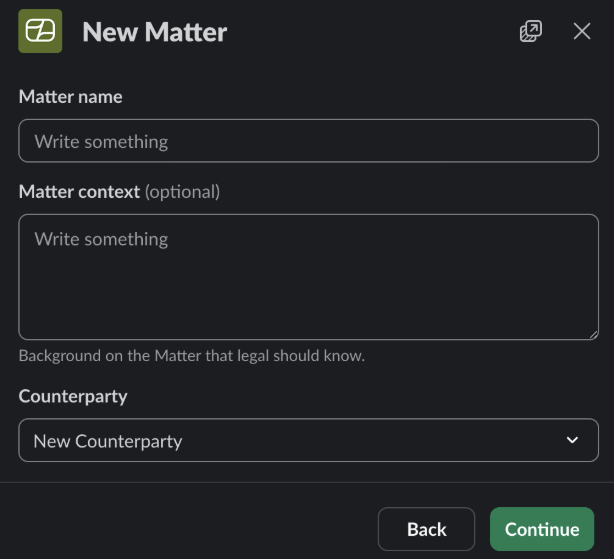
Enter the Matter details.
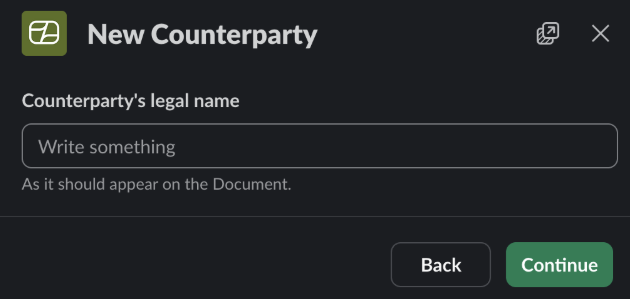
Confirm the counterparty details.
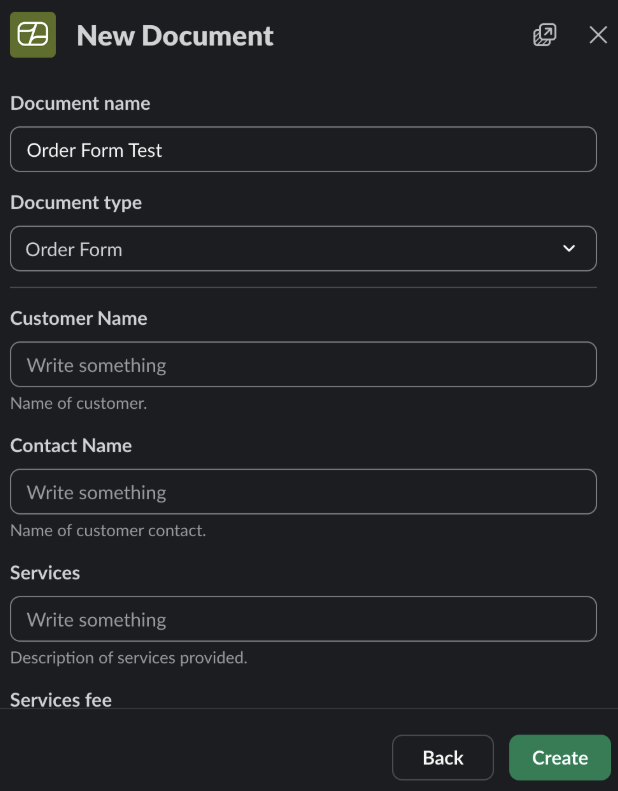
Fill in the contract information required to generate the document.
Once complete, you will receive a Slack DM from Ivo with the new Matter and a link to view it.
Continue from Counterparty Markup
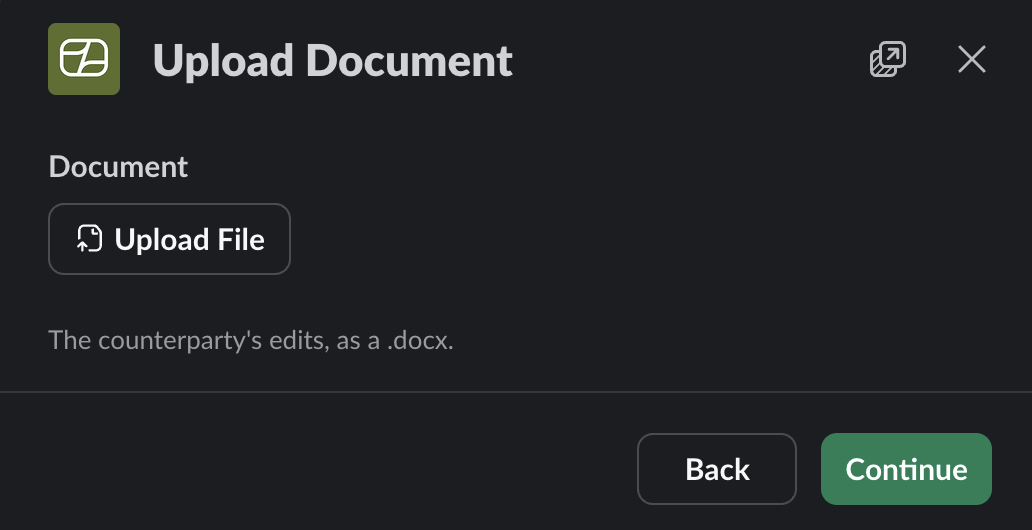
Upload the counterparty’s returned document.
Select the relevant Matter.
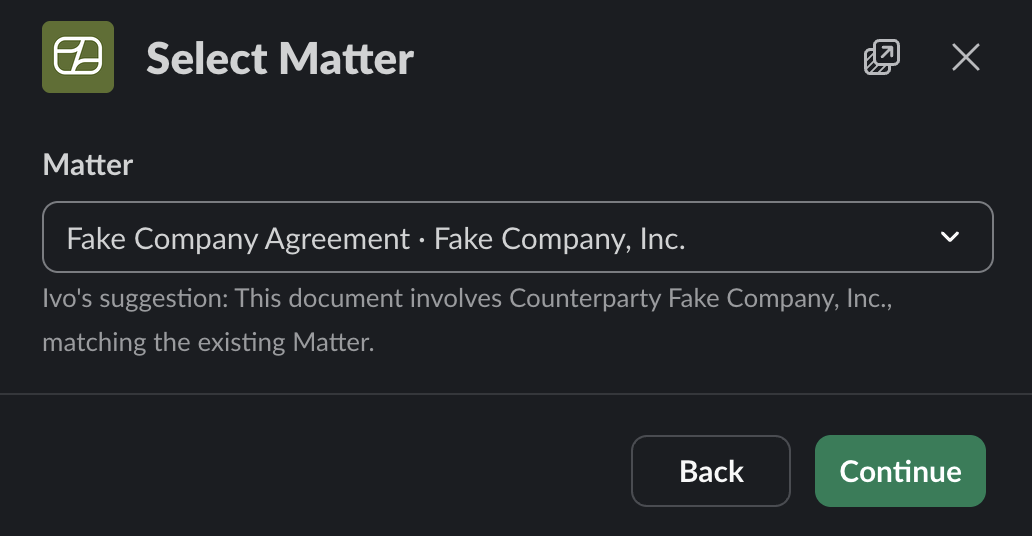
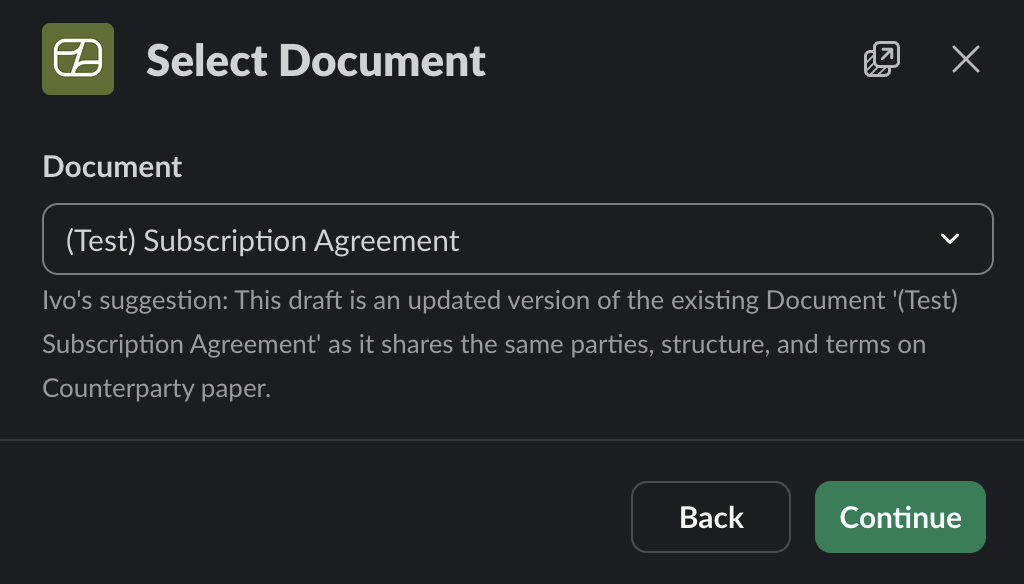
Select the document that the uploaded version updates.
Confirm the reviewer.
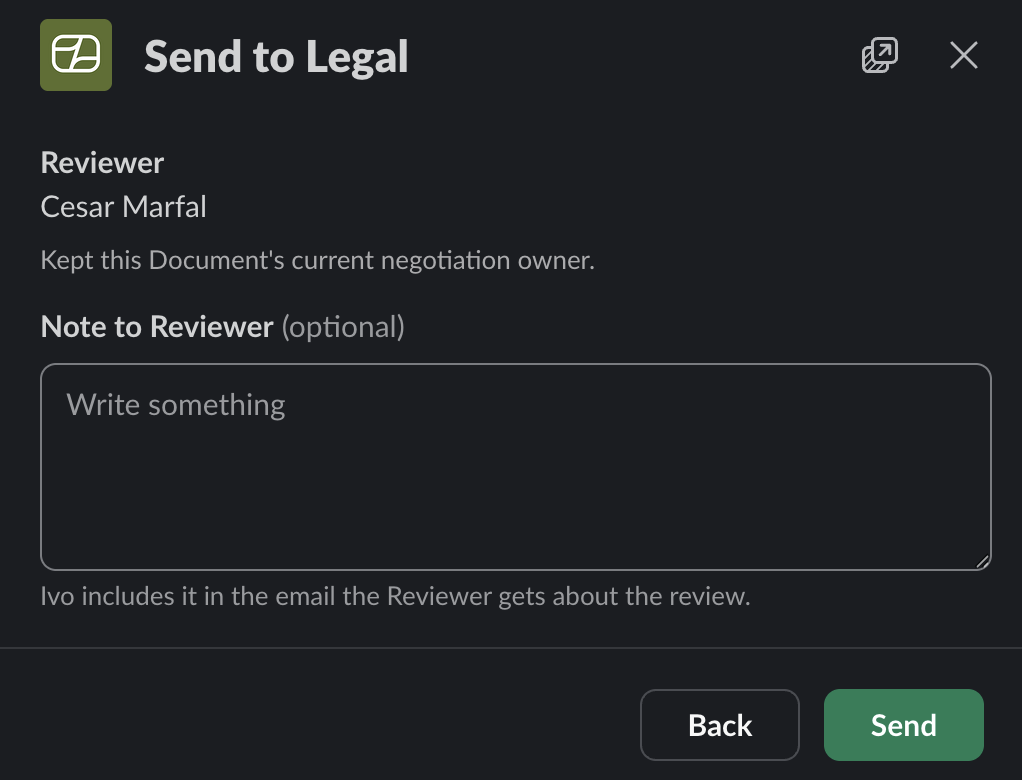
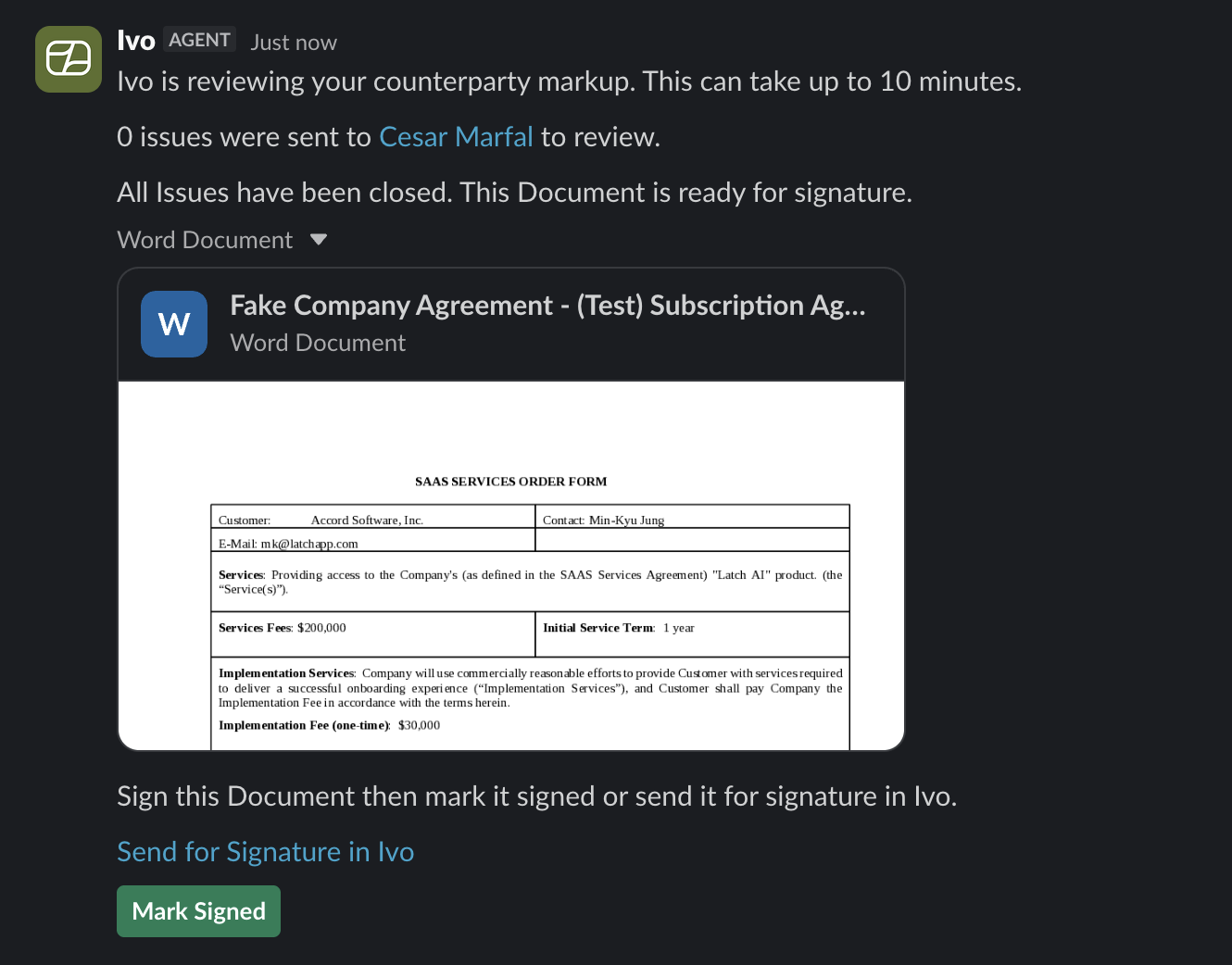
Once confirmed, the document will be sent to the relevant reviewer and the original Slack thread will be updated.
Continue from Internal Edits
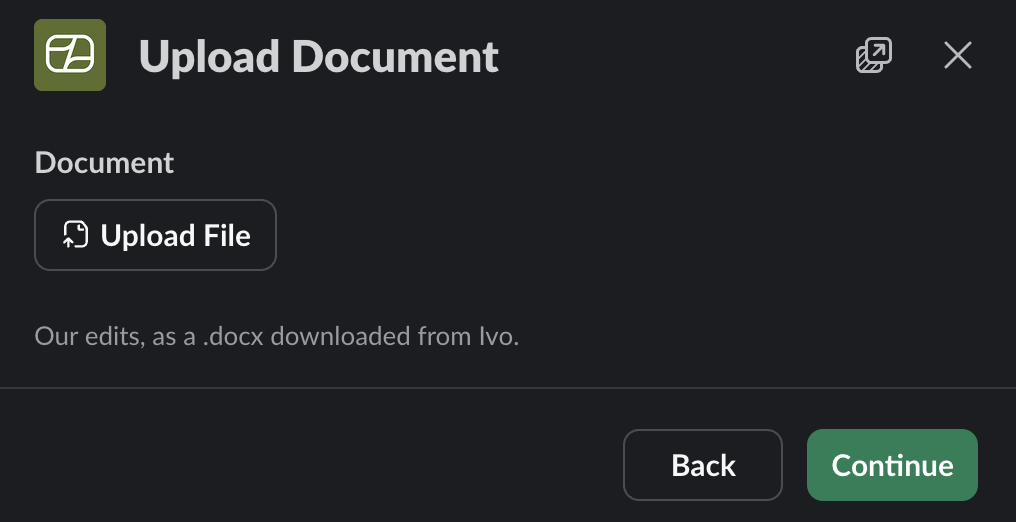
Upload the edited document. This must be a document that was downloaded from Ivo Collaborate.
Confirm the Matter.
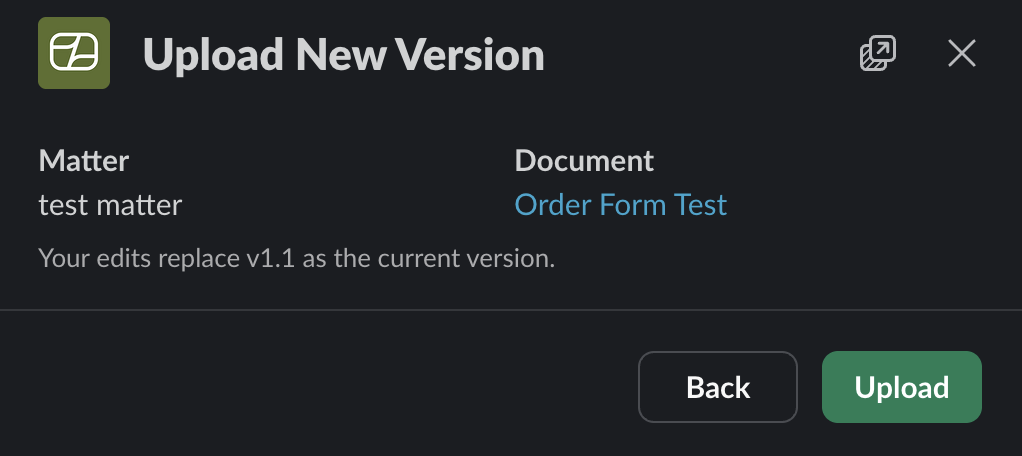
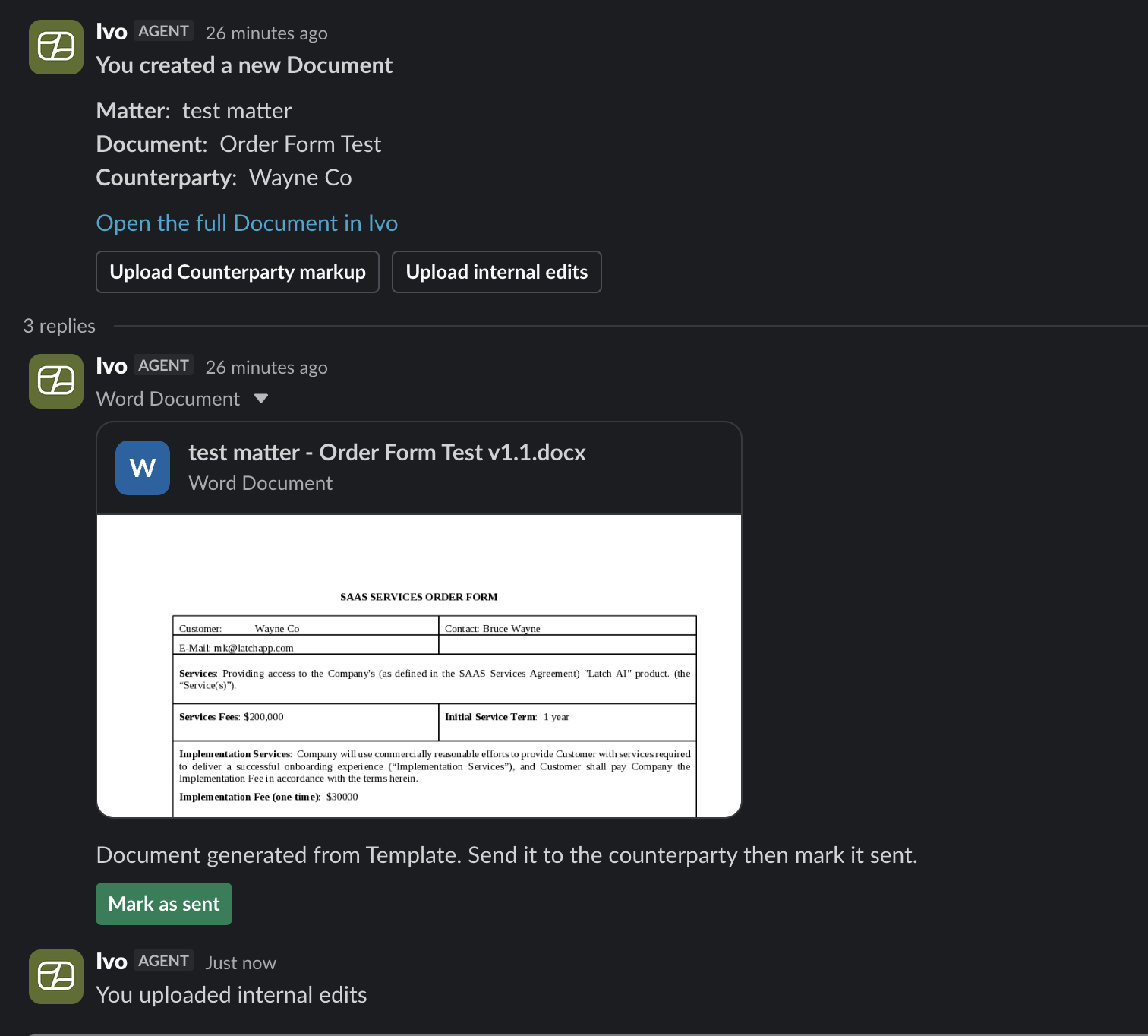
The new version will be uploaded and the original Slack thread will be updated.
Viewing your Matters in Ivo
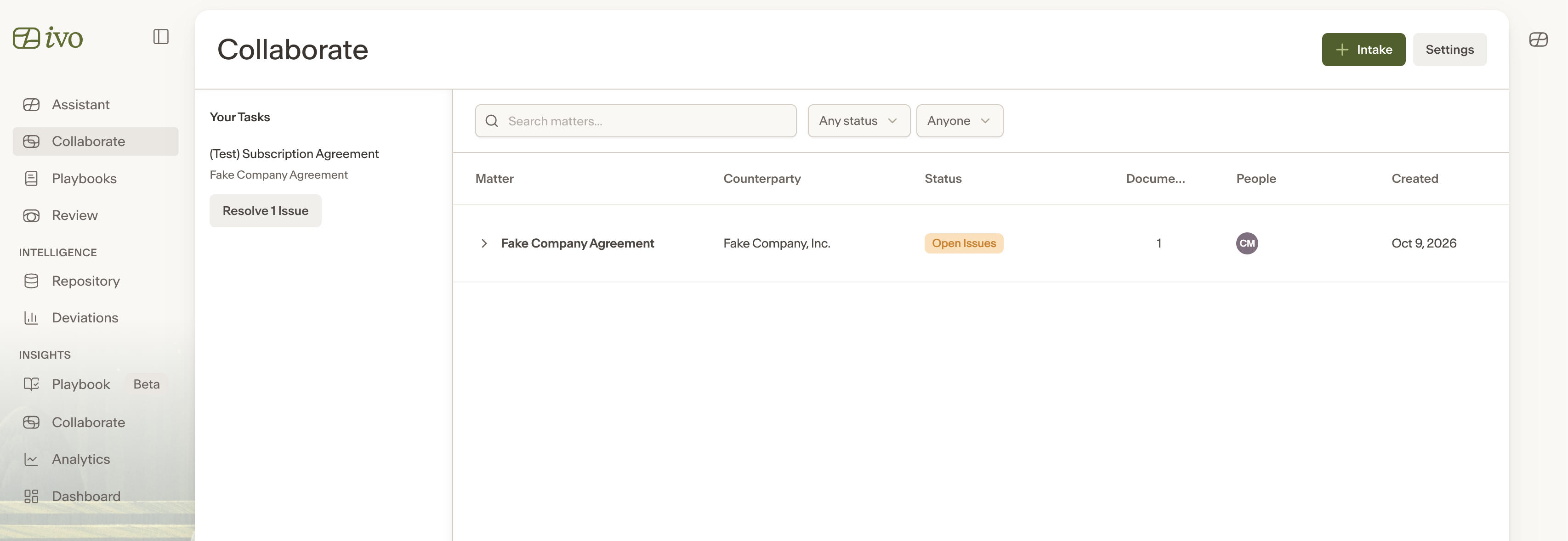
Every Matter created or updated through Slack also appears in the Ivo web app at app.ivo.ai. Slack intake and the web app stay in sync, so you can start a workflow in Slack and pick it up in the browser at any time.
Closing out a Matter
Once all issues in a Matter are resolved, Ivo will notify you in Slack that all issues have been closed and the document is ready for signature.