Collaborate in the Word Add-In
Last updated: September 30, 2026
You can work on Collaborate agreements directly in Microsoft Word using the Ivo Word add-in. This lets you edit documents, action issues, leave comments, and mention teammates without leaving Word.
Getting started
Open the agreement in Collaborate and download the current version of the document.
Open the downloaded file in Microsoft Word.
Select the Collaborate tile in the Ivo add-in panel.
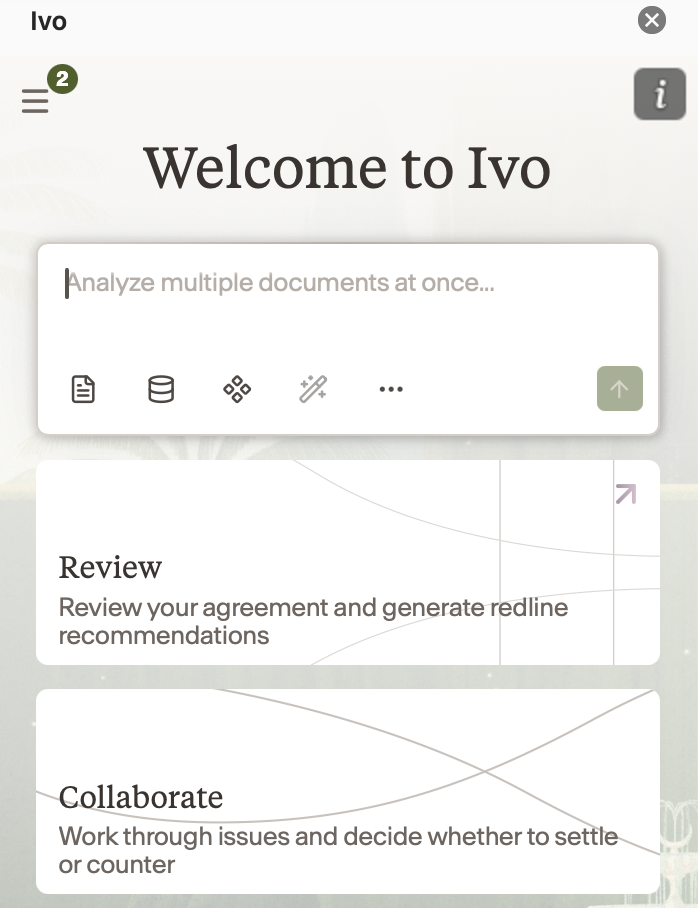
The add-in loads the current state of the agreement, including all open issues and their existing comments and mentions.
What you can do in the add-in
Edit the document — make changes directly to the document text in Word.
Action issues — Settle, Counter, or Escalate issues assigned to you.
Reply to comments — respond to existing issue comments and mention teammates by name.
Create an issue — highlight a paragraph in the document and select Create Issue to add it to the issues list.
Syncing your work
Changes made in the Word add-in are not shared with the web app automatically. To sync your work, click Sync in the add-in panel.
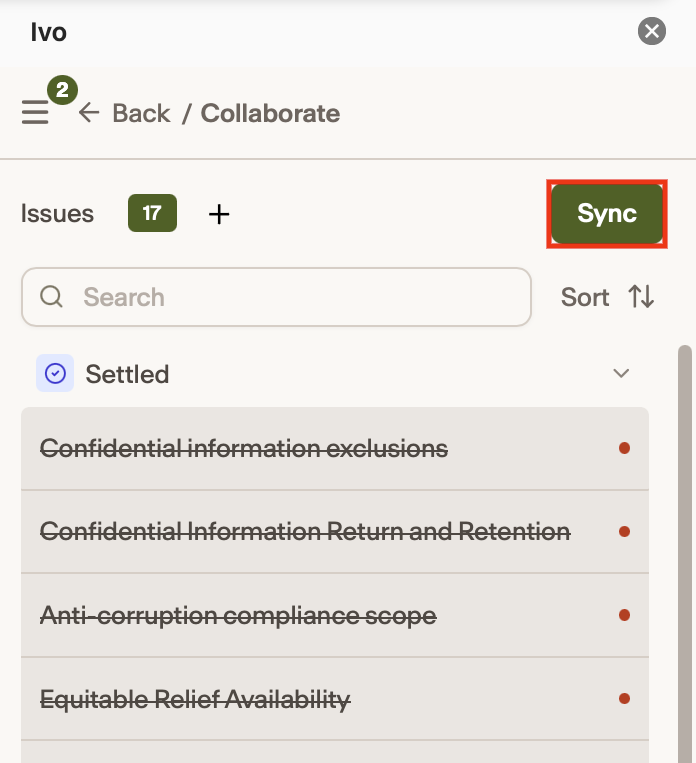
When you sync, Ivo reconciles any changes that have been made in the web app since you downloaded the document:
If there are no conflicts, changes are merged automatically.
If conflicts exist, you will be prompted to choose which version to keep for each affected paragraph before the sync completes.
Comments and discussions
Internal issue comments and discussions live in the Collaborate add-in panel, not in Word document comments. External comments intended for the counterparty are Word document comments.
Notes
The add-in reflects the state of the agreement at the time of download. Changes made by others in the web app after you downloaded the document will not appear until you sync.
Manual edits made directly to the document text in Word will sync back to the web app, but Ivo will not automatically create or resolve issues based on those edits.
Google Docs support is on the roadmap.